How OpenClaw Is Powering Smart Digital Menus for Restaurants with Try The Menu
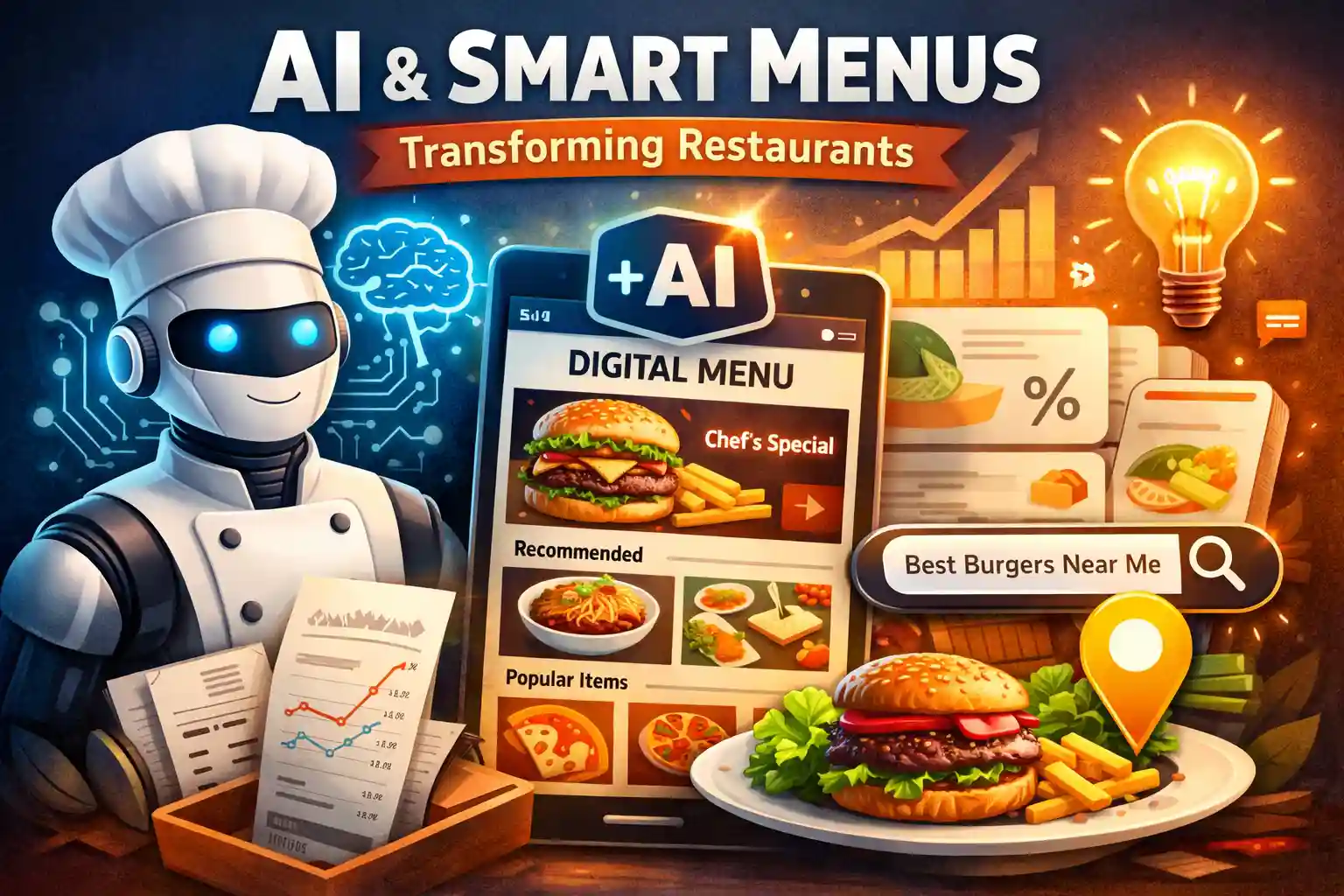
Restaurant technology is evolving fast, and digital menus are no longer just about displaying food items. With platforms like OpenClaw, restaurants can now connect menus with their existing software, automate updates, and create a smarter dining experience.
Try The Menu makes it simple for restaurants to use OpenClaw to build fast, mobile-friendly, and software-integrated digital menus that work seamlessly across devices.
What Is OpenClaw?
OpenClaw is a flexible integration layer that allows restaurants to connect their digital menu with other restaurant systems such as POS, order management, inventory, and analytics tools. Instead of managing everything separately, OpenClaw brings data together in one smooth workflow.
- Connect menus with restaurant software
- Sync items, prices, and availability
- Reduce manual updates
- Enable automation for modern restaurants
Why Restaurants Need OpenClaw-Based Menu Integration
Many restaurants still update menus manually across multiple platforms. This leads to pricing errors, outdated items, and poor customer experience. OpenClaw solves this by acting as a bridge between the menu and restaurant software.
- Eliminates duplicate data entry
- Prevents mismatched prices
- Keeps menu availability accurate
- Saves staff time and effort
How Try The Menu Uses OpenClaw
Try The Menu is built to work smoothly with OpenClaw, allowing restaurants to create a smart digital menu that stays connected with their internal systems. Menu changes made in the backend software can reflect instantly on the live menu.
1) Centralized Menu Management
Using OpenClaw, restaurants can manage menu items, pricing, and categories from one system and automatically sync them with Try The Menu’s digital menu.
2) POS and Restaurant Software Integration
OpenClaw allows Try The Menu to integrate with POS systems, kitchen software, and order management tools. This ensures the menu always matches what the restaurant can serve.
3) Real-Time Updates
If an item is out of stock or a price changes, OpenClaw helps push updates instantly to the digital menu without re-uploading PDFs or redesigning pages.
4) Scalable for Single and Multi-Outlet Restaurants
Whether it’s one outlet or multiple locations, OpenClaw helps scale menu operations. Each outlet can have customized availability while maintaining a central structure.
How Restaurants Can Use OpenClaw with Try The Menu
Getting started is simple. Restaurants can connect their existing restaurant software to Try The Menu using OpenClaw and start managing everything from one place.
- Create a digital menu on Try The Menu
- Connect POS or backend software using OpenClaw
- Sync menu items, prices, and categories
- Publish a fast-loading menu link for customers
- Update once and reflect everywhere
SEO Benefits of OpenClaw-Powered Digital Menus
Traditional PDFs cannot be indexed properly by search engines. With Try The Menu and OpenClaw, restaurants get SEO-friendly menu pages that help them rank better online.
- restaurant menu online
- best food near me
- digital menu with POS integration
- restaurant software integrated menu
OpenClaw ensures structured data flows cleanly, making menus easier for search engines and customers to understand.
Final Thoughts
OpenClaw is helping restaurants move beyond static menus by enabling deep software integration. Combined with Try The Menu, restaurants can create smart, connected, and scalable digital menus that improve operations and customer experience.
If you want a future-ready digital menu that works with your restaurant software, Try The Menu with OpenClaw is the right place to start.