
Coffee presentation: slides that explain your coffee clearly
Café owners end up presenting more than they expect: training new baristas, pitching a second outlet, explaining a new blend to a corporate client. This guide covers what to put on the slides.
45,000+ tables served and 1.3 lakh+ dishes ordered (as of September 2026), in real restaurants since 2023. See what it costs.
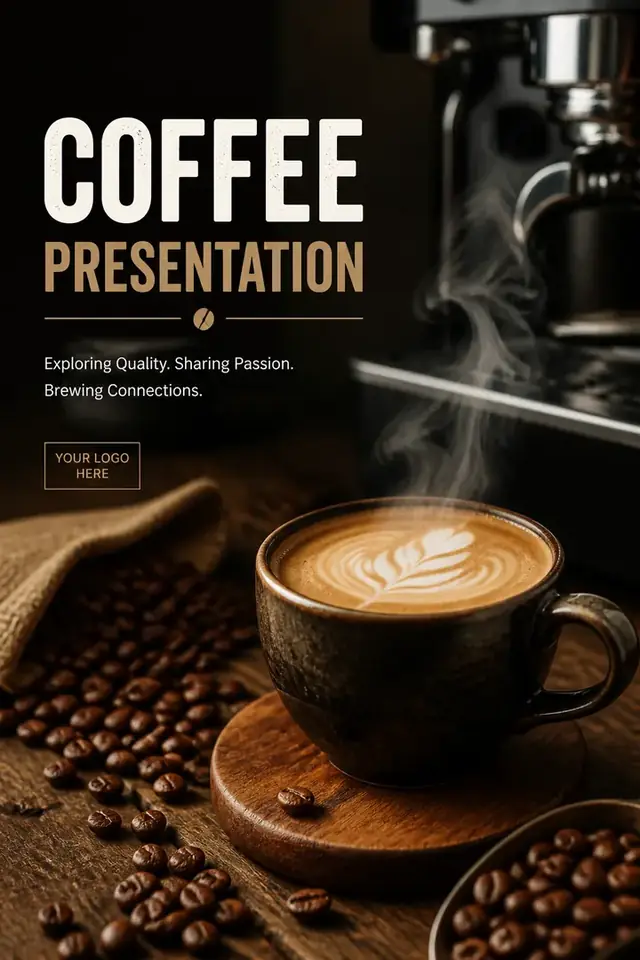
A coffee presentation can be ten slides for a new barista's first day, a pitch deck for a landlord in a busy market, or a talk at a college coffee club. The common mistake is the same in each: too much text and too many stock photos of beans. People remember one clear chart, one good photo of your counter and one number.
TryTheMenu does not make presentations. This is a practical guide to building a coffee deck, with a short note on where your TryTheMenu menu might appear in it.
What to include in a coffee presentation
One goal per deck
Write the goal on the first slide in your notes: 'New staff can make our six drinks' or 'Landlord agrees to a corner unit'. Cut any slide that doesn't help.
Your drinks list
For training decks, one slide per drink with the cup, recipe and a photo of the finished drink in your own cup.
Where the coffee comes from
One slide on your beans: estate or roaster, region, roast level. Real photos beat stock images.
Numbers that matter
For pitches, show daily covers, average bill and best-selling drinks from your own records. Never guess or round up.
Photos of your café
Your counter, your seating and your team say more about the business than any illustration.
Coffee presentation design ideas

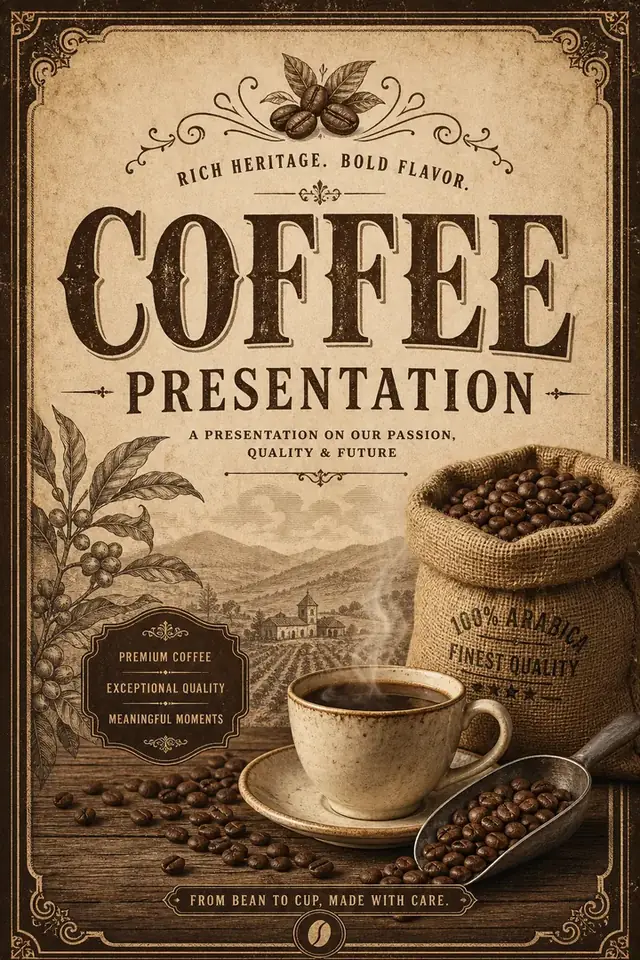
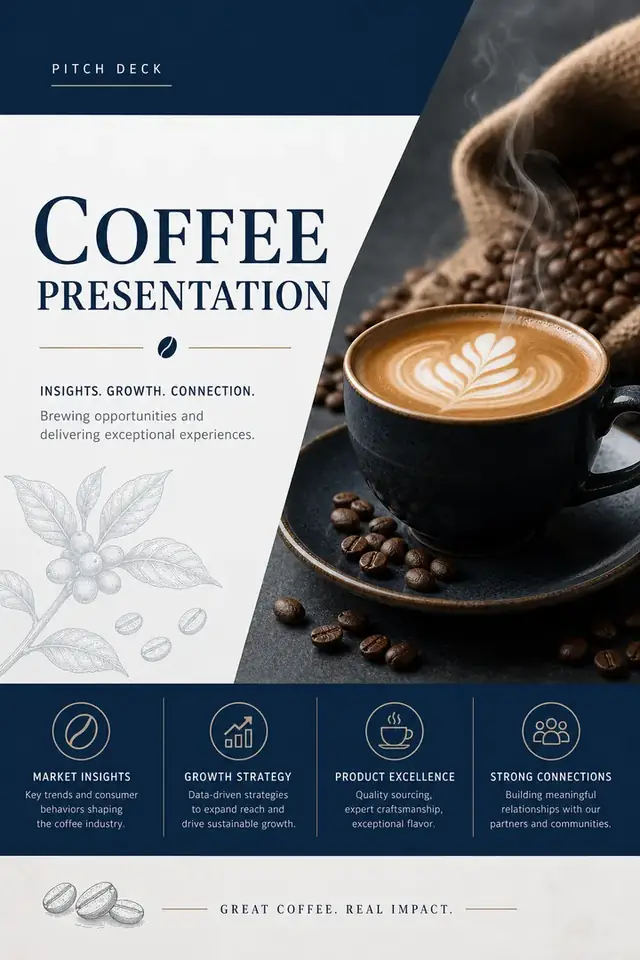
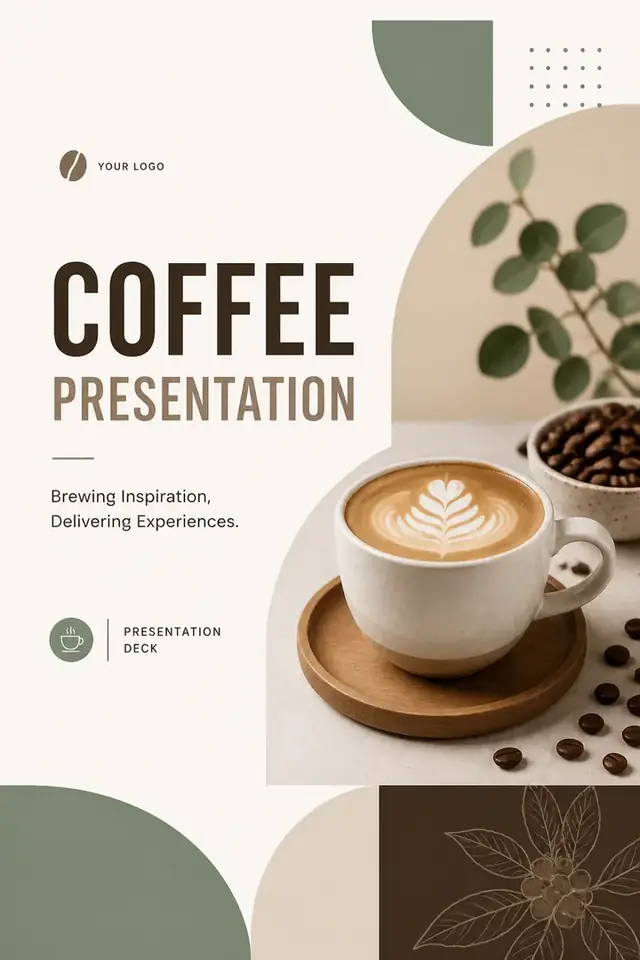
Coffee-colour palette
Use espresso brown, milk cream and one accent like terracotta or green throughout. Keep the background light so text reads well on a projector.
Drink recipe cards
Lay out each drink as a recipe card: cup size, shots, milk, foam, garnish. Staff can print these and pin them near the machine.
Layered cup diagrams
Show espresso drinks as side-view cups with coloured layers. It explains a cappuccino faster than a paragraph.
Before-and-after counter
For a renovation or second-outlet pitch, put a photo of the current space next to a sketch of the plan.
One big number
A slide with only your best-selling drink and how many you serve on a weekday is more memorable than a full table.
Tasting slide
For coffee talks, end with a slide listing the coffees on the tasting table so guests can follow along.
- Keep each slide to one idea and no more than about 25 words.
- Test the deck on the actual screen or projector you will use.
- Bring a printed copy or handout for landlords and investors who prefer paper.
- Don't fill slides with stock photos of coffee beans in heart shapes.
- Don't read the slides aloud word for word.
- Don't show sales figures you can't back up from your own bills.
Where TryTheMenu fits
TryTheMenu does not make presentations. If your café runs its QR menu on TryTheMenu, you can show your live menu link on a slide, or put a QR code from your panel on the last slide so the audience can scan and see your drinks.
Copy your menu link
Add it to the closing slide of a pitch or coffee talk.
Add a QR code
Download a QR code image from your panel and place it large, black on white, on the slide.
Check the menu first
Make sure prices and drinks are current in the menu editor before you present.
More on this: QR menu for your restaurant · AI poster templates · Pricing
Coffee presentation design: your questions.
How many slides should a coffee presentation have?
Eight to twelve is enough for most training decks and pitches. A talk can be longer if each slide is mostly a picture.
What should a barista training presentation cover?
Each drink's recipe, the cup it goes in, how to dial in the grinder, hygiene routines and how to handle a remade drink.
What photos work best in a coffee deck?
Your own drinks in your own cups, your counter and your team. Shoot them in daylight near a window.
Can TryTheMenu make a coffee presentation?
No. You can add your TryTheMenu menu link or QR code to a slide, but the presentation itself is made separately.
More design ideas for restaurants and cafés.
Put your menu on a QR code your guests can scan.
Sign up with your mobile number, build your menu or send us photos of your printed card, and print your table QR cards.
Or WhatsApp +91 70016 94537. We answer 24x7.