
Fancy menu ideas: a refined menu for your fine-dining room
A fancy menu is mostly restraint: fewer dishes, careful words and a lot of space. Here is how to plan one and carry the same feel onto a QR menu.
45,000+ tables served and 1.3 lakh+ dishes ordered (as of September 2026), in real restaurants since 2023. See what it costs.
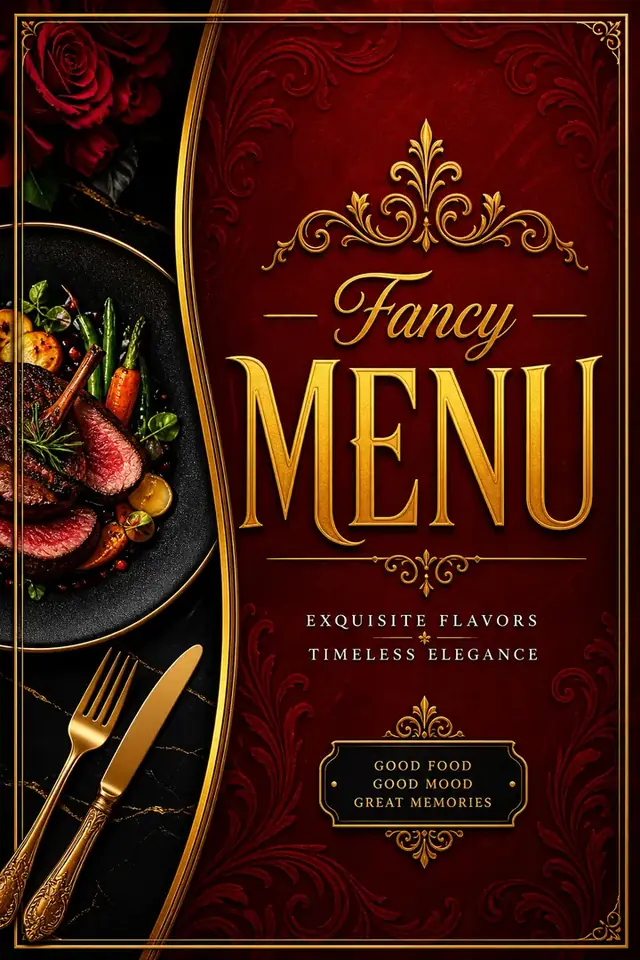
Your menu sets expectations before the first plate. A crowded card with bold prices and long lists reads like a dhaba, however good the food. A short card with considered names, clean type and calm spacing tells the guest that every dish has been thought about.
Fancy does not mean ornate. The best upscale menus in Mumbai, Delhi and Bengaluru use one or two typefaces, plenty of white space and a few precise words per dish. This page covers what belongs on such a menu, layout ideas that work, common mistakes, and how to give the same polish to the menu guests open on their phones.
What to put on a fancy menu
A short, edited list
Eight to twelve savoury dishes and four or five desserts is plenty. A tight list signals that the kitchen cooks each one with care.
Ingredient-led descriptions
Name the key ingredients and the technique, such as 'Kolambi, coconut, raw mango, curry leaf butter'.
Origin where it matters
If the lamb comes from a named farm or the rice is a heritage variety, say so in a few words. Provenance is part of what guests pay for.
Discreet prices
Write prices as plain numbers aligned to the right or set after the description, without ₹ symbols or dotted leaders that pull the eye.
A tasting option
If you run a chef's tasting, give it its own section with the number of courses and one price per guest, plus a vegetarian version.
Wine or cocktail suggestions
A single suggested pour next to a signature dish helps guests choose and lifts drink sales without a hard sell.
Fancy menu design ideas
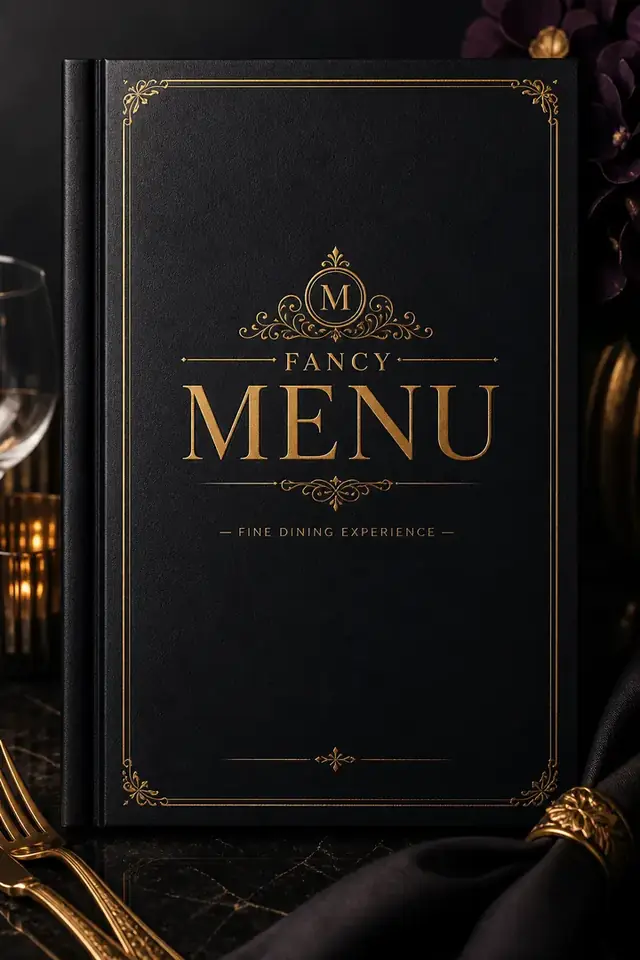
One page, generous margins
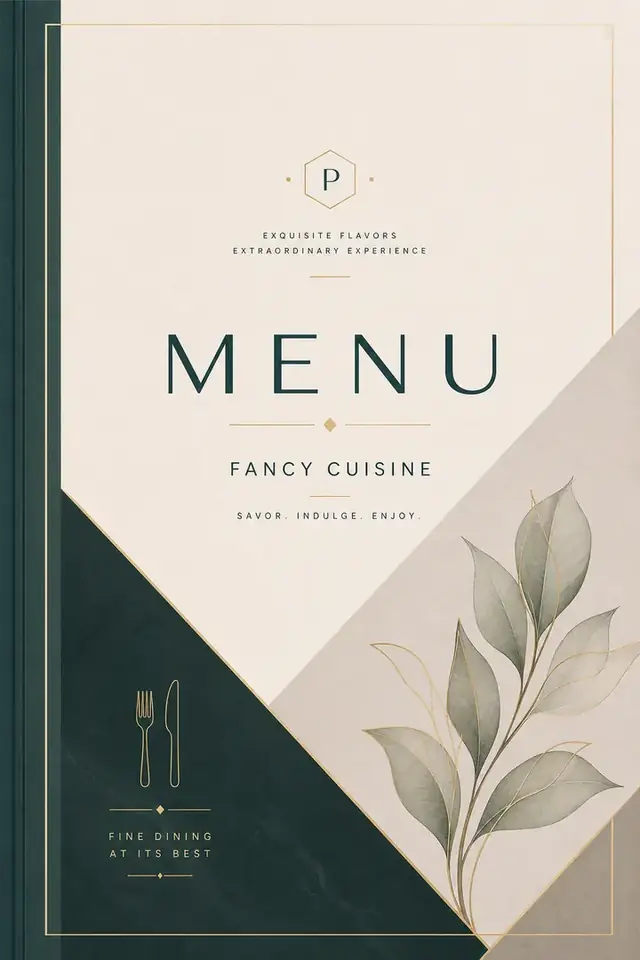
Fit the whole à la carte on one heavy card with wide margins. Empty space is the clearest signal of a premium room.
Small caps for dish names
Set dish names in small caps or a light serif and keep descriptions in a quieter weight below.
A muted palette
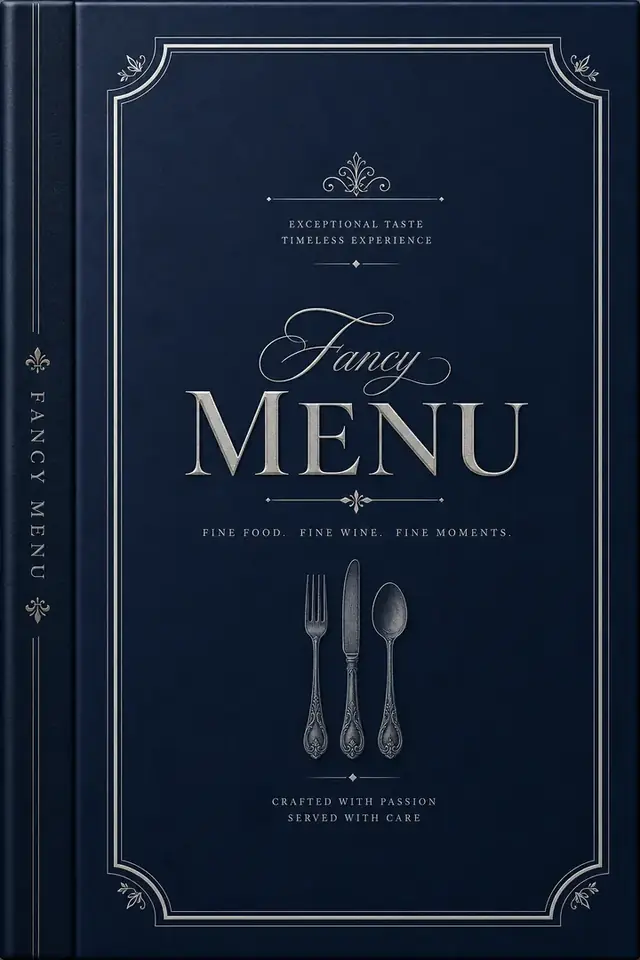
Ivory, charcoal, deep green or oxblood with one metallic accent works better than bright colours.
Courses, not categories
Group dishes as 'To begin', 'From the tandoor', 'Mains' and 'To finish' rather than 'Starters' and 'Main Course' in block capitals.
A short note from the chef
Two or three lines at the top about the season or the region the menu draws from give the card a voice.
Restrained illustration
A single line drawing of a key ingredient, or none at all, keeps the page elegant. Avoid stock photos on a fine-dining card.
- Read every description aloud and cut any word a server would not say at the table.
- Keep the vegetarian dishes as considered as the meat ones, not a short afterthought.
- Update the card whenever an ingredient runs out so guests never order what you cannot serve.
- Don't use more than two typefaces or any script font that is hard to read in low light.
- Don't fill space with photos of every dish; let the plate surprise the guest.
- Don't laminate a fine-dining menu or print it on glossy paper that shows fingerprints.
Make your fancy menu on TryTheMenu
Many fine-dining guests still want to browse on their phone, look up a dish or order another glass without waving for a server. TryTheMenu gives you a digital QR menu you build and edit yourself, so the card in their hand and the menu on their screen stay in step.
Pick one of 9 themes or set your own brand colours, choose fonts and corner style with a live preview, or use 'Match my logo' to take colours from your logo. Change a price or mark a dish out of stock and the QR menu shows it right away. Your QR menu and table orders use no credits; each closed bill uses 10 credits, and you get 1,000 credits when you sign up for their first 100 bills.
Sign up with your mobile number
Create your restaurant; the QR menu and table ordering are switched on from the start.
Add your dishes
Type them in, or photograph your printed card and the AI turns it into a draft. Nothing reaches guests until you have reviewed it.
Set a quiet, elegant theme
Choose fonts, colours and corners in the live preview; the editor warns you if a colour is hard to read.
Print discreet table QR cards
Pick a small table-sticker size with your name and logo, or download a print-shop-ready image for a heavier card stock.
More on this: QR menu for your restaurant · Menu from photos · QR code menu · Pricing
Fancy menu design: your questions.
How many dishes should a fancy menu have?
Most fine-dining rooms do well with eight to twelve savoury dishes and four or five desserts. Fewer dishes let the kitchen cook each one perfectly and make the card easier to read.
Should prices have the ₹ symbol on an upscale menu?
Many upscale menus drop the symbol and write plain numbers, which feels calmer. On your digital menu, keep prices consistent with the printed card.
Can a QR menu feel premium?
Yes, if it matches your room. Use your brand colours, a restrained font and your own dish photos. On TryTheMenu you can replace any AI food illustration with your own photo.
Can guests order from the QR menu in a fine-dining room?
They can, and orders go onto the table's bill. If you prefer servers to take every order, we can switch ordering off so the QR works as a menu only.
How do I show a chef's tasting menu digitally?
Create a separate category for the tasting, list the courses in the description and set one price per guest. Add a vegetarian tasting as its own dish.
More design ideas for restaurants and cafés.
Put your menu on a QR code your guests can scan.
Sign up with your mobile number, build your menu or send us photos of your printed card, and print your table QR cards.
Or WhatsApp +91 70016 94537. We answer 24x7.