
Bakery business card design ideas for home bakers and bakeries
TryTheMenu does not make business cards. Here is how to design a bakery card that customers keep and use to order again.
45,000+ tables served and 1.3 lakh+ dishes ordered (as of September 2026), in real restaurants since 2023. See what it costs.
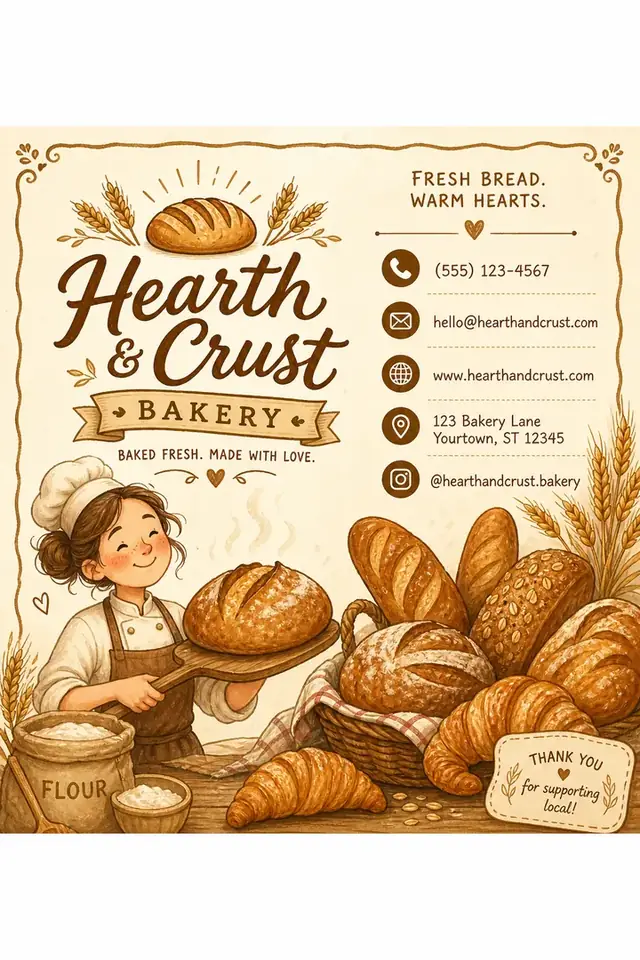
A bakery business card often travels with the product: tucked into a cake box, taped to a cookie jar, handed over with a birthday order. That makes it one of the few pieces of print a customer opens at exactly the moment they are enjoying your food.
Use that moment. The card should make ordering again easy: how to reach you, what you make and how much notice you need. Name and logo matter, but the WhatsApp number matters more.
What to put on a bakery business card
Bakery name and logo
Clear and readable at card size. If your logo is detailed, use a simplified version.
WhatsApp or phone number
Most bakery orders in India start on WhatsApp. Make this the easiest line to read.
What you specialise in
Custom cakes, sourdough, eggless bakes, cupcakes. One line helps people remember you for the right occasion.
Order notice
"Custom cakes: 48 hours' notice" saves you from impossible last-minute requests.
Instagram handle
Customers check your past cakes on Instagram before ordering a custom one.
FSSAI registration
Home bakers and bakeries selling food usually need FSSAI registration; printing the number builds trust.
Bakery business card design ideas
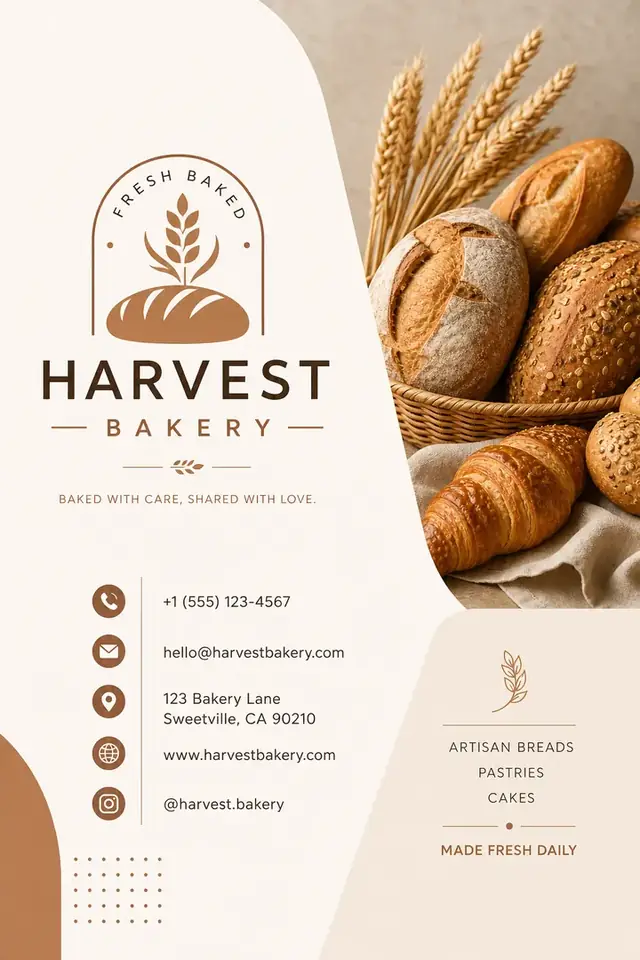
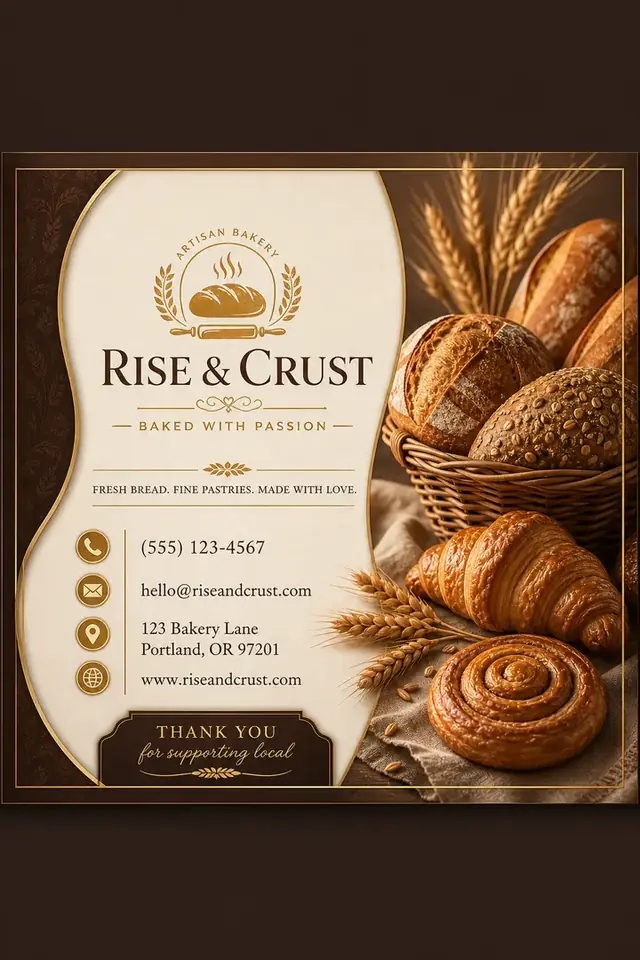
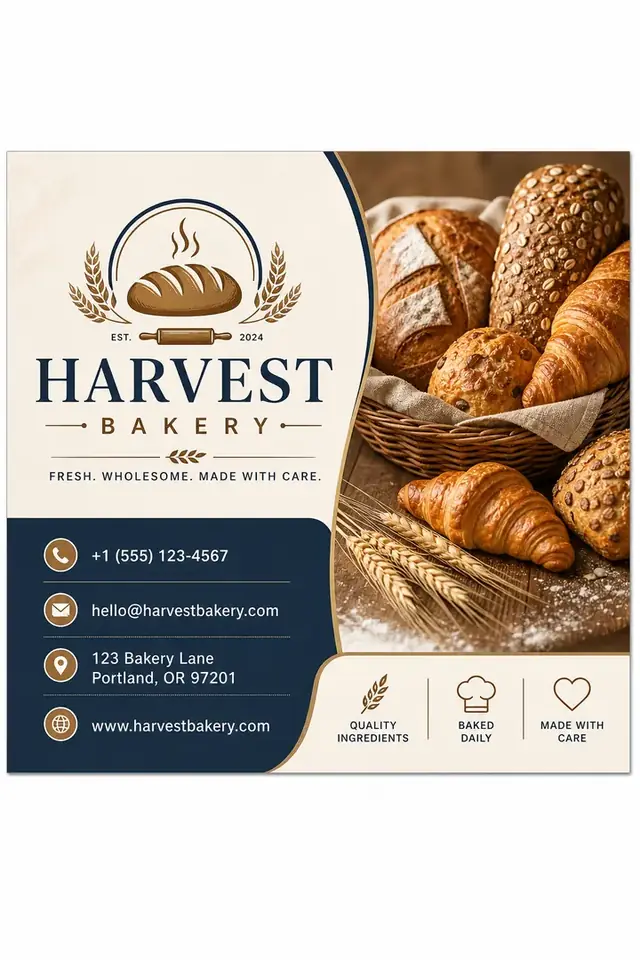
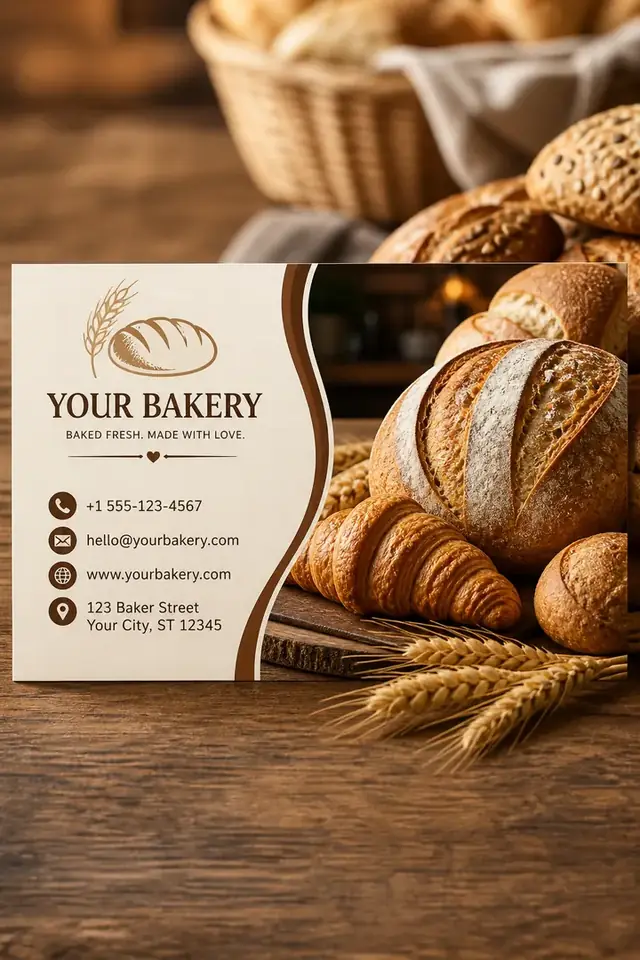
Pastel and rounded
Soft pinks, mint or butter yellow with rounded corners suit cake and cupcake bakers.
Kraft paper and stamp
Brown card with a one-colour stamp logo suits bread and sourdough bakeries, and you can stamp extra cards by hand.
Back-side QR code
Keep the front for name and logo, and put a QR code to your menu on the back with "Scan to see our cakes".
Loyalty card back
Print six small cupcake outlines on the back to stamp with each order, the seventh on the house.
Mini menu card
A folded card listing best sellers and prices, for bakeries with a fixed range.
Eggless badge
A small round badge on the corner for eggless bakers, since it is one of the first questions customers ask.
- Make the WhatsApp number the easiest thing to read.
- Tuck a card into every box you send out.
- Print a test card and check the QR code scans.
- Don't use a script font for your phone number.
- Don't print on thin paper that bends in a cake box.
- Don't cram your full price list onto a standard card.
Where TryTheMenu fits
TryTheMenu does not design business cards. If your bakery or café uses TryTheMenu, the useful link is your menu: every restaurant has a menu link, and you can download a print-shop-ready QR card image from your panel to place on the back of your card.
Customers who scan it see your current range and prices, which you change yourself in the menu editor, with the out-of-stock toggle for anything sold out today.
Download the QR image
Save your QR card from the TryTheMenu panel as a print-shop-ready image, with your bakery's name and logo.
Place it on the card back
Give the code at least 2 cm of width and a quiet white border so it scans.
Test a printed proof
Scan the printed card in normal light before ordering the full batch.
More on this: QR menu for your restaurant · AI poster templates · Pricing
Bakery business card design: your questions.
What is the standard business card size in India?
Most printers use about 3.5 by 2 inches (roughly 89 by 51 mm). Check your printer's template and bleed.
Should a home baker have business cards?
Yes, if you deliver in boxes. A card inside each box is the simplest way to get the next order.
Does TryTheMenu make bakery business cards?
No. TryTheMenu runs menus, ordering and billing. You can put your TryTheMenu menu QR code or link on a card you design.
Can I put a QR code on a business card?
Yes. Keep it at least 2 cm wide, black on white, and test it on a printed proof.
What paper should a bakery card use?
A thick matt card stock, around 300 gsm or more, holds up in boxes and takes a stamp well.
More design ideas for restaurants and cafés.
Put your menu on a QR code your guests can scan.
Sign up with your mobile number, build your menu or send us photos of your printed card, and print your table QR cards.
Or WhatsApp +91 70016 94537. We answer 24x7.