
Bar menu maker: pegs, pours and bar bites laid out clearly
A bar menu has to work in low light, at a loud counter, for someone who has already had a drink. Here is how to structure spirits, cocktails and snacks so guests find their order fast.
45,000+ tables served and 1.3 lakh+ dishes ordered (as of September 2026), in real restaurants since 2023. See what it costs.
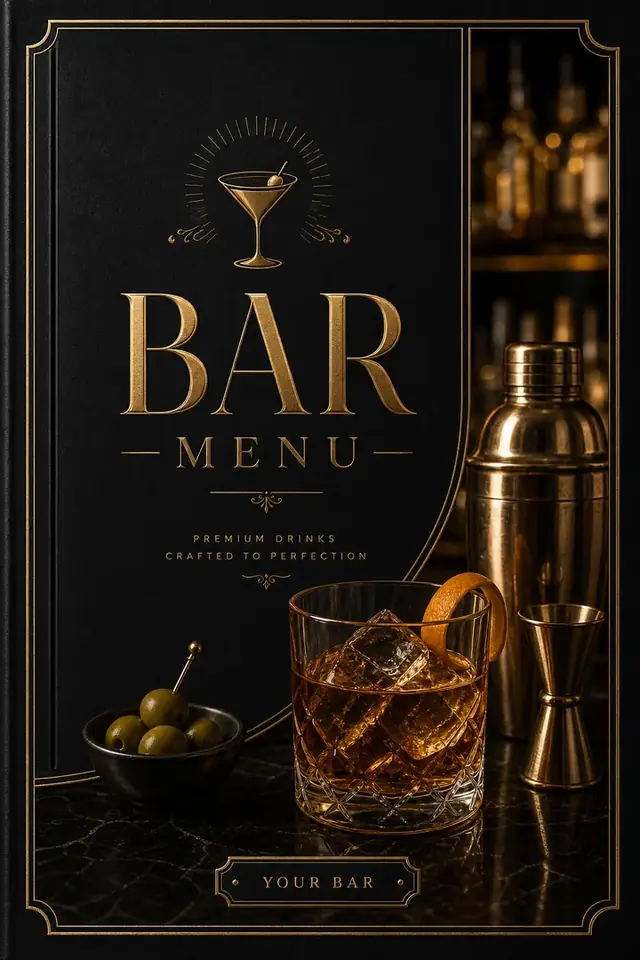
Bar guests rarely read a menu from top to bottom. They look for a brand they know, check the price of a peg, and then glance at the snacks. If your whisky list is mixed in with rum and gin, or the 30 ml and 60 ml prices are on different pages, they will simply wave at the bartender and ask, which slows down the whole counter.
A clear bar menu also protects your margins. House cocktails and well-chosen bar bites usually earn more than a branded peg, and they only sell if guests can see them. The layout below puts the profitable items where eyes land first without hiding the brands regulars come in for.
What to put on a bar menu
Spirits grouped by type
Separate whisky, rum, vodka, gin, tequila and brandy, then sort each by price. Guests compare within a spirit, not across them.
Peg sizes with both prices
Show 30 ml and 60 ml prices side by side for every spirit. If you sell bottles, list the bottle price in the same row.
Beer by format
List draught, bottle and can separately, with the pour size for draught. Mention pitchers if you serve them.
House cocktails
Give each a name, its base spirit and two or three flavour words. Guests order a cocktail when they can picture how it tastes.
Bar snacks
Peanut masala, chilli chicken, fries, kebabs: keep the list short and salty. Mark veg and non-veg on each.
Non-alcoholic options
Mocktails, fresh lime soda and soft drinks deserve a proper section. Designated drivers and non-drinkers order more when they feel considered.
Bar menu design ideas
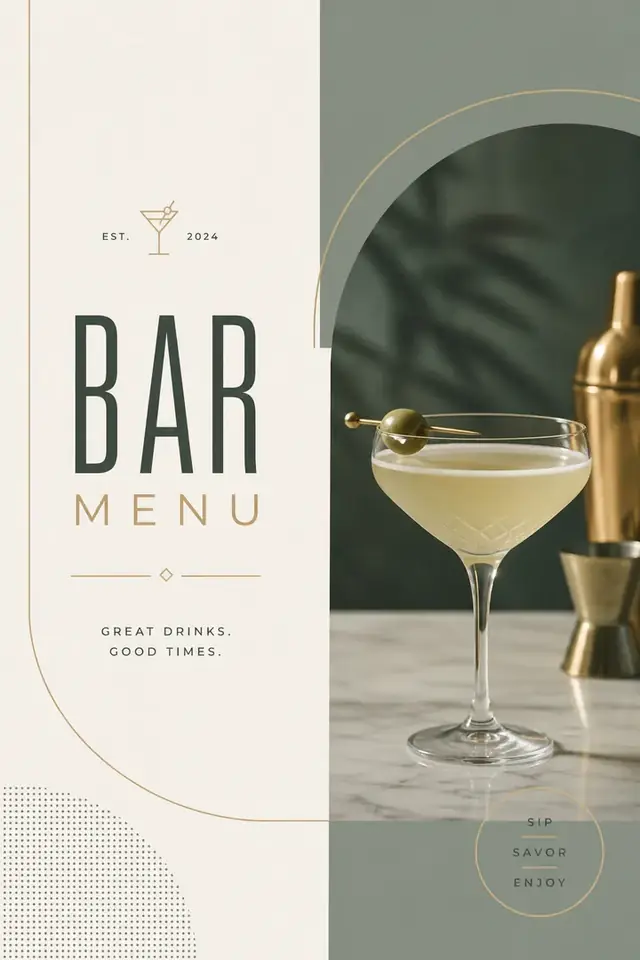
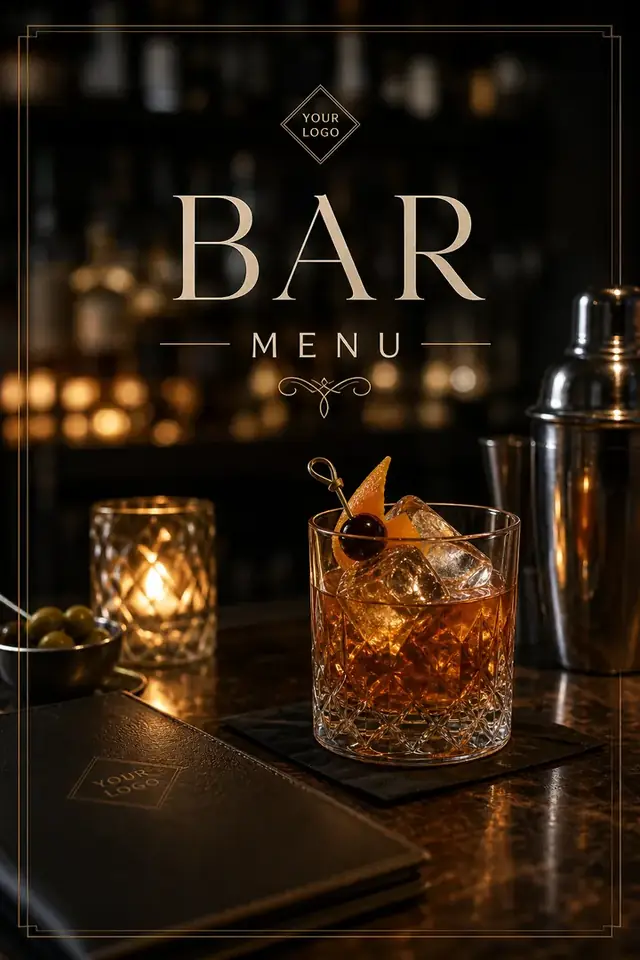
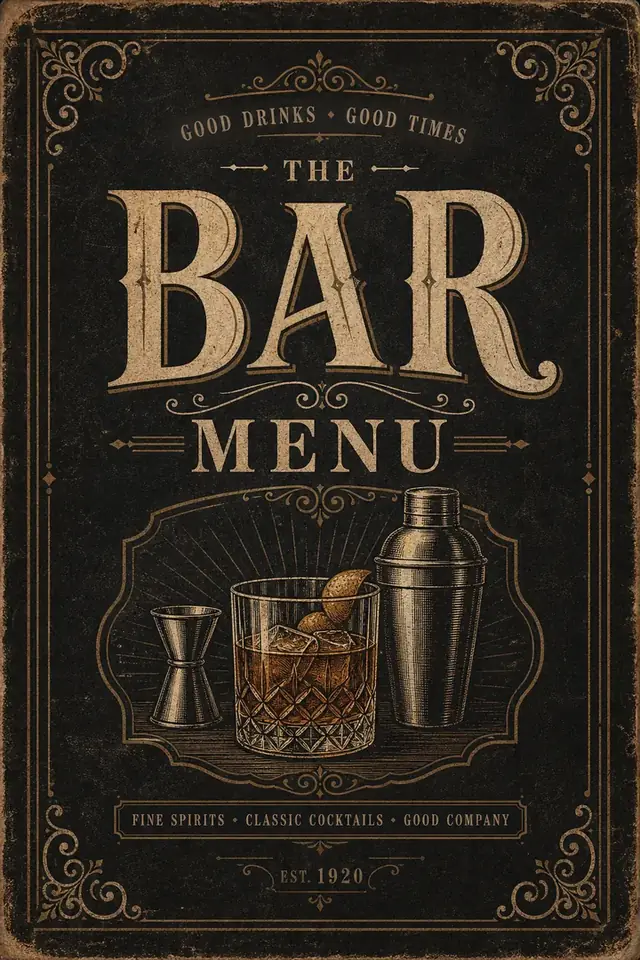
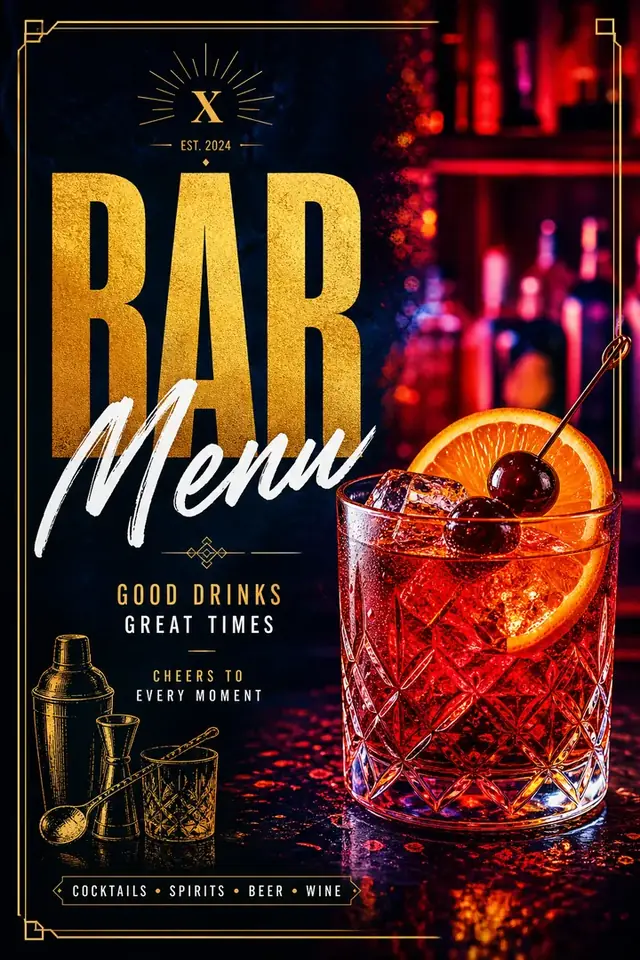
Open with signatures, not brands
Put your three house cocktails at the top of the drinks list. Regulars will scroll to their whisky anyway; new guests get a reason to try something only you make.
Write a tasting line for spirits
One phrase such as smoky, sweet vanilla or light and citrus helps guests who do not know single malts by name. It also makes upselling easier for staff.
Pair snacks with drinks
Place a small note like Goes well with a cold pint beside the fried snacks. It turns a drink order into a drink-and-plate order.
Use high-contrast type
Bars are dim. Pick a light background with strong dark text, or the reverse in a bold accent colour, and keep font sizes generous.
Show offers as a banner, not fine print
Happy hour or a ladies' night deserves its own banner at the top. A line buried under the beer list will not be read.
Keep the cocktail list short
Six to eight cocktails is easier to prep and easier to choose from than twenty. Rotate one or two each season to keep regulars curious.
- Check every spirit price against your current stock and bottle cost before each menu update.
- Tag your best-selling cocktails so first-timers have an easy starting point.
- Mark sold-out brands as unavailable rather than letting staff apologise all night.
- Do not list peg prices without stating the pour size; 30 ml and 60 ml confusion leads to bill disputes.
- Do not crowd the page with every bottle on your back shelf; list what you actually pour.
- Do not use thin, pale fonts that disappear under warm bar lighting.
Make your bar menu on TryTheMenu
On TryTheMenu each drink can carry more than one size and price, so a spirit can show 30 ml and 60 ml in one row. Guests scan the table QR, browse on their own phone with no app to download, and their orders go onto the table's bill. When a brand runs out, the out-of-stock toggle hides the disappointment before it reaches the table.
You get 1,000 credits when you sign up, enough for your first 100 bills. The menu, table orders and kitchen tickets use no credits; each closed bill uses 10 credits (₹2 + GST at the base rate), with no monthly fee.
Sign up with your mobile number
The QR menu and table ordering are switched on from the start.
Add your drinks and bites
Type them in, or photograph your printed bar card and the AI reads categories, prices and size options into a draft you review.
Pick a theme and add offers
Choose a theme or your brand colours with a live preview, and add a promo banner for happy hour at the top of the menu.
Print table QR cards
Print stickers for the counter and cards for tables, with your bar's name and logo, or share the menu link on Instagram.
More on this: QR menu for your restaurant · Menu from photos · QR code menu · Pricing
Bar menu design: your questions.
How should I price pegs on a bar menu?
List the 30 ml and 60 ml price in the same row for each spirit, and add the bottle price if you sell bottles. Consistent rows let guests compare brands at a glance.
Should cocktails come before or after spirits?
Before. Regulars know where to find their brand, but new guests decide in the first few lines, so put your house cocktails where they see them first.
Can guests order drinks from the table QR?
Yes. On TryTheMenu guests order from their own phone and the order goes onto the table's bill. If you prefer staff to take drink orders, we can switch ordering off so the QR works as a menu only.
How do I promote happy hour on a digital bar menu?
Add a promo banner at the top of your TryTheMenu menu with the timing and the offer. Remove it or change it from your panel when the offer ends.
More design ideas for restaurants and cafés.
Put your menu on a QR code your guests can scan.
Sign up with your mobile number, build your menu or send us photos of your printed card, and print your table QR cards.
Or WhatsApp +91 70016 94537. We answer 24x7.