
Cafe menu maker: ideas, layout tips and a QR menu for your café
A cafe menu has to cover coffee, food and desserts without feeling like a restaurant card. Keep it short, show your sizes, and let your signature drinks lead.
45,000+ tables served and 1.3 lakh+ dishes ordered (as of September 2026), in real restaurants since 2023. See what it costs.
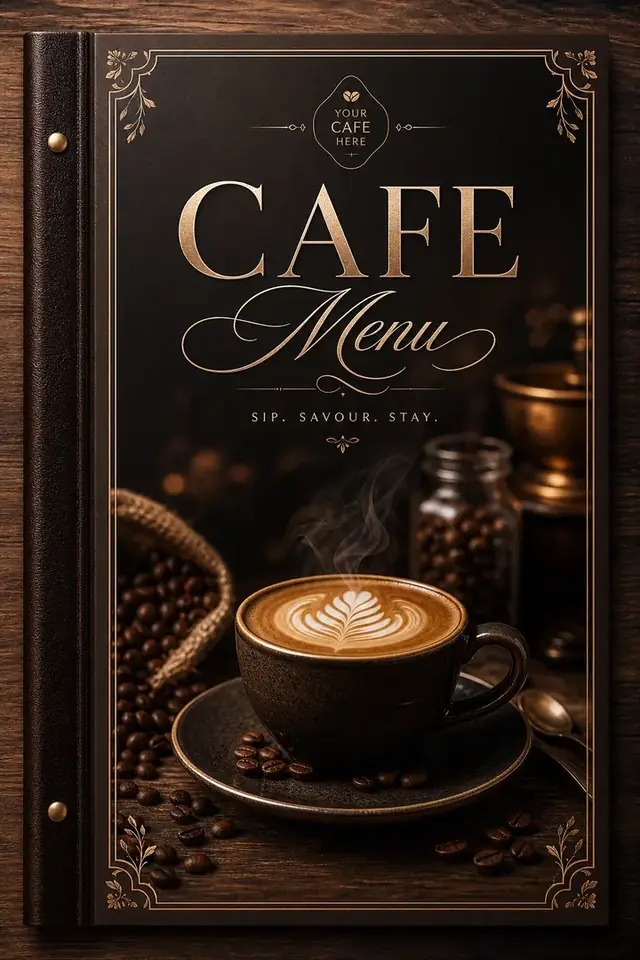
People choose a café for its mood as much as its food. They come to work on a laptop, meet a friend or spend a slow Sunday, and the menu is part of that mood. A cramped, wordy card feels like a canteen; a tidy one with a clear personality makes guests want to stay for a second order.
Café menus are also where margins are made on drinks. A cold coffee, a flavoured latte or a thick shake costs little to make and sells well, provided guests can see the options and the sizes. The food, from sandwiches to pasta to a slice of cake, rounds out the bill.
What to put on a café menu
Hot coffee and tea
Espresso drinks, filter coffee, masala chai and herbal teas, each with Small and Large prices if you offer both.
Cold drinks and shakes
Cold coffee, iced lattes, shakes, smoothies and coolers in their own section. In Indian summers this list often outsells hot drinks.
All-day food
Sandwiches, wraps, pasta, burgers and Maggi variations. Note which ones are quick if your guests are often in a hurry.
Bakes and desserts
Croissants, muffins, brownies and cakes by the slice. Mention if items are baked in-house; guests care.
Veg and non-veg marks
Café menus mix eggs, chicken and vegetarian dishes on one page. Clear marks stop guests from asking about every sandwich.
Milk options
If you offer oat or almond milk, say so once in the coffee section along with any extra charge.
Café menu design ideas
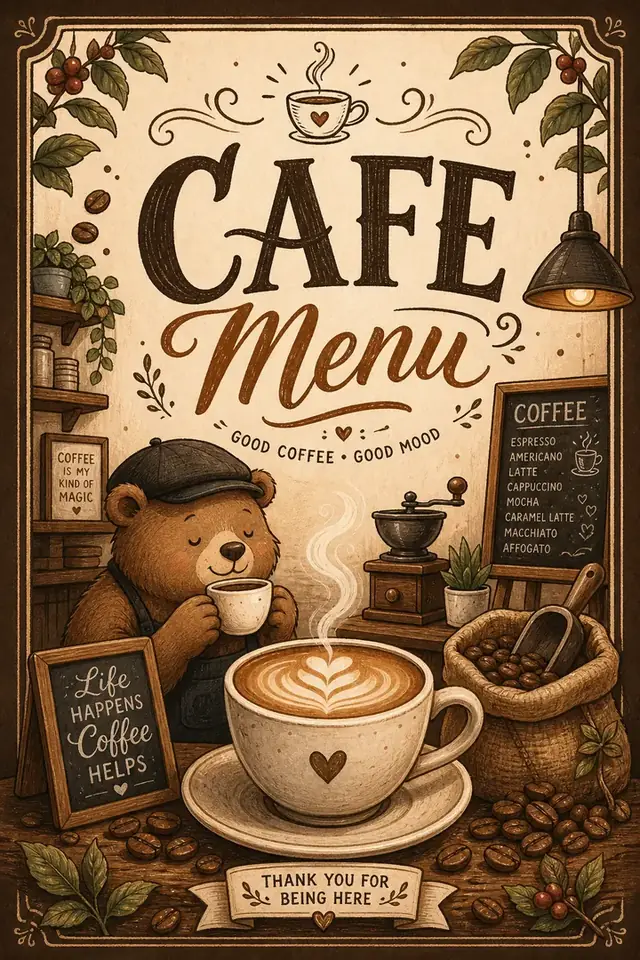
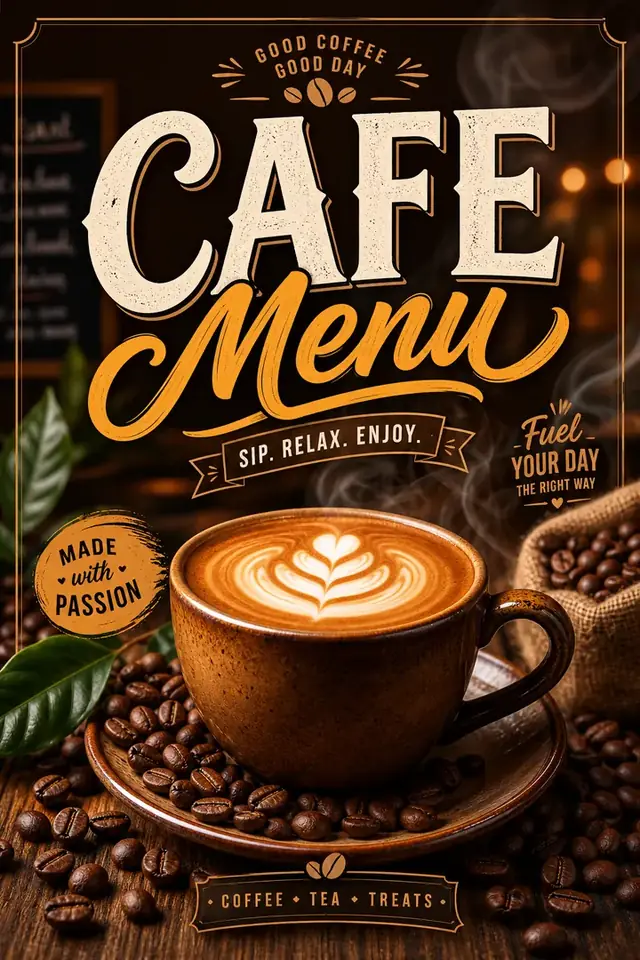
Lead with a signature drink
Put the drink your café is known for at the very top with a photo. If you do not have one yet, create one; it gives people a reason to come back.
Keep coffee names familiar
Cappuccino, latte and Americano are understood everywhere. Save creative names for your specials and add a short description beside them.
Pair drinks with bakes
A line such as Try it with our banana bread next to a coffee works better than any discount.
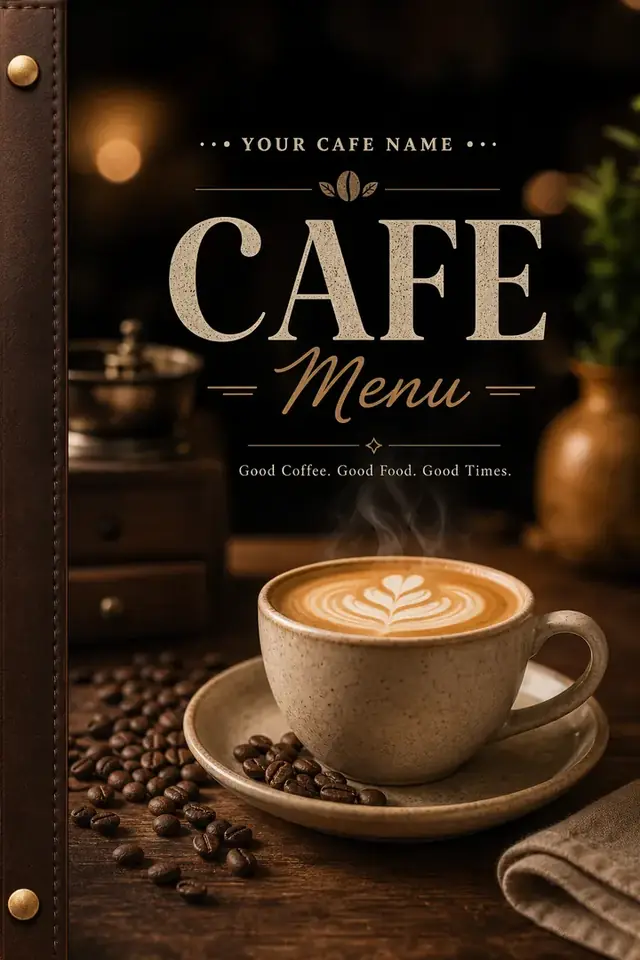
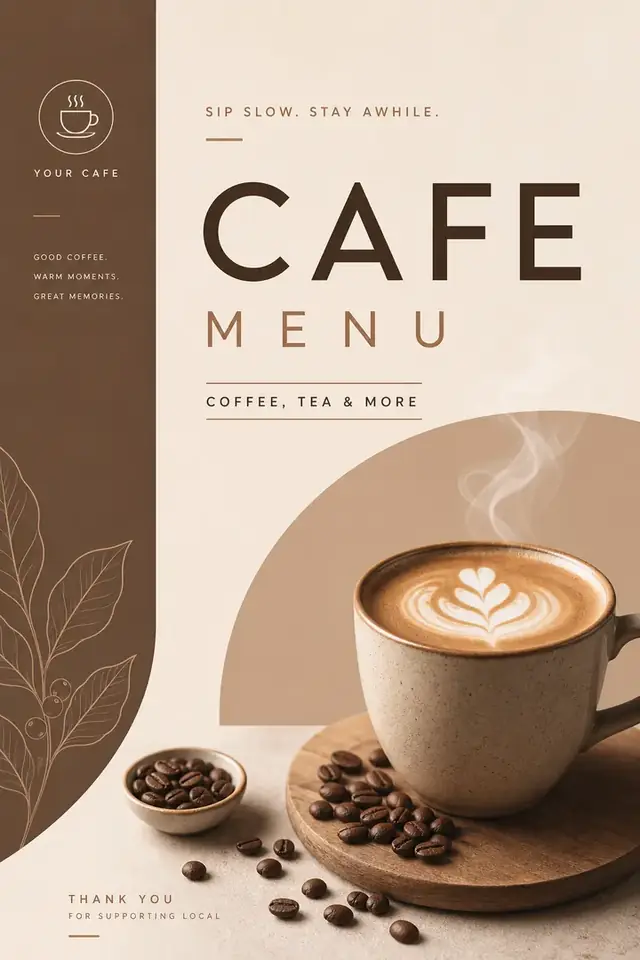
Match the menu to your interiors
A pastel café, an industrial roastery and a garden café each need different colours. Pull the palette from your walls or your logo.
Write small, friendly descriptions
A café can sound warmer than a restaurant. One relaxed line per dish is enough; skip long stories.
Make the specials board digital
Seasonal drinks like a mango cold brew in summer or a hot chocolate in winter can sit in a promo banner at the top of the menu.
- Show both sizes and prices for every drink you sell in two sizes.
- Group drinks before food; most café orders start with a drink.
- Remove bakes from the menu once the day's batch is sold out.
- Do not list fifteen kinds of latte that differ only by syrup; offer flavours as one line.
- Do not use a script font for prices or dish names.
- Do not let a summer special stay on the menu through the monsoon.
Make your café menu on TryTheMenu
TryTheMenu gives your café a QR menu that guests open on their own phone, with no app to download, and order from at the table. Each drink can carry Small and Large prices, dishes can be tagged as bestsellers, and you update prices yourself with changes showing right away. Choose one of 9 themes or your own brand colours, or let Match my logo pick colours from your logo.
You get 1,000 credits when you sign up, which cover your first 100 bills. The menu, table orders and kitchen tickets use no credits; each closed bill uses 10 credits (₹2 + GST at the base rate). There is no monthly fee.
Sign up with your mobile number
Your QR menu and table ordering are switched on from the start.
Build your menu
Type it in, or photograph your printed café card and the AI drafts categories, prices and Small/Large sizes for you to check.
Pick a theme
Choose fonts, colours and corner style with a live preview; the editor warns you if a colour is hard to read.
Print QR cards and share the link
Print table stickers or cards with your café's name and logo, and add your menu link to your Instagram bio.
More on this: QR menu for your restaurant · Menu from photos · QR code menu · Pricing
Cafe menu design: your questions.
How many items should a café menu have?
Most cafés do well with around ten drinks, a short food list and a few bakes. A tighter menu keeps prep simple and makes choosing easier.
Should I add photos to my café menu?
Photos help for signature drinks and desserts. TryTheMenu can make AI food illustrations for dishes without a picture from a daily allowance; you can replace them with your own photos at any time.
Can I show Small and Large prices for coffee?
Yes. Each item can have multiple sizes with its own price, shown side by side on the QR menu.
Where should I share my café menu link?
Put it in your Instagram bio, your Google listing, your WhatsApp business profile and your Facebook page, so people can browse before they visit.
More design ideas for restaurants and cafés.
Put your menu on a QR code your guests can scan.
Sign up with your mobile number, build your menu or send us photos of your printed card, and print your table QR cards.
Or WhatsApp +91 70016 94537. We answer 24x7.