
Coffee menu maker: from filter kaapi to pour-over, laid out clearly
A coffee menu serves two kinds of guest: the one who wants a cappuccino now, and the one who wants to talk about beans. Good layout keeps both happy.
45,000+ tables served and 1.3 lakh+ dishes ordered (as of September 2026), in real restaurants since 2023. See what it costs.
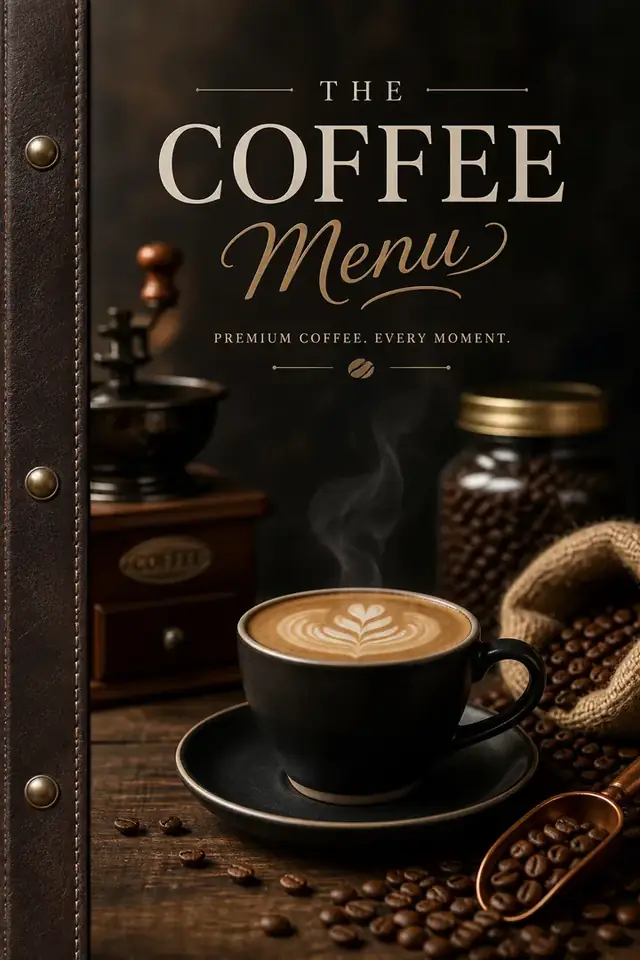
India grows some excellent coffee, and guests increasingly know it. Estates in Chikmagalur, Coorg and the Araku Valley turn up on café boards, and people ask about roast dates and brew methods. At the same time, most orders are still a cappuccino, a cold coffee or a filter kaapi. A coffee menu has to serve the quick order without hiding the depth.
The answer is a clear hierarchy. Everyday espresso drinks sit up front with sizes and prices. Brew methods and single origins get their own space with tasting notes for those who want them. Milk choices and extra shots are explained once, not on every line.
What to put on a coffee menu
Espresso drinks
Espresso, Americano, cappuccino, latte, flat white and mocha, with Small and Large prices where you offer both.
South Indian filter coffee
If you serve filter kaapi, give it pride of place. Say whether it is served in a davara-tumbler and with how much chicory, if any.
Manual brews
Pour-over, French press or cold brew, with the bean used and a short note on how long it takes to prepare.
Bean origin and roast
Name the estate or region and the roast level for single origins. Coffee lovers choose on this.
Tasting notes
Two or three notes such as chocolate, jaggery or citrus. Keep them honest; guests notice when a coffee tastes nothing like the card.
Milk and extras
Plant milks, an extra shot, a flavour syrup: list them once with their price at the end of the espresso section.
Coffee menu design ideas
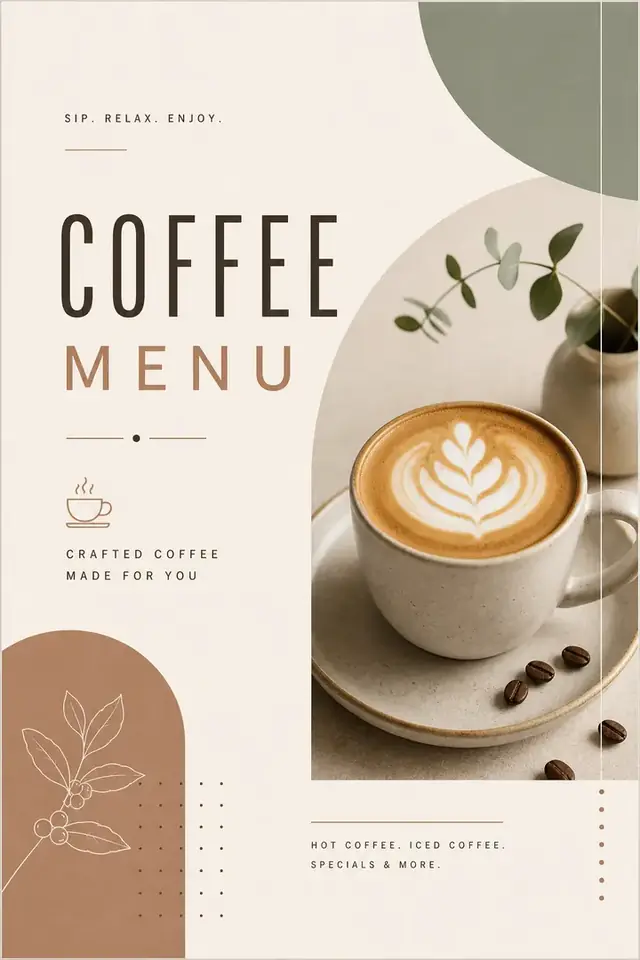
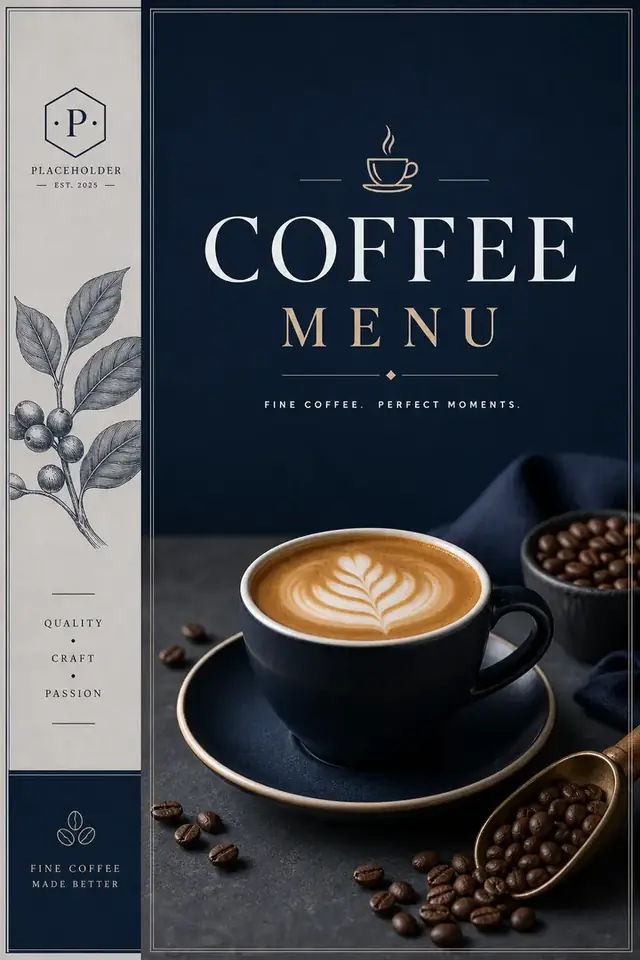
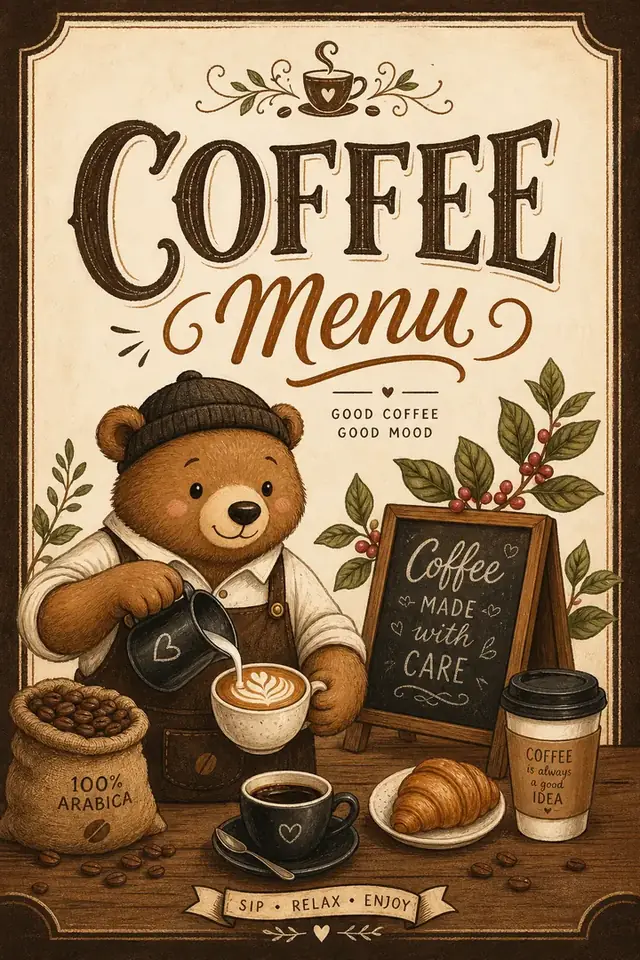
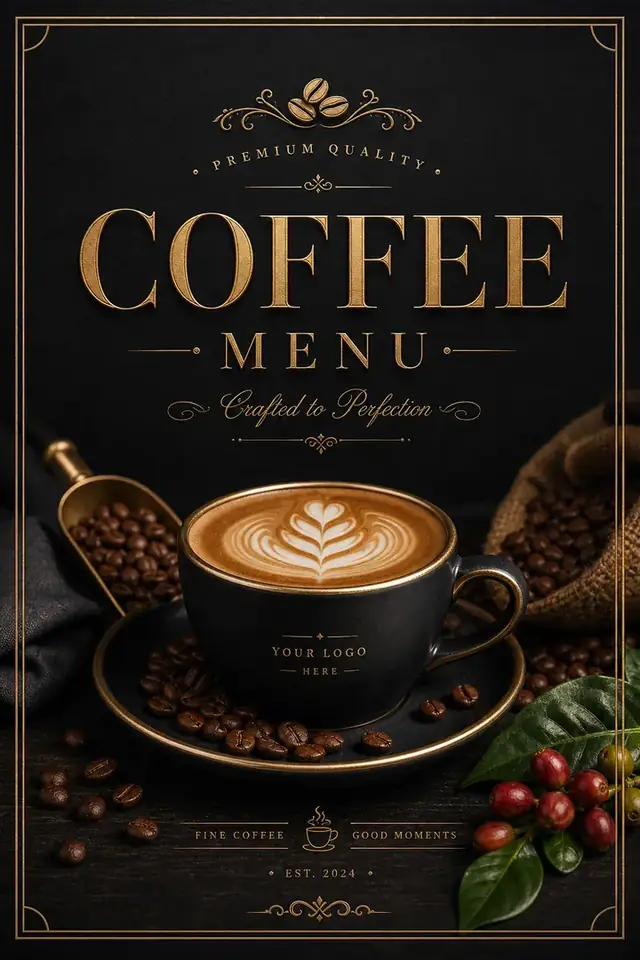
Split hot, cold and brewed
Three short sections are easier to scan than one long list. Cold drinks deserve their own space in a hot country.
Explain the coffee-to-milk ratio
A small line like flat white: more coffee, less milk than a latte helps guests who never quite knew the difference.
Feature a bean of the month
Rotate one single origin with a short note on the estate. Show it as a banner at the top so regulars notice the change.
Use coffee-toned colours
Warm browns, cream and a single accent colour feel natural on a coffee menu. Keep text dark enough to read in a sunny window seat.
Keep names plain
Coffee lovers trust a menu that uses standard names. Save inventive naming for one or two house specials.
Pair with a small bite
Suggest a biscuit, croissant or banana bread beside your filter coffee or cappuccino. It adds to the bill without a hard sell.
- Show the cup size for every coffee you sell in more than one size.
- Update origins and tasting notes whenever you change beans.
- Tag your most-ordered coffee as a bestseller to guide first-time visitors.
- Do not list a single origin without saying where it is from.
- Do not repeat the plant-milk charge under every drink; say it once.
- Do not let a sold-out bean stay listed; switch it off until the next bag arrives.
Make your coffee menu on TryTheMenu
On TryTheMenu each coffee can have several sizes and prices, so Small and Large sit on one line. Guests scan the table or counter QR and order from their phone with no app to download. When you switch beans, edit the description and the change shows on your QR menu right away; when a bag runs out, use the out-of-stock toggle.
You get 1,000 credits when you sign up for your first 100 bills. The menu and table orders use no credits; each closed bill uses 10 credits (₹2 + GST at the base rate). No subscription.
Sign up with your mobile number
Your QR menu and table ordering are switched on from the start.
Add your coffees
Type them in, or photograph your current coffee board and the AI drafts items, prices and sizes for you to review.
Choose a theme
Pick a ready-made theme or let Match my logo take colours from your logo; the editor warns if a colour is hard to read.
Put QR codes on tables and the counter
Print a sticker for each table and a larger card for the counter, with your café's name and logo.
More on this: QR menu for your restaurant · Menu from photos · QR code menu · Pricing
Coffee menu design: your questions.
What coffees should every café menu include?
Espresso, Americano, cappuccino, latte and a cold coffee cover most orders. Add filter coffee if your guests expect it, and one or two specials of your own.
Should I mention bean origins on a coffee menu?
Yes for single origins and manual brews. Naming the estate or region adds value for coffee lovers and gives staff something to talk about.
How do I list milk options without cluttering the menu?
State them once at the end of the espresso section with the extra charge, rather than under every drink.
Can guests order coffee from the table QR?
Yes. They order from their own phone and the order goes onto the table's bill, while the kitchen or counter gets a ticket.
More design ideas for restaurants and cafés.
Put your menu on a QR code your guests can scan.
Sign up with your mobile number, build your menu or send us photos of your printed card, and print your table QR cards.
Or WhatsApp +91 70016 94537. We answer 24x7.