
Drink menu maker: a beverage list that adds to every bill
Drinks are the easiest extra sale in a restaurant, and the most often forgotten. Give your drink menu a section guests can actually see.
45,000+ tables served and 1.3 lakh+ dishes ordered (as of September 2026), in real restaurants since 2023. See what it costs.
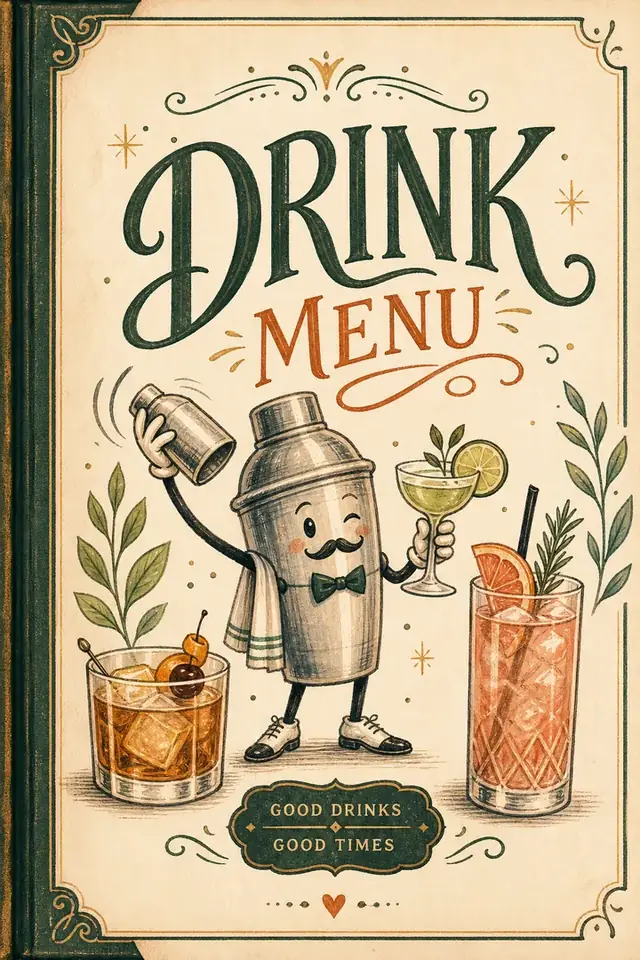
Most Indian restaurants sell far more drinks than they show. A table will happily order four sweet lassis or fresh lime sodas with lunch, but only if someone mentions them, or if the drinks list is right there beside the food. On many menus it is a cramped box on the back page listing Soft Drinks, Water and Tea.
A proper drink menu does not need a bar licence. Lassi, chaas, fresh juices, shakes, mocktails, nimbu pani, cold coffee and seasonal coolers like aam panna or kokum sherbet are cheap to make, quick to serve and well loved. Laid out with care, they lift the average bill without any pressure from staff.
What to put on a drink menu
Traditional coolers
Lassi in sweet, salted and mango, chaas, nimbu pani, jaljeera and aam panna. These suit Indian food better than any soft drink.
Fresh juices
Name the fruit and whether you add sugar or ice. Guests who ask for no sugar appreciate knowing it is possible.
Shakes and smoothies
Chocolate, strawberry, banana and cold coffee shakes, with Small and Large prices if you serve two sizes.
Mocktails
Two or three house mocktails with a short flavour line. They give non-drinkers something festive to order.
Hot drinks
Chai, coffee and green tea. Even in a restaurant focused on food, a cup after the meal is a common order.
Water and soft drinks
List bottled water and aerated drinks with prices. Guests prefer to see the price than to be surprised on the bill.
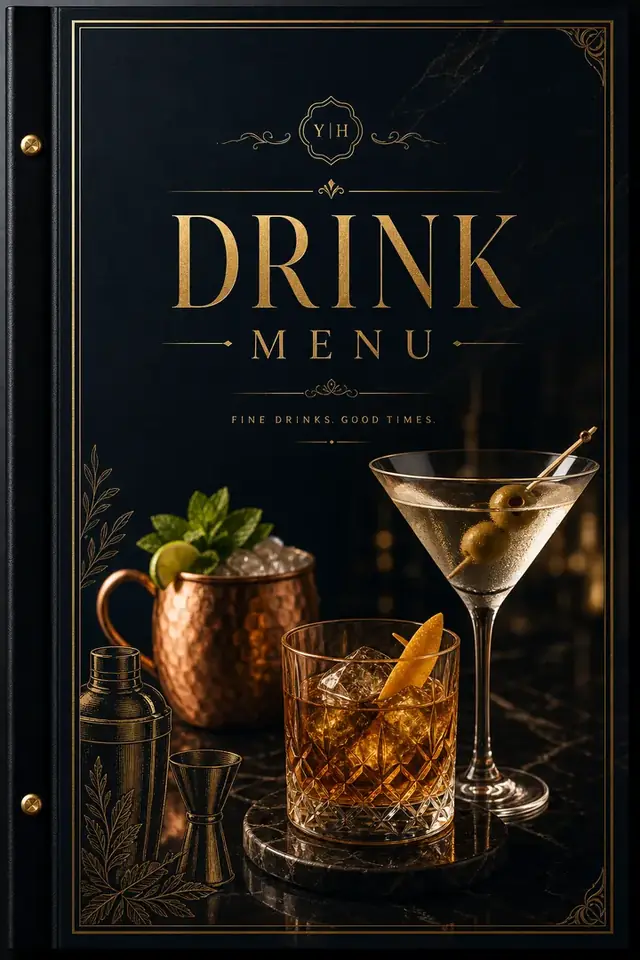
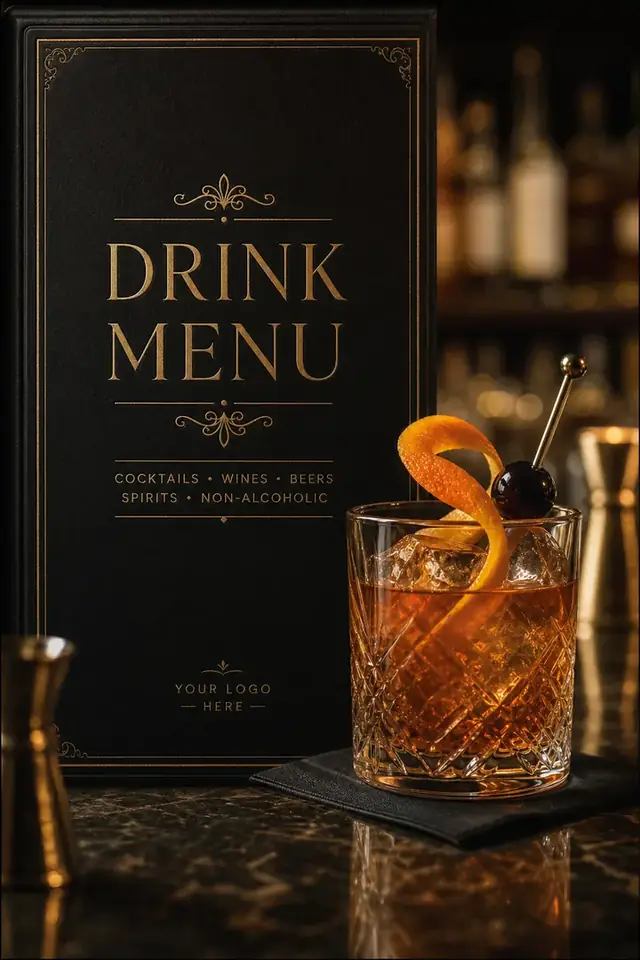
Drink menu design ideas
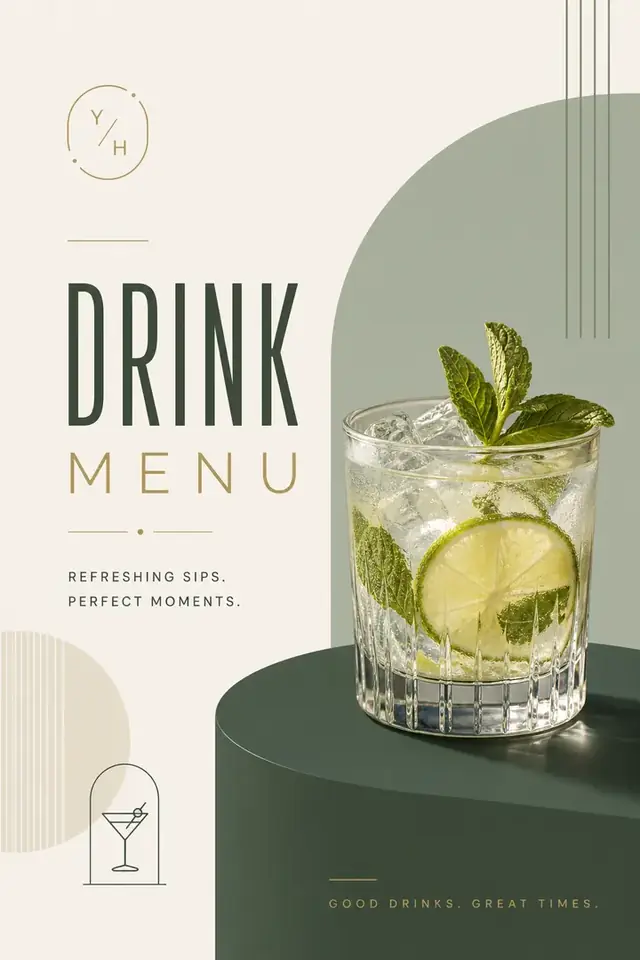
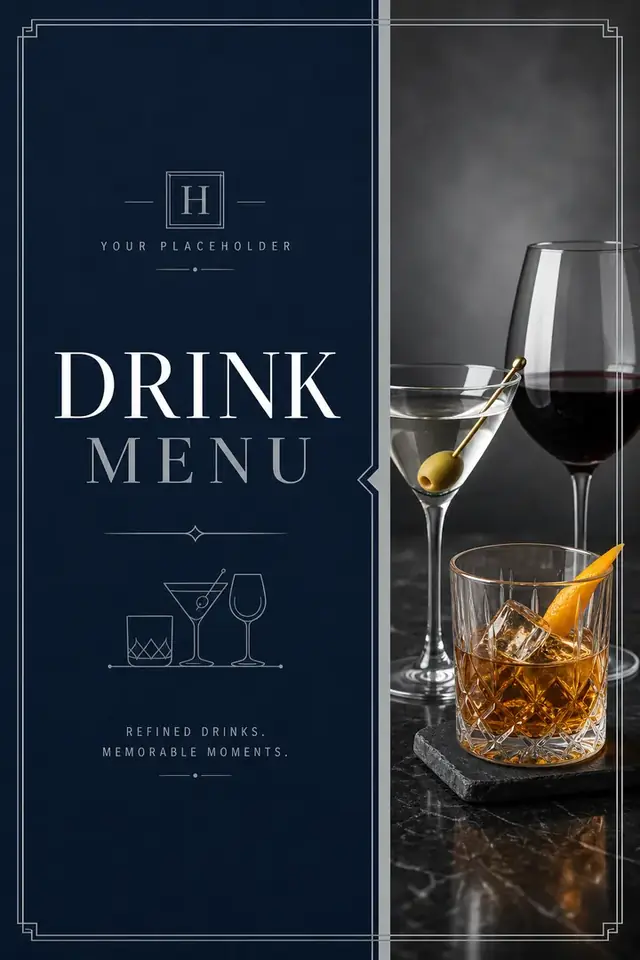
Place drinks next to the food
Put the drink list on the same screen or page as the mains, or right after starters. A drink is chosen alongside food, not after.
Lead with house specials
A rose lassi, a masala cola or a tender coconut cooler that only your restaurant makes should sit at the top with a photo.
Group by temperature and mood
Cooling, Refreshing and Warming sections are easier to choose from than long alphabetical lists.
Show seasonal drinks
Aam panna and kokum in summer, masala chai and hot chocolate in winter. Announce the switch with a banner on your menu.
Use fresh, bright colours
Citrus yellow, mint green and fruit tones suit a beverage list. Keep the background light and the text dark.
Suggest a pairing
A line such as Salted lassi goes well with spicy biryani nudges guests to add a drink without any staff upselling.
- Show the glass size for every drink sold in more than one size.
- Tag your most popular drink as a bestseller so guests have an easy pick.
- Switch seasonal fruit drinks off the menu when the fruit is no longer good.
- Do not hide drinks on a last page that guests rarely reach.
- Do not list bottled water without a price; surprise charges annoy guests.
- Do not offer twenty juices if you only keep five fruits fresh on a weekday.
Make your drink menu on TryTheMenu
On TryTheMenu you can tag items as drinks, give each one Small and Large prices, and mark bestsellers. Guests scan the table QR, add a lassi to their order from their own phone and it goes onto the table's bill. When the mangoes run out, the out-of-stock toggle updates the QR menu right away, and a promo banner at the top of the menu can announce your summer coolers.
You get 1,000 credits when you sign up, which cover your first 100 bills. Each closed bill uses 10 credits (₹2 + GST at the base rate); the menu and table orders use none.
Sign up with your mobile number
Your QR menu and table ordering are switched on from the start.
Add your drinks
Type them in, or photograph your printed menu and the AI drafts drinks, prices and sizes for you to review.
Choose a theme
Pick a ready-made theme or your own brand colours, with a live preview and a warning if a colour is hard to read.
Print QR cards and share the link
Print table QR cards with your name and logo, and share your menu link on Instagram and Google.
More on this: QR menu for your restaurant · Menu from photos · QR code menu · Pricing
Drink menu design: your questions.
What drinks should a restaurant without a bar licence offer?
Lassi, chaas, fresh juices, shakes, a few mocktails, seasonal coolers, tea, coffee, water and soft drinks cover most guests.
Where should drinks appear on a menu?
Near the food, ideally right after starters or beside the mains. Guests decide on drinks while choosing what to eat.
How do I show glass sizes and prices?
List each size with its own price on the same line. On TryTheMenu each item can have several sizes, shown side by side on the QR menu.
Can I add photos of my drinks?
Yes, upload your own. For drinks without a photo, TryTheMenu can make AI food pictures from a daily allowance; they are illustrations, not photos of your drinks, and you can replace them.
More design ideas for restaurants and cafés.
Put your menu on a QR code your guests can scan.
Sign up with your mobile number, build your menu or send us photos of your printed card, and print your table QR cards.
Or WhatsApp +91 70016 94537. We answer 24x7.