

Coffee brochure design ideas for cafés and roasters
TryTheMenu does not make brochures. Here is a practical guide to a coffee brochure that explains your beans and brings people to your counter.
45,000+ tables served and 1.3 lakh+ dishes ordered (as of September 2026), in real restaurants since 2023. See what it costs.
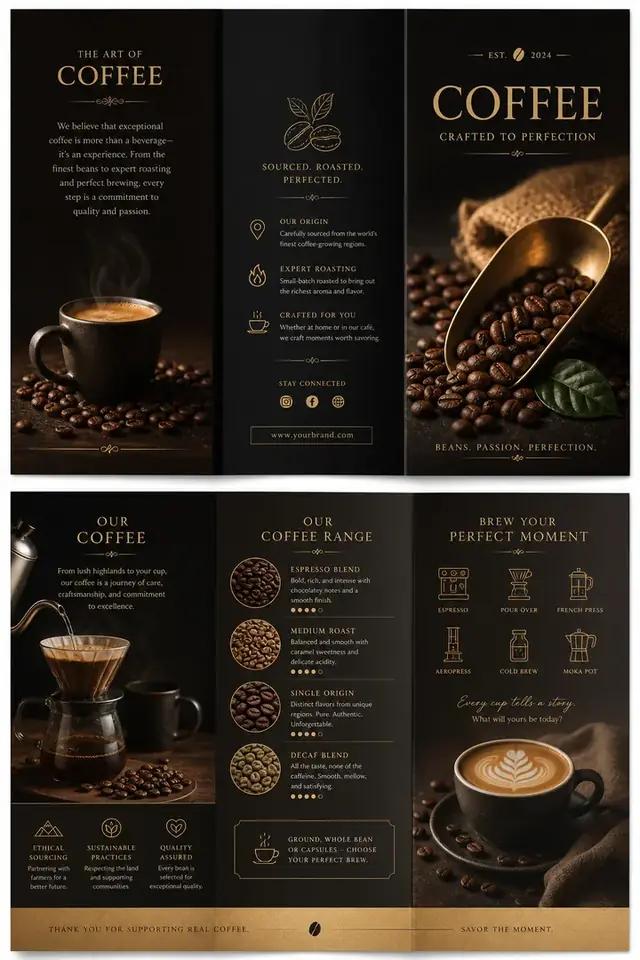
A coffee brochure is a little different from a menu. A menu tells people what to order today; a brochure tells them why your coffee is worth the trip: where the beans come from, how you roast or brew, and what to try if they are new to it.
In India, that story has local roots. Estates in Chikmagalur, Coorg, the Nilgiris and Araku, filter coffee traditions in the south and a growing specialty scene in cities give you plenty to say. Keep it short and specific; coffee drinkers enjoy detail but not essays.
What to put in a coffee brochure
Bean origins
Estate or region, altitude if you know it and the processing method. One line per bean is enough.
Tasting notes
Chocolate, citrus, jaggery, nutty. Two or three notes per coffee help a buyer choose.
Roast levels
Light, medium, dark, explained in plain words so a newcomer knows what to expect.
A brew guide
Ratios and grind for filter, French press, pour-over or moka pot. A small guide keeps the brochure on the fridge.
Drinks you serve
Your café list in brief, from filter coffee to cold brew, with a pointer to the full menu.
Where to buy
Café address, hours, retail packs and any subscription you offer, with phone and Instagram.
Coffee brochure design ideas
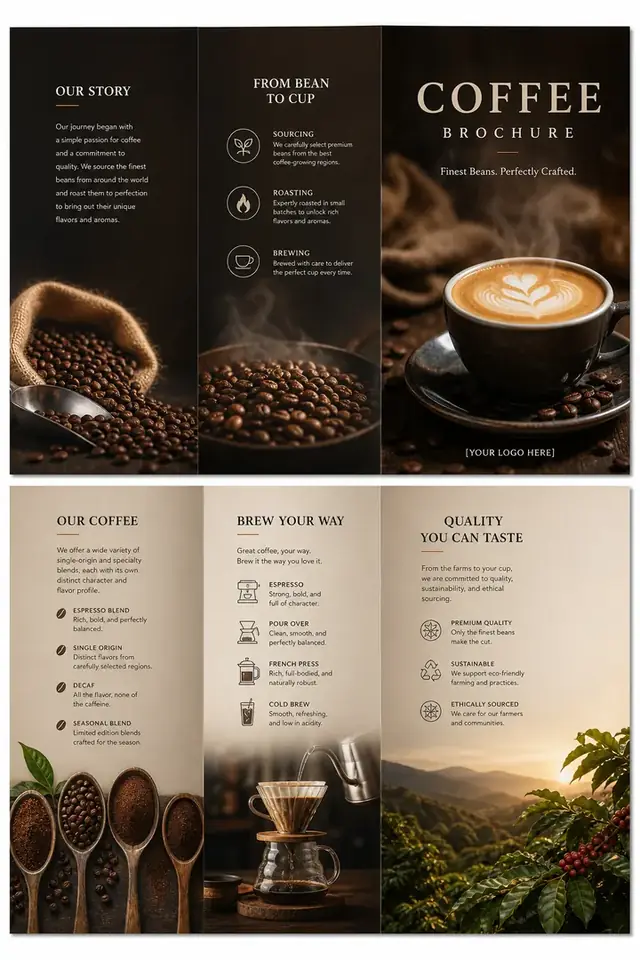
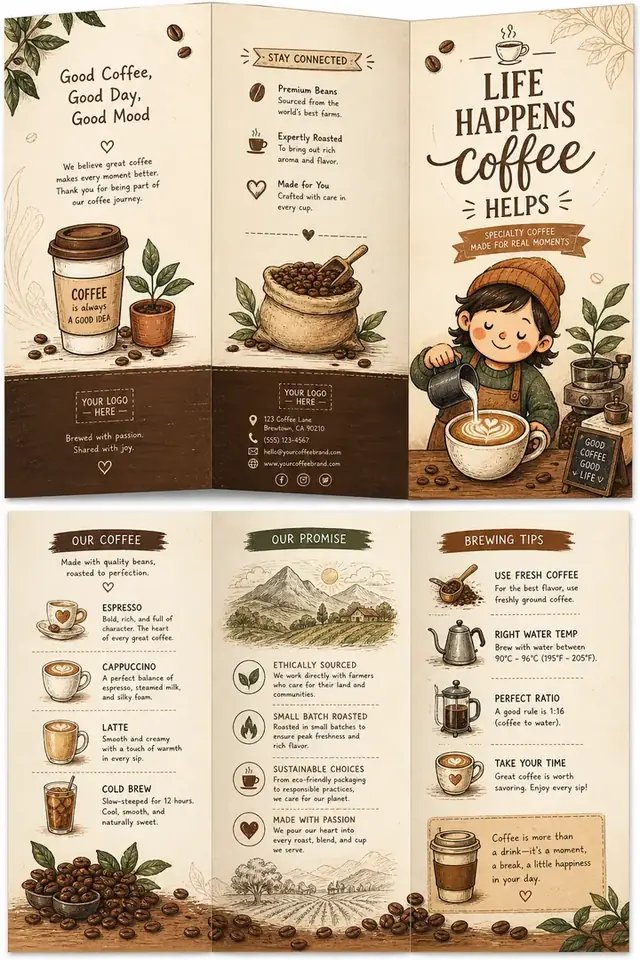
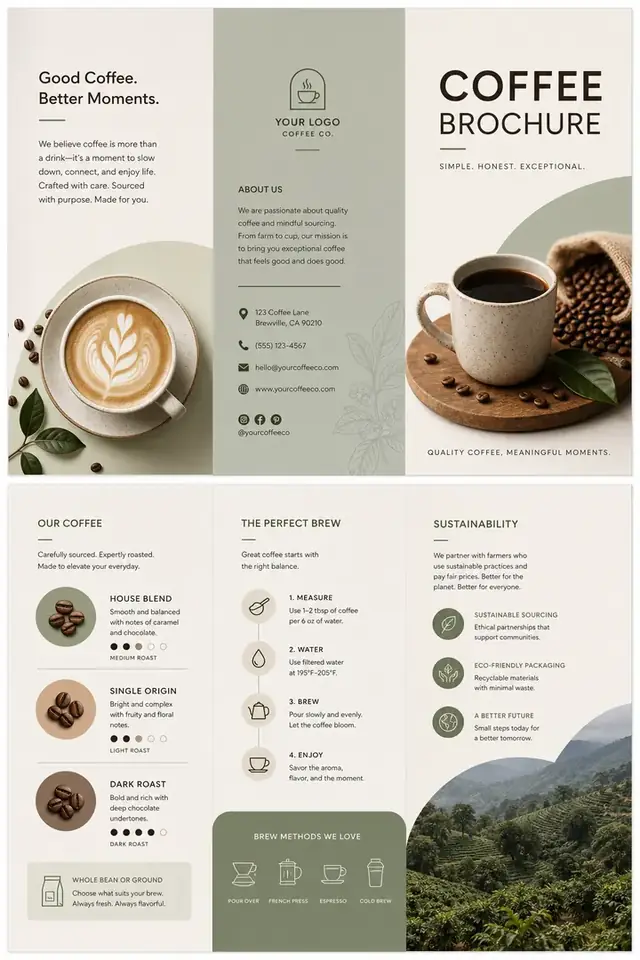
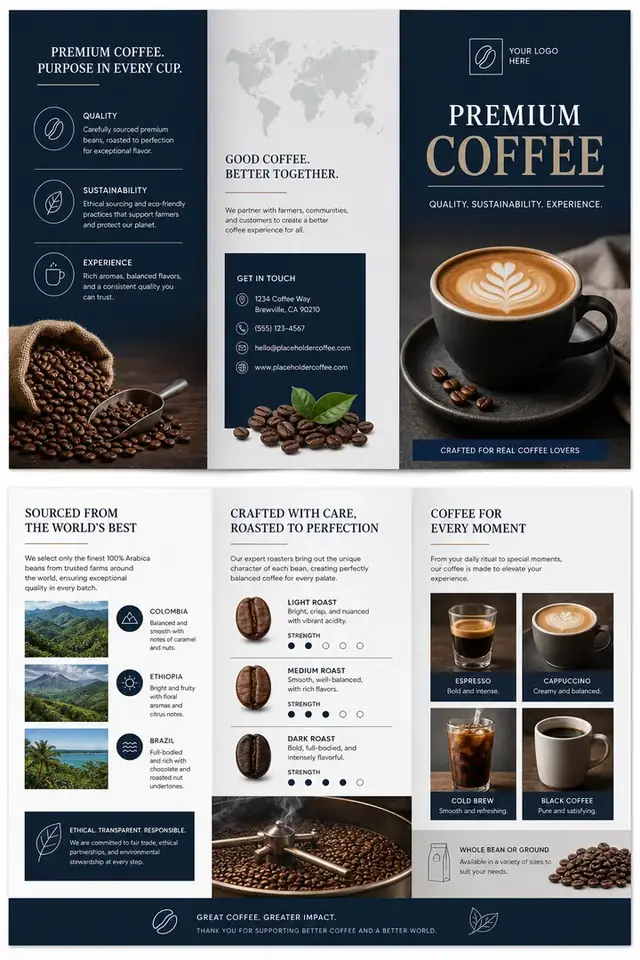
Estate map panel
A simple map of South Indian coffee regions with your beans pinned. It turns origin into a picture.
Flavour wheel lite
A small wheel or scale showing where each of your coffees sits from bright to bold.
Brew card insert
A postcard-sized brew guide that slips out of the brochure and lives beside the grinder.
Kraft and ink
Uncoated brown paper with one ink colour suits roasters and keeps print costs down.
Bean-to-cup strip
Five small illustrations along the bottom: cherry, drying, roasting, grinding, cup.
Filter coffee heritage
A steel tumbler and davara on the cover for cafés built around South Indian coffee.
- Give each coffee a single line of origin and tasting notes.
- Include a brew guide people will keep.
- Point to your full drinks menu with a link or QR code.
- Don't fill the brochure with jargon a newcomer cannot follow.
- Don't print bean lists that change every month without a date.
- Don't use thin pale text on dark coffee-coloured backgrounds.
Where TryTheMenu fits
TryTheMenu does not design brochures; it runs QR menus, table ordering and billing for cafés. What it can do is give your brochure a live link to your drinks: every café on TryTheMenu has a menu link, and you can download a QR card image from your panel to print on the back.
Because you update prices and drinks yourself in the menu editor, the brochure can stay the same while the menu behind the QR code stays current. Mark sold-out single origins with the out-of-stock toggle.
Place your QR code
Download a print-shop-ready QR card image from your TryTheMenu panel and put it on the brochure's back panel.
Add the menu link
Print your menu link under the code for people who prefer to type it.
Keep the menu current
Change drink prices or mark beans out of stock in the menu editor; the QR menu shows the change right away.
More on this: QR menu for your restaurant · AI poster templates · Pricing
Coffee brochure design: your questions.
What size is best for a coffee brochure?
A tri-fold A4 or a small A5 folded booklet both work. A separate postcard brew guide is a nice extra.
Should a coffee brochure list prices?
List retail bean prices if you sell packs, with a date. Point to your QR menu for drink prices that change more often.
Does TryTheMenu make coffee brochures?
No. It runs your café's QR menu, ordering and billing. You can print your menu QR code or link on a brochure you design.
How much detail should tasting notes have?
Two or three words per coffee is enough for most readers. Keep longer notes for your website or retail bag.
More design ideas for restaurants and cafés.
Put your menu on a QR code your guests can scan.
Sign up with your mobile number, build your menu or send us photos of your printed card, and print your table QR cards.
Or WhatsApp +91 70016 94537. We answer 24x7.