
Beer menu maker: styles, pours and tasting notes for your taps
A beer menu works when guests can tell a wheat beer from a stout without asking. Lead with style, strength and pour size, then let short tasting notes do the selling.
45,000+ tables served and 1.3 lakh+ dishes ordered (as of September 2026), in real restaurants since 2023. See what it costs.
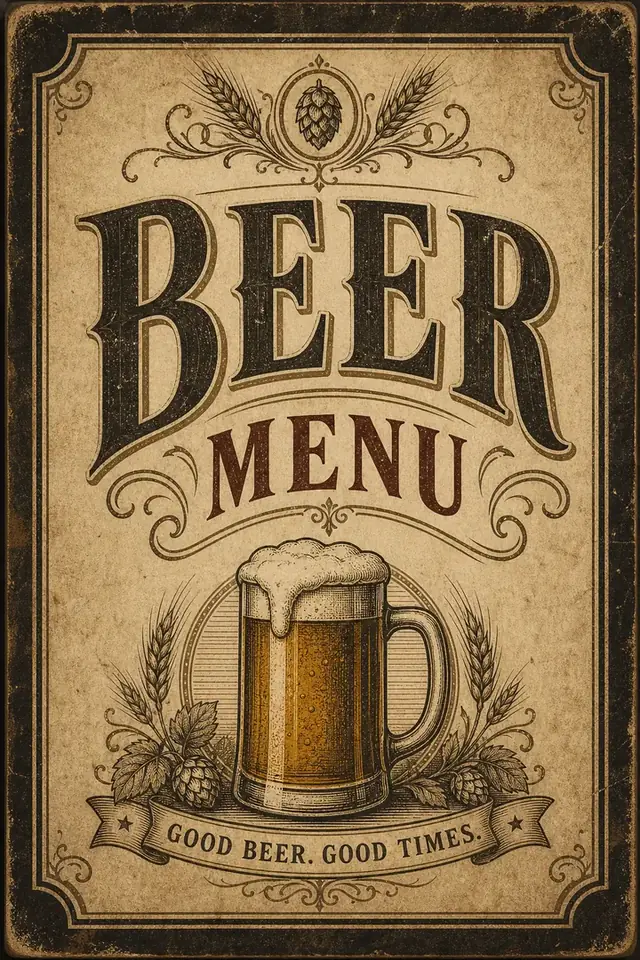
Indian beer drinking has moved well beyond the two familiar lagers. Microbreweries in Bengaluru, Pune and Gurugram pour wits, IPAs, stouts and seasonal brews, and even neighbourhood pubs stock a few craft bottles. That variety is good for business only if the menu helps guests navigate it.
The most common mistake is listing beers by name alone. A name like Hop Monsoon tells a guest nothing about whether it is bitter, fruity or heavy. Add the style, the strength and one line of flavour, and the same guest is happy to try something new instead of defaulting to the cheapest pint.
What to put on a beer menu
Beer style
Lager, wheat, pale ale, IPA, stout, sour: the style is the single most useful word on a beer menu. Put it right under the name.
Strength
Show ABV for every beer. Guests pacing a long evening choose differently from those having one pint after work.
Pour sizes and prices
List each size you serve, such as a 330 ml glass, a pint and a pitcher, with its price in the same row.
Tasting note
Three or four words are enough: crisp and grassy, banana and clove, roasted coffee. Skip the paragraphs.
Draught versus bottle
Keep taps and bottles in separate sections. Draught changes more often, so it is easier to update on its own.
Food that suits it
A short pairing hint, like wheat beer with butter garlic prawns, helps guests order food with their round.
Beer menu design ideas
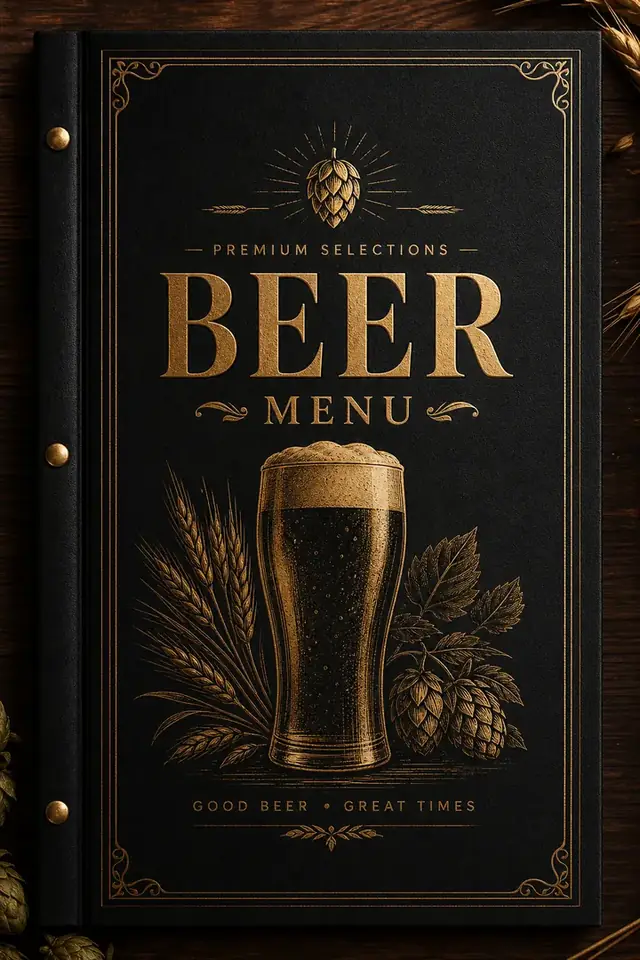
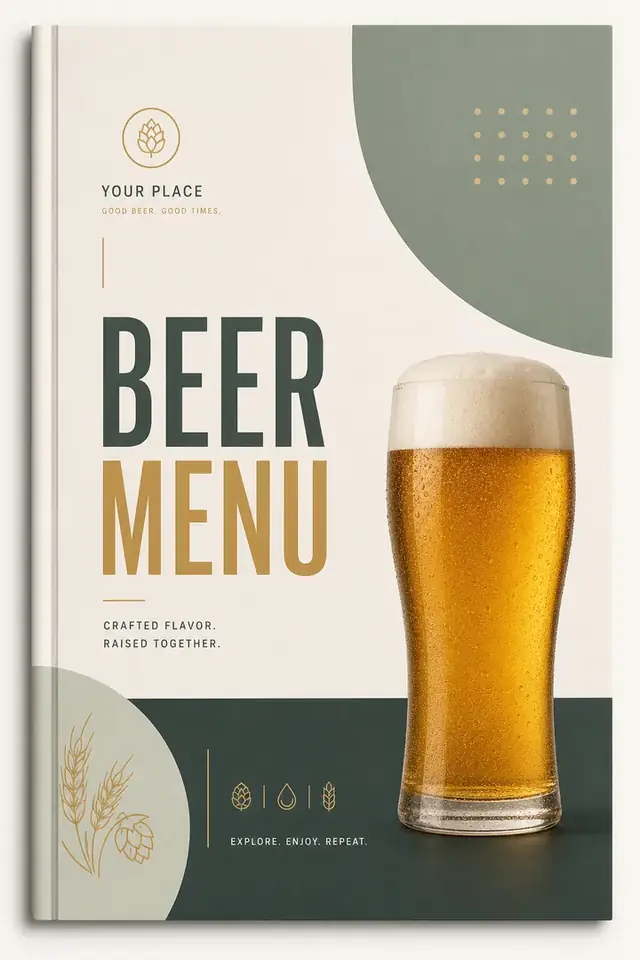
Arrange from light to dark
Start with crisp lagers and wheat beers, move through ales and IPAs, and finish with stouts. Guests can find their comfort zone and see what sits next to it.
Add a bitterness scale
A simple one-to-five scale beside each beer helps people who know they dislike bitter drinks. It is quicker to read than a tasting note.
Name the brewer for craft beers
If you pour beers from different breweries, show the brewer under each one. Craft drinkers often choose by who made it.
Make a seasonal tap obvious
Give a limited brew its own highlighted spot at the top. Seasonal beers create urgency on their own; the menu just needs to point at them.
Offer a tasting flight
A paddle of four small pours lets new guests explore before committing to a pint. List exactly which beers are in it.
Use a clean, bold layout
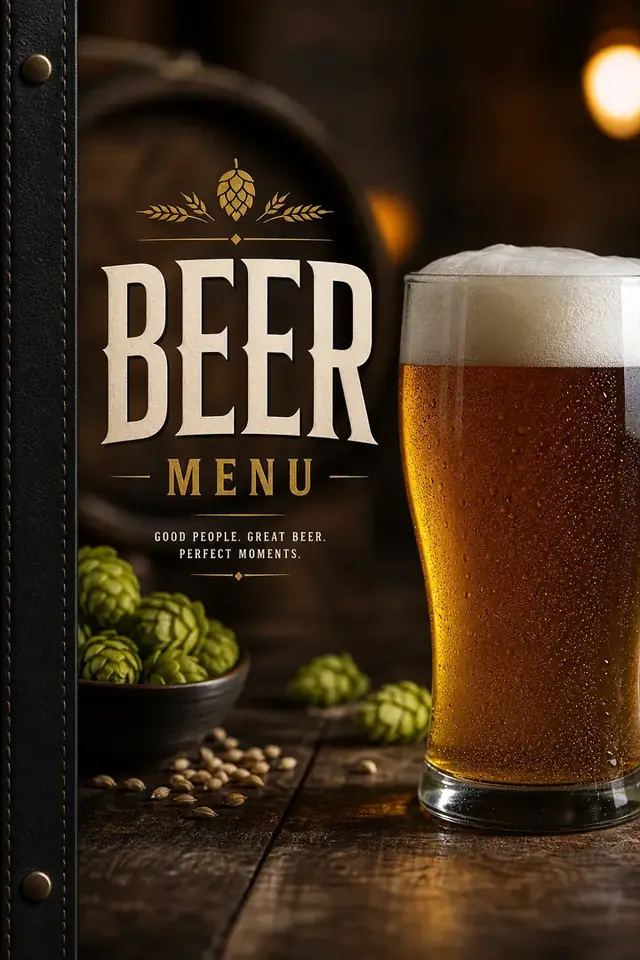
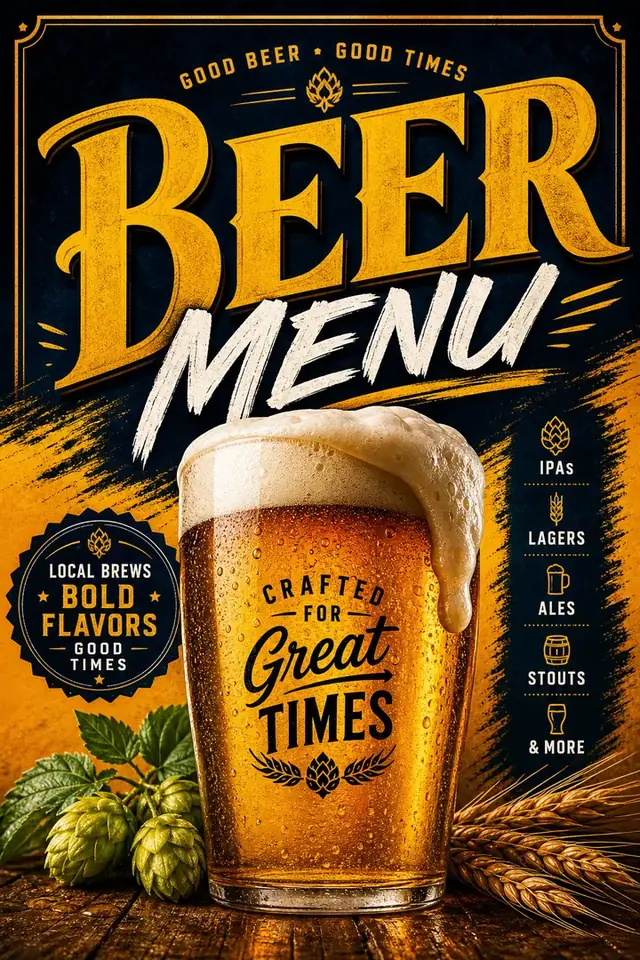
Beer menus read best with plenty of spacing, strong headings and amber or deep green accents. Avoid decorative fonts for the beer names.
- Update the draught list every time a keg changes so guests never order a beer that is not on tap.
- Keep the pour size next to every price, including pitchers and towers.
- Tag one or two easy-drinking beers as bestsellers for guests who are new to craft.
- Do not list a beer by name alone with no style or tasting note.
- Do not mix draught and bottled beers into one long list.
- Do not leave a finished seasonal brew on the menu for weeks after the last keg.
Make your beer menu on TryTheMenu
Taps change often, and a printed beer list goes out of date with every new keg. On TryTheMenu you edit the list yourself and changes show on your QR menu right away. Each beer can carry several sizes and prices, such as glass, pint and pitcher, and the out-of-stock toggle covers a keg that runs dry mid-evening.
You start with 1,000 credits on sign-up, enough for your first 100 bills. The menu and table orders use no credits; each closed bill uses 10 credits (₹2 + GST at the base rate), with no subscription.
Sign up with your mobile number
Your QR menu and table ordering are on from the start.
Add your beers
Type them in, or photograph your current beer board or card and let the AI turn it into a draft you check.
Choose a look
Pick one of 9 ready-made themes or your brewery's colours, with a live preview of fonts and corners.
Print QR cards and share
Print table cards with your logo and share your menu link on Instagram whenever a new beer goes on tap.
More on this: QR menu for your restaurant · Menu from photos · QR code menu · Pricing
Beer menu design: your questions.
What is the most important information on a beer menu?
Style, strength and pour size. With those three, most guests can pick a beer they will enjoy without asking staff.
How do I handle beers that run out during service?
On TryTheMenu, switch the beer to out of stock in the menu editor and it shows as unavailable on your QR menu right away. Switch it back when the next keg is on.
Should I include tasting notes for regular lagers?
Keep them very short. Familiar lagers need only the style and strength, while craft beers benefit from a few flavour words.
Can I show different prices for a glass, pint and pitcher?
Yes. Each item on TryTheMenu can have multiple sizes, each with its own price, shown side by side on the QR menu.
More design ideas for restaurants and cafés.
Put your menu on a QR code your guests can scan.
Sign up with your mobile number, build your menu or send us photos of your printed card, and print your table QR cards.
Or WhatsApp +91 70016 94537. We answer 24x7.