
Restaurant business card: what to print and how to lay it out
A good restaurant business card answers three questions fast: what you serve, where you are and how to reach you. This guide covers wording, layout, paper and where a menu QR code fits.
45,000+ tables served and 1.3 lakh+ dishes ordered (as of September 2026), in real restaurants since 2023. See what it costs.
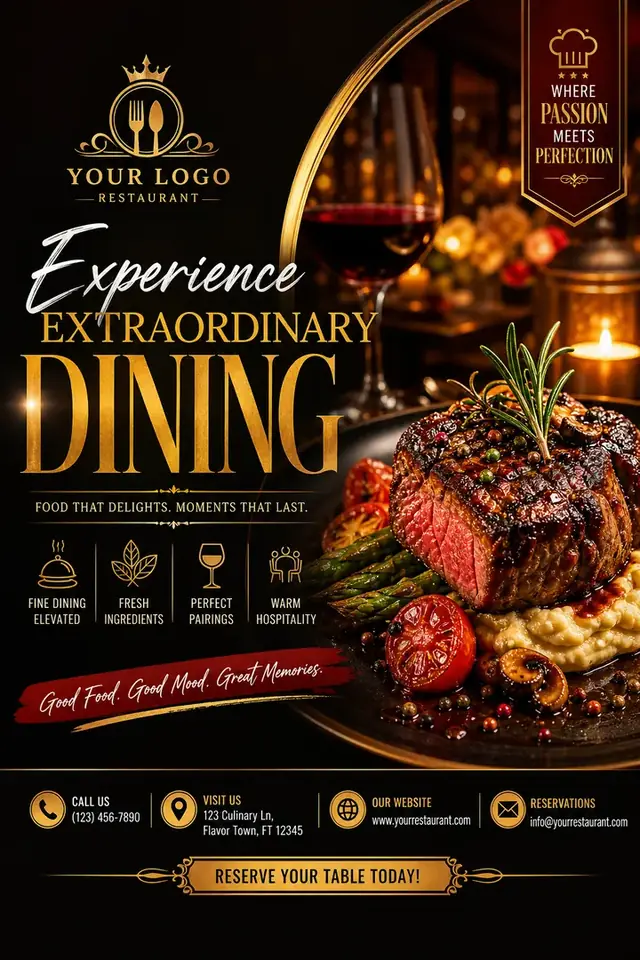
Business cards still travel further than you expect in the food trade. They sit in the bill folder, get handed to a caterer's client, get pinned on an office notice board next to the microwave. Each one is a small, lasting ad, so get the details right rather than reusing the printer's stock template.
TryTheMenu does not design or print business cards. What it gives every restaurant is a menu link and printable QR codes, and putting one of those on your card is the most useful thing you can add. The rest of this guide is plain design advice you can take to any printer.
What to put on a restaurant business card
Restaurant name and logo
Make the name the largest text on the front. If your logo is detailed, use a simplified version so it stays readable at card size.
What kind of food you serve
One short line such as 'Coastal Konkan kitchen' or 'Wood-fired pizza and pasta' tells a stranger more than a tagline about passion and taste.
Phone number for orders and tables
Give the number that actually gets answered during service. If you take reservations or bulk orders on WhatsApp, say so beside it.
Address with a landmark
Indian addresses work better with a landmark: 'Opp. Ganesh Temple, 2nd floor'. Add the area name people search for on maps.
Opening hours
Keep it to one line, for example 'Open daily 12 noon to 11 pm, Mon closed'. Leave it off if your hours change every season.
Menu QR code or link
A QR code on the back lets someone see your dishes and prices before they call. Print it black on white with a short label like 'Scan for our menu'.
Restaurant business card design ideas
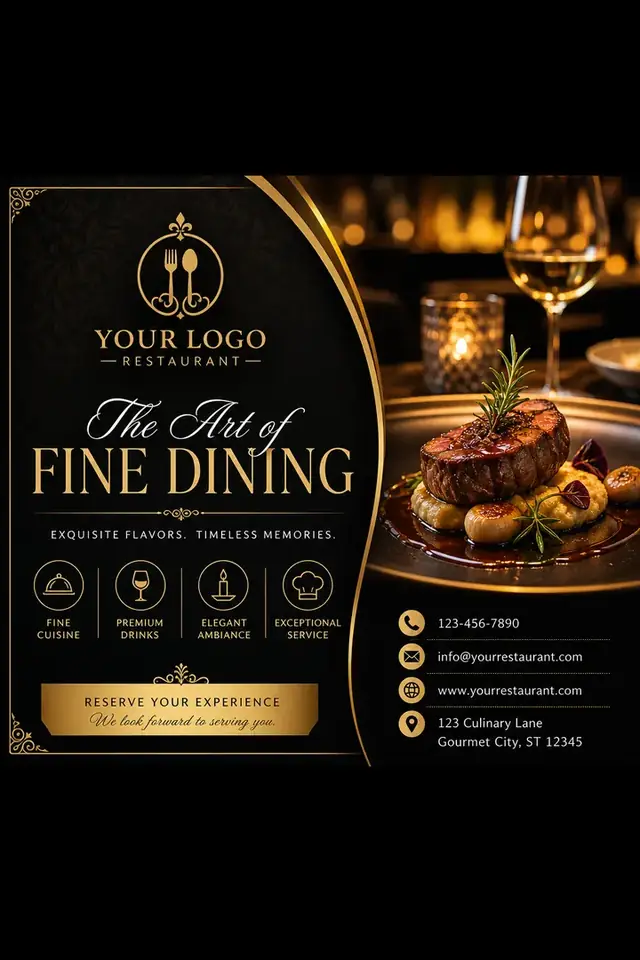
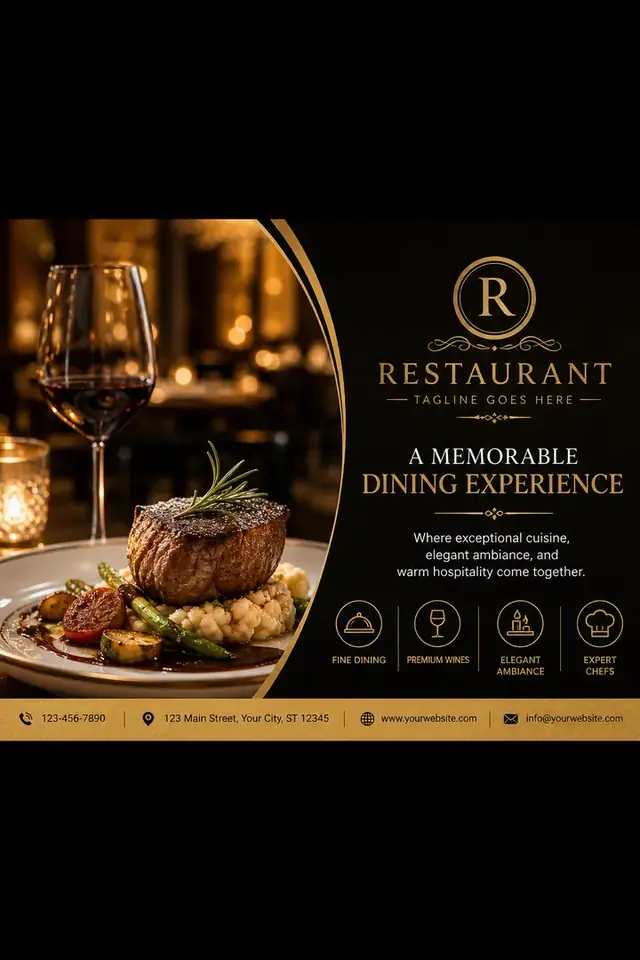
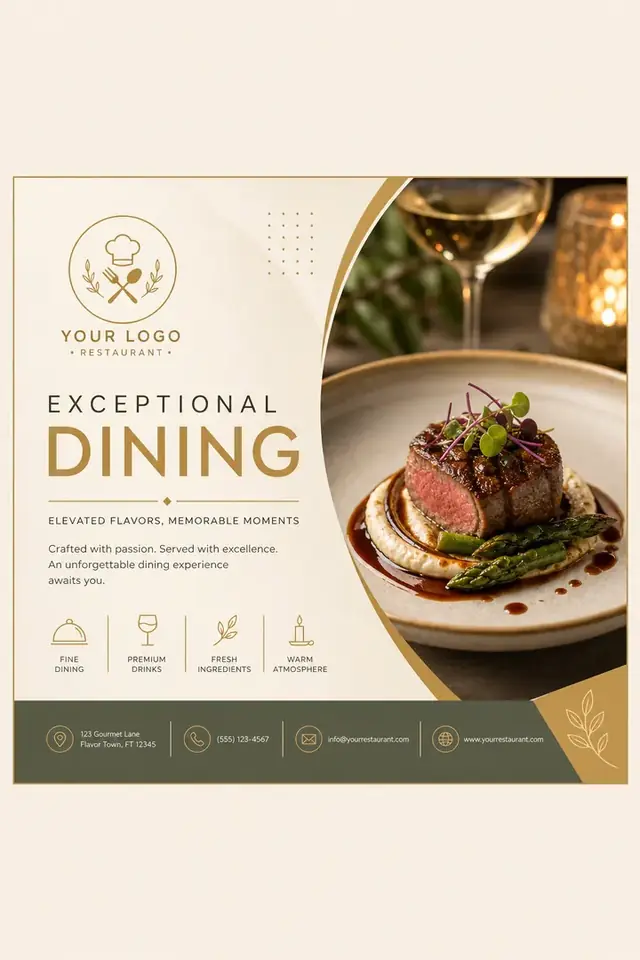
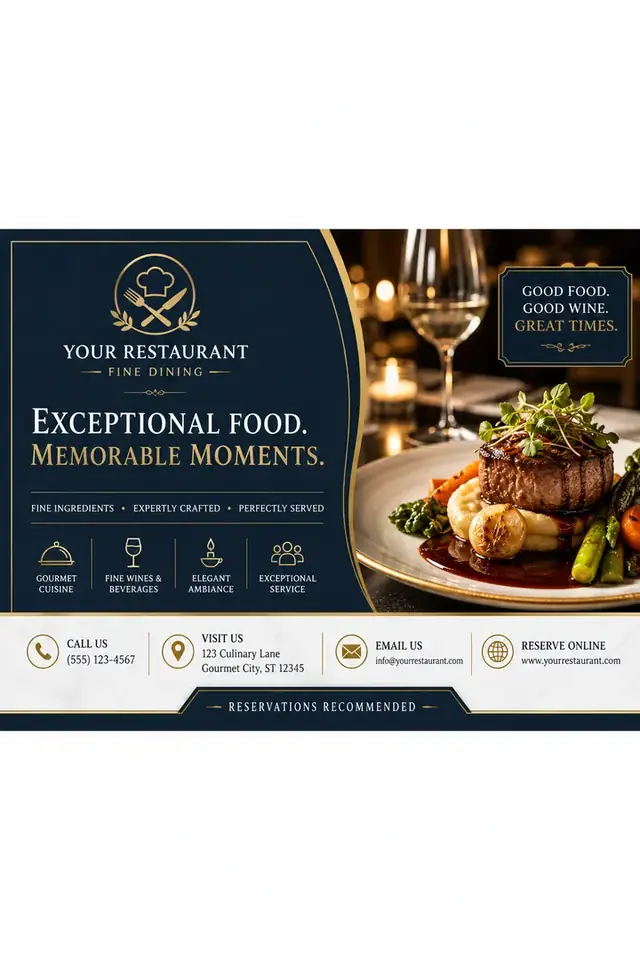
Menu on the back
Use the front for name and contact and give the whole back to a QR code with three signature dishes listed beside it. Guests remember dishes, not addresses.
Ingredient texture
A close crop of whole spices, a chalkboard or a banana leaf printed edge to edge on the back shows the cuisine without words.
Kraft card for a rustic kitchen
Brown kraft board with one-colour dark print suits bakeries, dhabas and farm-to-table places. Test that small text still reads on the darker stock.
Vertical card
Turning the card upright makes it stand out in a stack and gives a tall space for a logo above the contact block.
Loyalty stamp back
Print eight or ten circles on the back for a 'tenth meal on us' stamp card so guests keep it in their wallet. Use matte stock so a stamp or pen marks cleanly.
Owner or chef card
A separate card with the chef's name and a direct number works well for catering enquiries and event bookings.
- Keep text at 8 pt or larger and leave at least 3 mm of space inside the trim line.
- Scan the printed QR code with two or three different phones before you approve the full print run.
- Order a small batch first and check colours on paper, since screens show colours brighter than print.
- Don't print a QR code over a photo or in light brown on cream; low contrast makes it hard to scan.
- Don't list every dish or price on the card; prices change and the card goes out of date.
- Don't squeeze in five phone numbers and three emails; one of each is enough.
Put your TryTheMenu menu on your card
TryTheMenu doesn't make business cards, but it gives you the part of the card that keeps working after it is printed. Every restaurant on TryTheMenu has a menu link, and you can print or download QR codes from your panel. When a guest scans the code on your card, they see your current menu, because changes you make in the menu editor show on your QR menu right away.
That means the card never lists an old price. Update a dish, mark something out of stock, and the card still points to the right menu.
Sign up with your mobile number
Your QR menu is switched on from the start, and you get 1,000 credits when you sign up.
Build your menu
Type it in, or photograph your printed menu and check the AI draft before anything goes live.
Download a QR code
Download a print-shop-ready image from your panel. Codes are black on white, which is what scans best on a card.
Send it to your card printer
Place the code on the back of the card with a label, and test a printed proof with your phone.
More on this: QR menu for your restaurant · AI poster templates · Pricing
Restaurant business card design: your questions.
What size is a standard business card in India?
Most printers use 3.5 x 2 inches (about 89 x 51 mm). Ask your printer for their exact template and bleed before you design.
How big should the QR code be on a business card?
Aim for at least 2 cm on each side, with a clear white border around it. Smaller codes may not scan in dim restaurant light.
Should I print prices on my business card?
No. Prices change and cards last for years. Point people to your menu link or QR code instead.
Can TryTheMenu design my business card?
No, TryTheMenu does not design or print cards. It gives you a menu link and a QR code image that you or your printer can place on the card.
Matte or glossy finish for a restaurant card?
Matte is easier to write on and hides fingerprints, which suits loyalty stamps. Gloss makes food photos look richer but can glare under lights.
More design ideas for restaurants and cafés.
Put your menu on a QR code your guests can scan.
Sign up with your mobile number, build your menu or send us photos of your printed card, and print your table QR cards.
Or WhatsApp +91 70016 94537. We answer 24x7.