

Meal planner menu: plan and share a week of set meals
A meal planner menu tells regular customers what they will eat each day of the week. For tiffin services, mess kitchens and office caterers, it is the menu customers check most.
45,000+ tables served and 1.3 lakh+ dishes ordered (as of September 2026), in real restaurants since 2023. See what it costs.
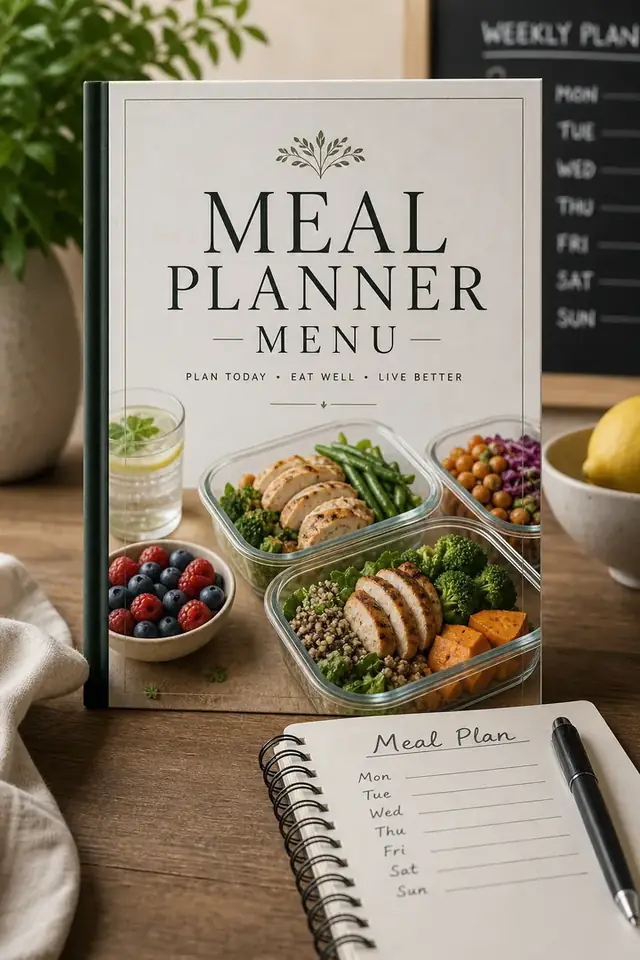
Tiffin services, PG messes and cloud kitchens that run monthly plans live on repeat customers. Those customers want to know what is coming before they commit: is it rajma on Monday again, is there a non-veg day, when is the Sunday special. A clear weekly meal plan answers that and cuts the daily 'what's today' messages on WhatsApp.
Planning the week also helps the kitchen. You buy vegetables in bulk, balance heavy and light days, and avoid serving the same dal twice. Below is what a meal planner menu should include, layouts that are easy to read on a phone, and how to share it from TryTheMenu.
What to put on a meal planner menu
Day-by-day set meals
List Monday to Saturday or Sunday with the full plate for each day, such as 'Aloo gobi, dal tadka, jeera rice, 3 rotis, salad'.
Veg and non-veg plans
Show the veg plan and the non-veg days side by side so customers on either plan can see their week.
Plan prices
Show the price per meal and the weekly or monthly plan price, with what is included and whether delivery is extra.
Portion details
State roti count, rice quantity and katori sizes. Regular customers care about portions more than names.
A rotating special
A Sunday biryani, a Wednesday paneer dish or a festival sweet gives the week something to look forward to.
How to order or change a meal
Say how customers can skip a day, switch to veg or order an extra meal, and the phone number or link to use.
Meal planner menu design ideas
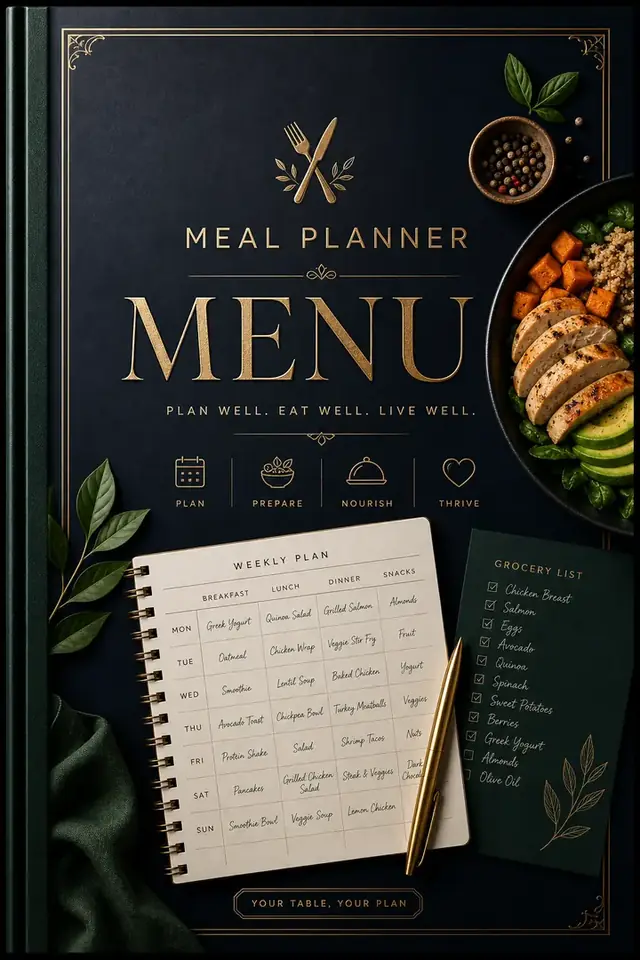
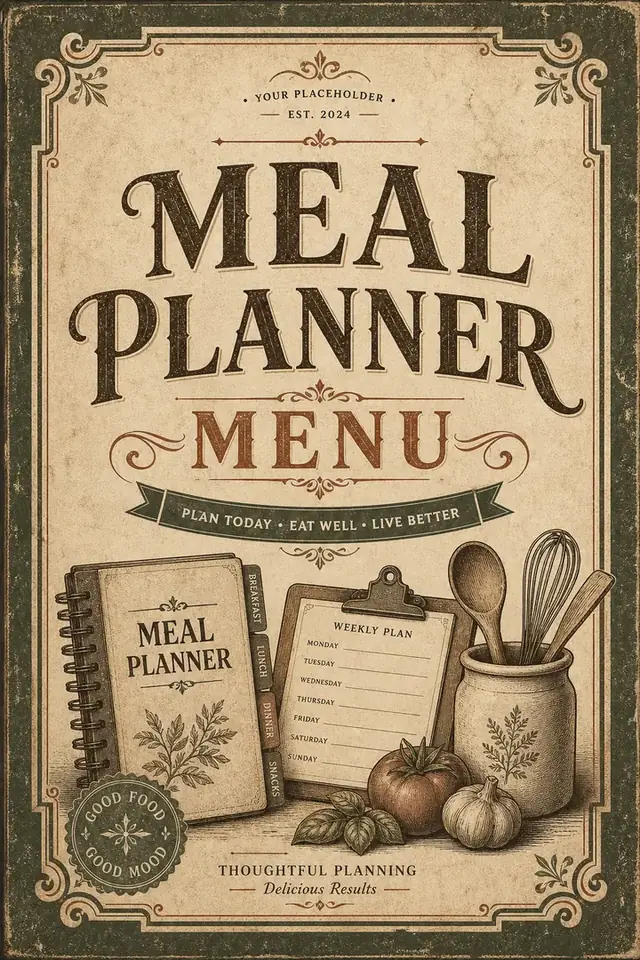
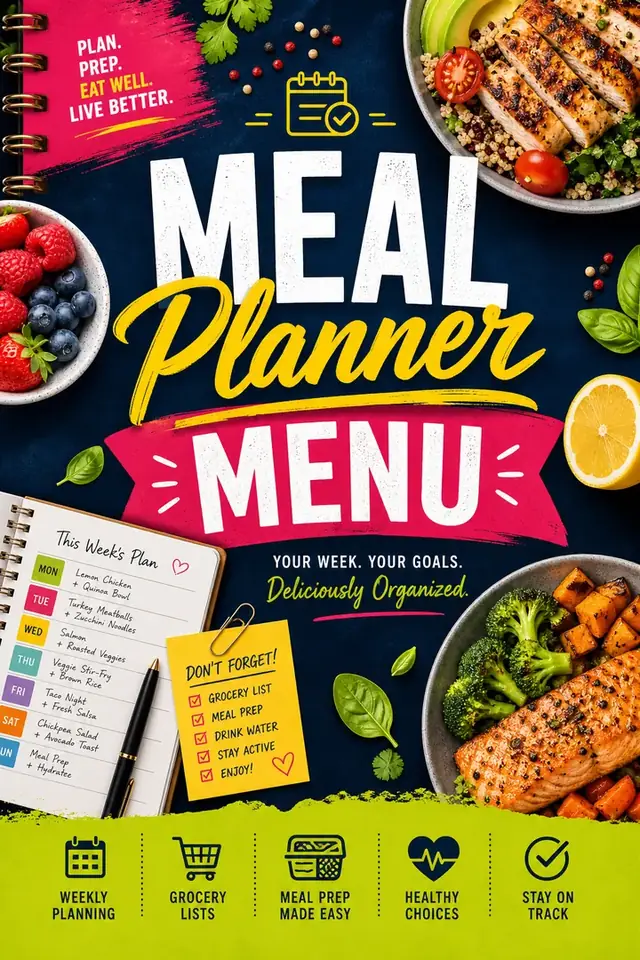
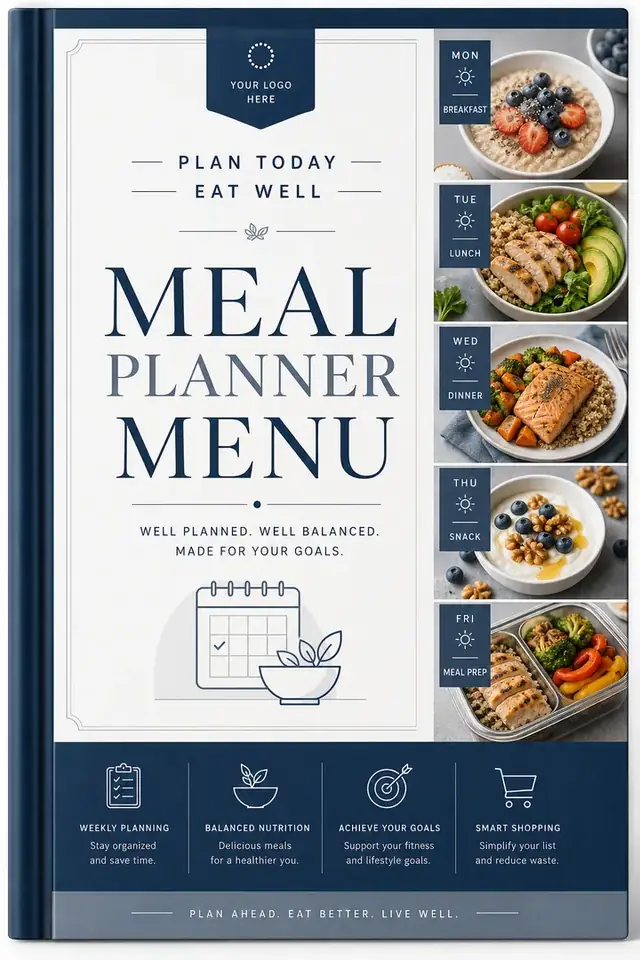
Seven-row grid
One row per day with the main dish in bold and sides in lighter type. It reads well as a phone screenshot.
Colour-coded days
Use a soft green for veg days and a warm red for non-veg days so customers spot their days at a glance.
Steel thali icons
A small steel thali or dabba icon beside each day makes the plan feel homely, which is what tiffin customers want.
Heavy and light balance
Mark lighter days, such as khichdi or curd rice, with a leaf icon. Customers appreciate a planned light day after a heavy one.
Special-day highlight
Put the Sunday special in a highlighted box with a photo. It is the meal people tell friends about.
Fridge-door print
Offer an A5 printable version of the week. Families stick it on the fridge and remember your name.
- Plan the week around seasonal vegetables so costs stay steady.
- Repeat favourites on a fixed day, such as rajma every Monday, so customers can rely on them.
- Share the new week's plan on a fixed weekday, such as every Saturday so customers know when to look.
- Don't serve the same dal or sabzi twice in one week.
- Don't change a planned dish without telling customers who chose that day for it.
- Don't hide delivery charges or plan conditions in small print.
Make your meal planner menu on TryTheMenu
TryTheMenu is a digital menu you build and edit yourself, and every restaurant gets a menu link to share on WhatsApp, Instagram, Facebook and Google. A simple way to show a weekly plan is one dish per day, such as 'Monday thali', with the full plate in the description and the per-meal price. Edit the descriptions yourself each week; changes show right away.
TryTheMenu does not switch dishes on automatically by day, so you update the plan yourself. Use a promo banner at the top of the menu for the monthly plan price or the Sunday special. If you also seat guests, they can scan a table QR and order from their own phone.
Sign up with your mobile number
You start with 1,000 credits on sign-up for your first 100 bills, with no monthly fee.
Add one dish per day
Create a 'This week' category with a dish for each day, the full plate in the description and the price.
Add a banner for your plan
Show the weekly or monthly plan price as a promo banner at the top of the menu.
Share your menu link
Send the link to your customer groups on WhatsApp each week, or pin it on your Instagram profile.
More on this: QR menu for your restaurant · Menu from photos · QR code menu · Pricing
Meal planner menu design: your questions.
What is a meal planner menu?
It is a menu that lists the set meal for each day of the week, used by tiffin services, mess kitchens and caterers so regular customers know what is coming.
How often should I change my weekly meal plan?
Most tiffin services rotate a four-week cycle with a few fixed favourites. It keeps variety without reinventing the menu every week.
How do I share the weekly plan with customers?
Share your TryTheMenu menu link on WhatsApp groups and Instagram. Update the dish descriptions each week and the same link shows the new plan.
Can TryTheMenu show Monday's meal only on Monday?
No, dishes do not switch on or off by day. List the whole week, or mark days that have passed as out of stock.
Should I show veg and non-veg plans separately?
Yes, or tag every dish clearly. Customers on a veg plan want to see their week without reading through the non-veg days.
More design ideas for restaurants and cafés.
Put your menu on a QR code your guests can scan.
Sign up with your mobile number, build your menu or send us photos of your printed card, and print your table QR cards.
Or WhatsApp +91 70016 94537. We answer 24x7.