
Restaurant menu ideas: structure, pricing and a QR menu that stays current
Your menu is the one thing every guest reads. A well-planned restaurant menu helps guests decide, steers them to your best dishes and keeps the kitchen's workload sensible.
45,000+ tables served and 1.3 lakh+ dishes ordered (as of September 2026), in real restaurants since 2023. See what it costs.
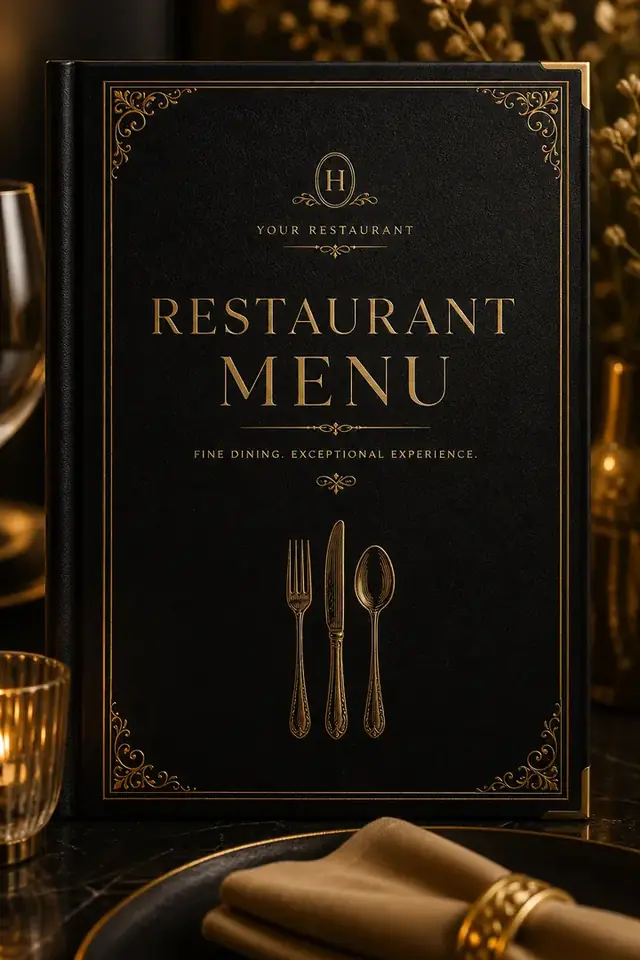
Most Indian restaurant menus grow by accident. A dish gets added for one regular, a Chinese section appears because a neighbour has one, and five years later the card runs to eight pages of North Indian, Chinese, Continental and tandoor. Guests skim, give up and order the butter chicken they already know.
A planned menu is shorter, grouped the way guests think, and priced so the bill feels fair. It is also easier to keep accurate, which matters once you put it on a QR code and guests see it on their own phones. Here is how to plan the content, lay it out and run it digitally.
What to put on a restaurant menu
Categories in eating order
Soups and starters, tandoor, mains, breads, rice and biryani, desserts, then drinks. Guests read in the order they eat.
Half and Full portions
Show Half and Full prices on one line for curries, biryani and tandoori dishes, with a note on how many each serves.
Veg and non-veg marks
Use the familiar green and red symbols beside every dish. It is the first thing many Indian guests look for.
Short descriptions for unfamiliar dishes
A line for regional or house specials, such as 'Chettinad pepper chicken, dry, coastal spices', helps guests try them.
Signature and bestseller tags
Mark four or five dishes you want guests to order. Tags guide first-timers better than a long list.
Tax and service clarity
Say whether prices include GST and whether you add a service charge, so the bill holds no surprises.
Restaurant menu design ideas
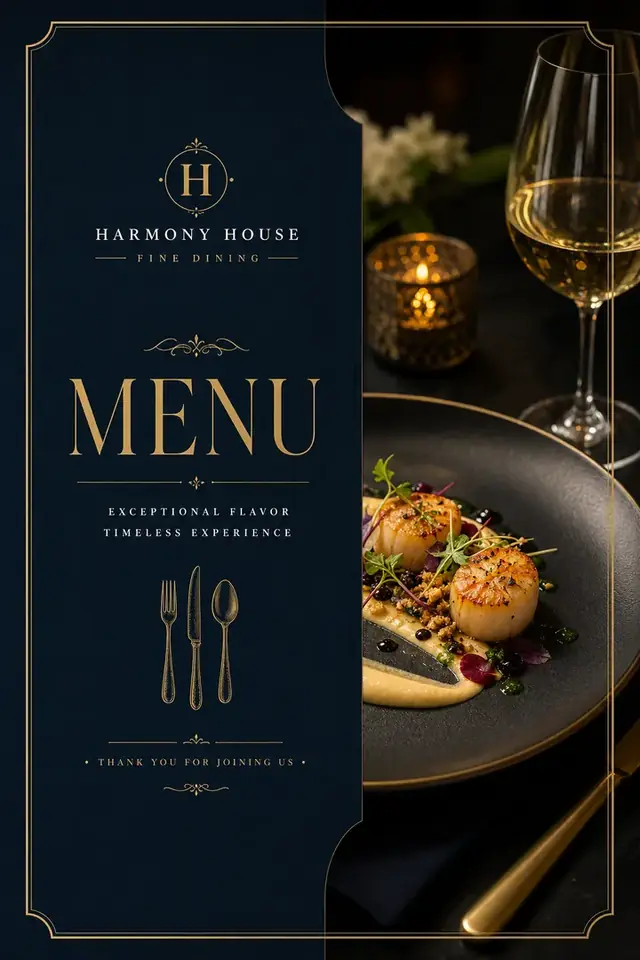
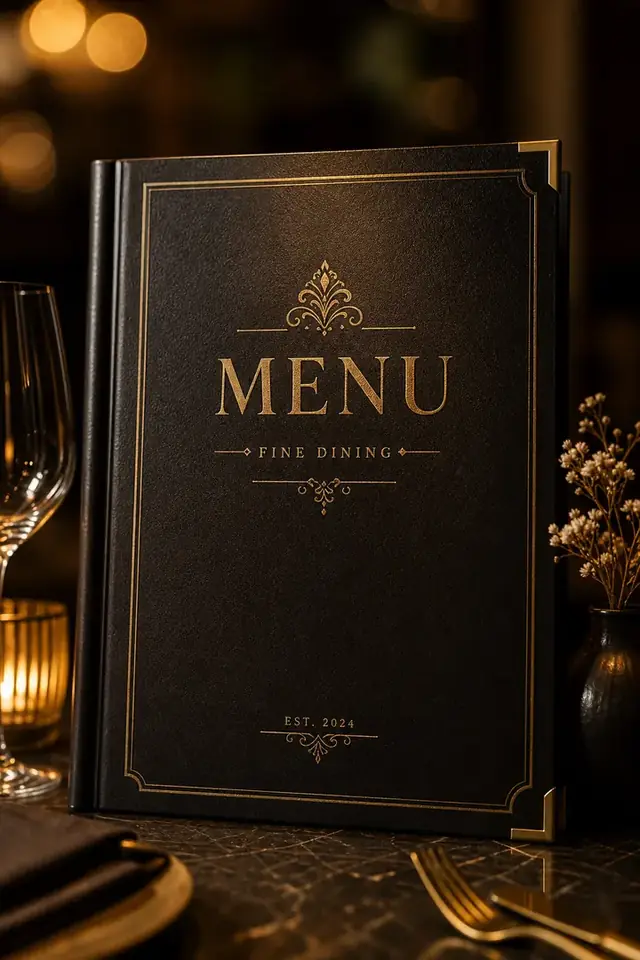
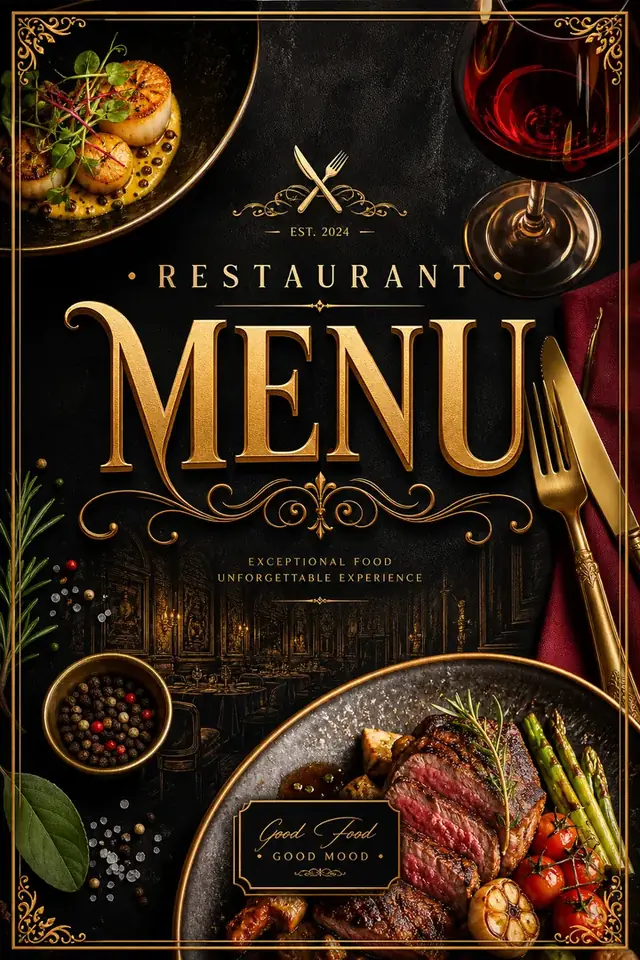
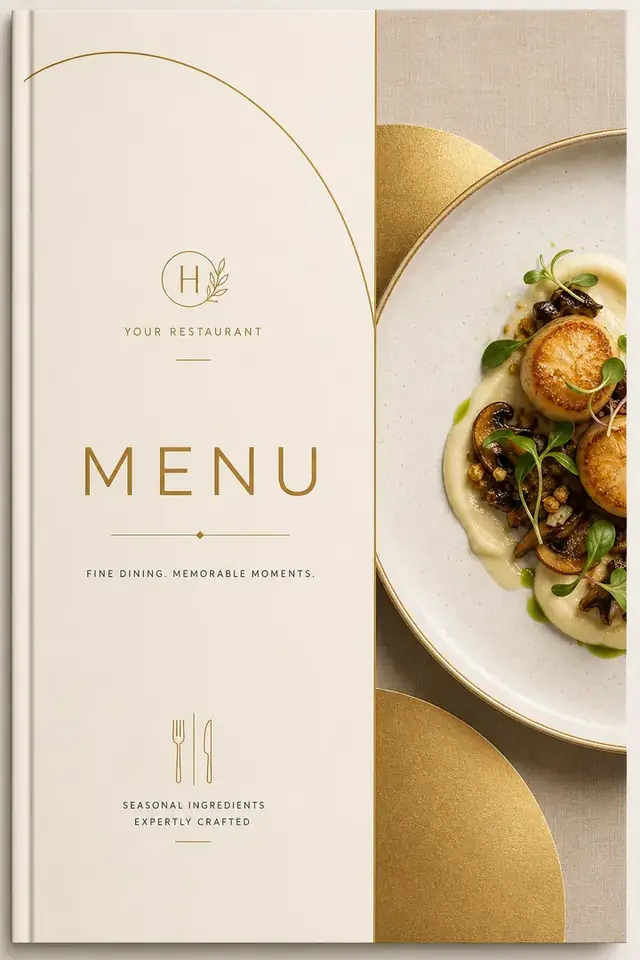
Two-column spread
Starters and mains on the left, breads, rice and desserts on the right. Guests take in a full meal on one spread.
The top-right sweet spot
Guests' eyes land first on the upper right of a two-page menu. Put a signature dish there with a photo.
Boxes for high-margin dishes
A simple border around a house special draws attention without shouting. Use it for two or three dishes at most.
No price columns
Set prices right after the description instead of in a column down the edge, so guests read dishes, not numbers.
Regional texture
A Kerala restaurant might use banana-leaf green and a Rajasthani one block-print borders. Let your cuisine set the look.
QR on every table
A table QR card lets guests browse at their own pace and order without waiting for a printed menu to come back.
- Review the menu every three months and remove dishes that rarely sell.
- Use the same dish names on the menu, the kitchen ticket and the bill.
- Photograph your top dishes in daylight and use those photos everywhere.
- Don't mix four cuisines unless your kitchen truly cooks all four well.
- Don't leave old prices crossed out with a pen on a printed card.
- Don't list dishes you only cook when a particular chef is on shift.
Make your restaurant menu on TryTheMenu
TryTheMenu is a digital QR menu that you build and run yourself. Each dish can have multiple sizes and prices, such as Half and Full, with a 'serves' note, veg or non-veg tags, bestseller and drinks tags, and GST per dish. Change a price and the QR menu shows it right away, with no reprinting.
Guests scan the table QR and order from their own phone; orders go to the kitchen as tickets and onto the table's bill. Your QR menu, table orders and kitchen tickets use no credits. Each closed bill uses 10 credits (₹2 + GST at the base rate), with no monthly fee or subscription.
Sign up with your mobile number
The QR menu and table ordering are switched on from the start, with 1,000 credits on sign-up for your first 100 bills.
Turn your printed menu into a draft
Photograph up to 10 pages; the AI reads dishes, categories, prices and Half/Full sizes. Review and edit, then confirm. Our onboarding team can also set it up from your photos.
Pick a theme
Choose one of 9 themes or your own brand colours, or let 'Match my logo' pick colours for you.
Print QR cards and share your link
Print table QR cards in four sizes with your name and logo, and share your menu link on Instagram, WhatsApp and Google.
More on this: QR menu for your restaurant · Menu from photos · QR code menu · Pricing
Restaurant menu design: your questions.
What is a sensible number of dishes for an Indian restaurant menu?
There is no fixed number, but most restaurants do better with fewer, stronger dishes. Cutting slow sellers makes the menu easier to read and the kitchen easier to run.
Should prices on a menu include GST?
Either works if you are clear. State on the menu whether prices are inclusive or exclusive of GST, and keep it consistent.
Can I turn my printed menu into a QR menu?
Yes. Photograph it (up to 10 photos per import, photos not PDFs) and the AI turns it into a draft. Nothing goes live until you confirm.
Can guests just view the menu without ordering?
Yes. Table ordering is on by default, but we can switch it off on request so the QR works as a menu only.
What does a TryTheMenu QR menu cost?
The QR menu and table orders use no credits. Each closed bill uses 10 credits, and you get 1,000 credits when you sign up, enough for their first 100 bills.
More design ideas for restaurants and cafés.
Put your menu on a QR code your guests can scan.
Sign up with your mobile number, build your menu or send us photos of your printed card, and print your table QR cards.
Or WhatsApp +91 70016 94537. We answer 24x7.