
Menu maker: how to design a restaurant menu people can actually read
A good menu helps a hungry guest decide quickly and order with confidence. Here is what to put on it, how to lay it out, and how to turn it into a QR menu you can edit yourself.
45,000+ tables served and 1.3 lakh+ dishes ordered (as of September 2026), in real restaurants since 2023. See what it costs.
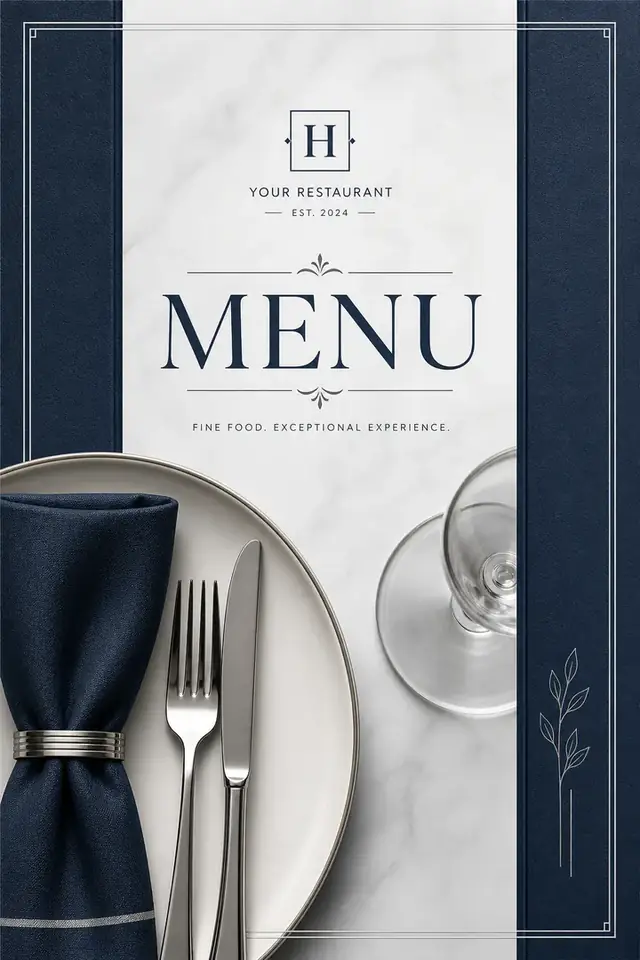
Your menu is the one document every guest reads. It sets their expectations on price, portion and style before the first plate leaves the kitchen. A crowded card with forty dishes in one long list makes people default to the dish they already know, while a clear one nudges them towards your best plates.
Most menu problems in Indian restaurants are not about looks. They are about structure: categories that overlap, prices that hide Half and Full portions, and dishes nobody has ordered in months. Fix the structure first, then choose colours and fonts. A menu maker is only useful once you know what the menu needs to say.
What to put on a restaurant menu
Restaurant name and logo
Put them at the top so the guest knows whose menu they are holding or scanning. Keep the logo small; the food is the main act.
Clear categories
Group dishes the way guests think: Starters, Mains, Breads, Rice and Biryani, Desserts, Drinks. Six to eight categories is plenty for most places.
Dish name with a one-line description
A short line on the cooking style or main ingredients helps with unfamiliar dishes. Paneer Lababdar means little to a first-time guest without it.
Prices for every size
If a dish comes as Half and Full, show both prices side by side. Add how many people each portion serves so guests do not over-order or under-order.
Veg and non-veg marks
Indian guests look for the green and red marks before anything else. Put them next to every dish, not just at the top of a section.
Tax note
State whether prices include GST. A small line at the bottom avoids an awkward conversation when the bill arrives.
Restaurant menu design ideas
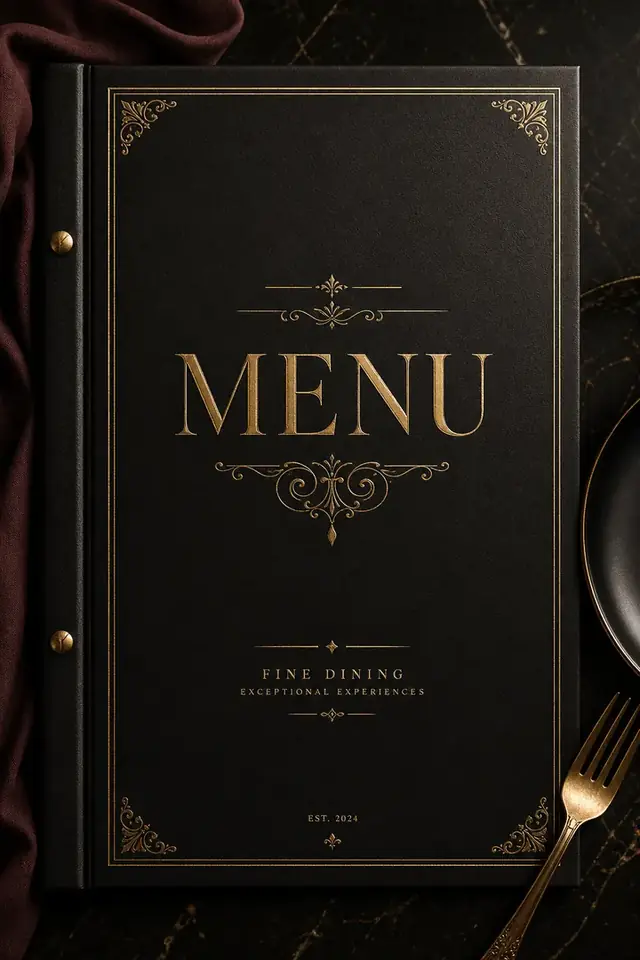
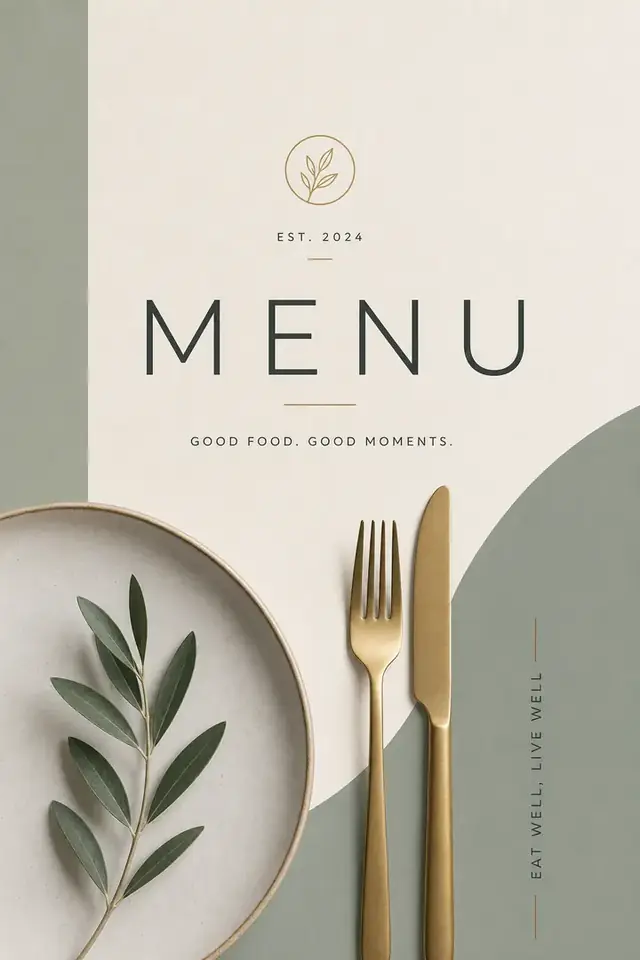
Lead each section with your strongest dish
Guests read the first two or three items in a category most carefully. Put the dish you are proud of, and that earns you a fair margin, at the top.
Mark a handful of bestsellers
A bestseller tag on three or four dishes gives undecided guests a safe choice. Tag everything and the label stops meaning anything.
Trim the long tail
Look at three months of bills and remove dishes that rarely sell. A shorter menu speeds up ordering and keeps your kitchen prep tighter.
Use photos only where they help
A picture works best for signature dishes and anything guests may not recognise. A photo next to plain dal adds clutter without helping anyone choose.
Let prices sit quietly
Align prices neatly after the description instead of in a column of dotted lines. Guests then compare dishes rather than scanning for the cheapest one.
Match the menu to the room
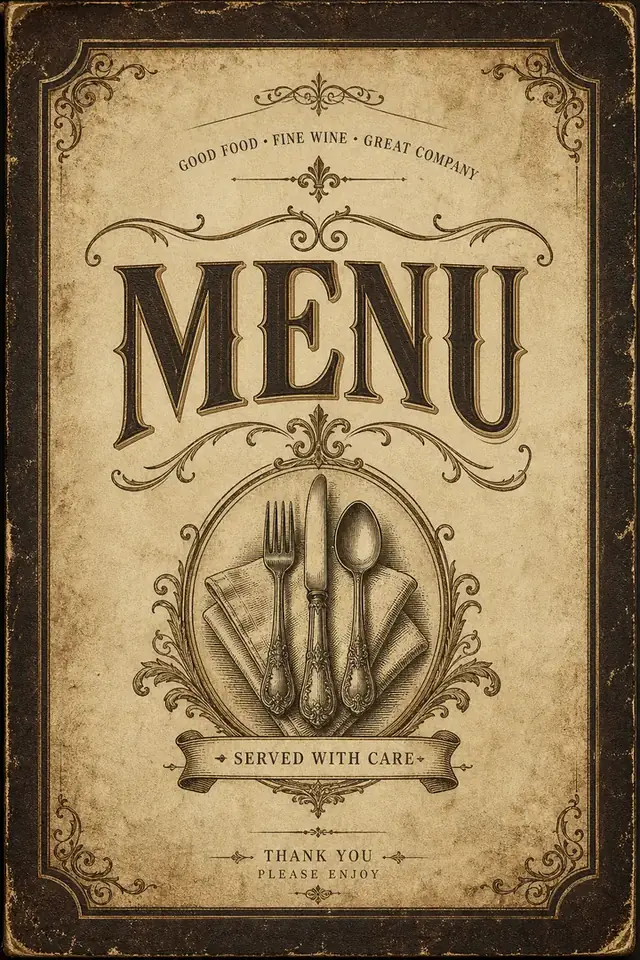
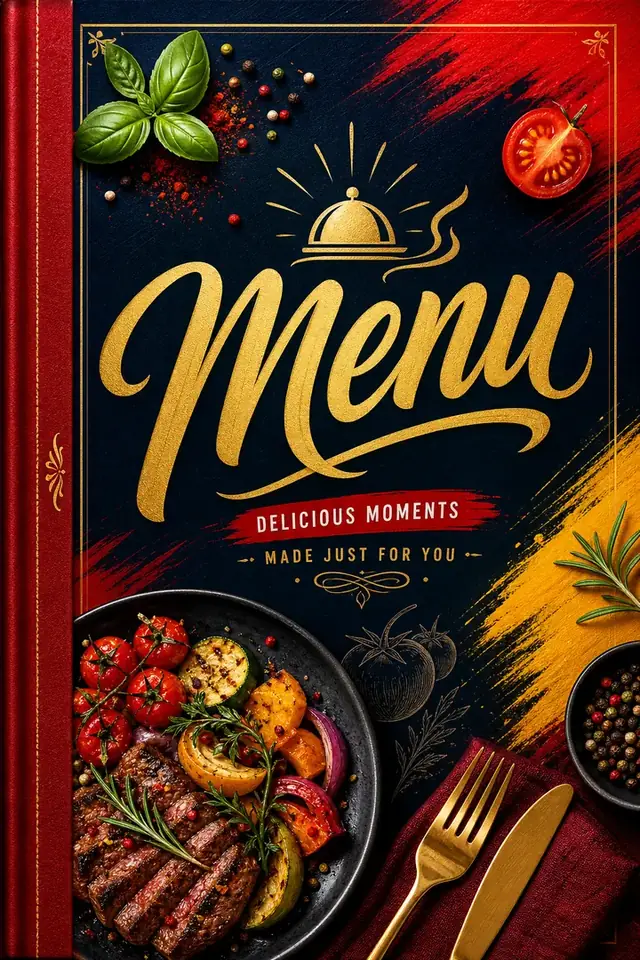
A family dhaba, a rooftop bar and a fine-dining room need different colours and type. Pick a style that looks like your restaurant feels.
- Read every dish name and price aloud once before printing anything; typos in prices cost money.
- Keep one consistent order inside each dish entry: name, description, sizes, price.
- Update the menu the same week you change a recipe or a price, so staff and guests see the same thing.
- Do not use more than two fonts; a third one makes the page look accidental.
- Do not hide portion sizes; a guest who expected a Full and got a Half will remember it.
- Do not keep a dish on the menu that the kitchen regularly runs out of; mark it out of stock or drop it.
Make your restaurant menu on TryTheMenu
TryTheMenu is a digital QR menu you build yourself. Guests scan the code on their table, browse on their own phone with no app to download, and can order straight to the table's bill. When you change a price or a dish in the editor, the change shows on your QR menu right away.
You get 1,000 credits when you sign up, which cover your first 100 bills. The QR menu, table orders and kitchen tickets use no credits; each closed bill uses 10 credits (₹2 + GST at the base rate). There is no monthly fee and no subscription.
Sign up with your mobile number
Your QR menu and table ordering are switched on from the start.
Build the menu
Type dishes in, or photograph your printed menu (up to 10 photos per import) and the AI turns it into a draft with categories, prices and Half/Full sizes. You check and edit everything before it goes live.
Pick a theme
Choose one of 9 ready-made themes or your own brand colours, set fonts and corner style with a live preview, or let Match my logo pick colours from your logo.
Print table QR cards and share the link
Print cards in four sizes from table sticker to A4 poster, and share your menu link on Instagram, WhatsApp, Facebook and Google.
More on this: QR menu for your restaurant · Menu from photos · QR code menu · Pricing
Menu design: your questions.
How many dishes should a restaurant menu have?
There is no fixed number, but most restaurants do well with six to eight categories and a handful of dishes in each. If a dish sells only a few times a month, consider dropping it.
Should I show prices with or without GST?
Either works, as long as you say which. A single line such as Prices exclude GST at the foot of the menu keeps the bill from surprising anyone.
Can I turn my existing printed menu into a QR menu?
Yes. On TryTheMenu you photograph your printed card and the AI reads dishes, categories, prices and size options into a draft. Nothing goes live until you review it and confirm. Our onboarding team can also set it up from your photos.
Do guests need an app to see my QR menu?
No. They scan the table QR with their phone camera and the menu opens in the browser. They can order from it too, unless you ask us to switch ordering off and use it as a menu only.
What if my dishes do not have photos?
TryTheMenu can make AI food pictures for dishes without one, from a daily allowance. They are illustrations, not photos of your actual food, and you can replace them with your own photos at any time.
More design ideas for restaurants and cafés.
Put your menu on a QR code your guests can scan.
Sign up with your mobile number, build your menu or send us photos of your printed card, and print your table QR cards.
Or WhatsApp +91 70016 94537. We answer 24x7.