
Wine menu ideas: a wine list guests can actually choose from
Most guests choose wine by price and by what they are eating. A good wine menu makes both easy, with clear pours, honest notes and a pairing nudge.
45,000+ tables served and 1.3 lakh+ dishes ordered (as of September 2026), in real restaurants since 2023. See what it costs.
Wine drinking in India has grown well beyond hotel bars. Restaurants in Mumbai, Bengaluru, Goa and Pune now carry Indian labels from Nashik and Nandi Hills alongside imports, and guests are curious but rarely experts. Faced with a long list of grape names and regions, most order the second-cheapest red and hope for the best.
A good wine menu does the guiding. It groups wines by style, shows glass and bottle prices side by side, describes each wine in plain words and suggests what to eat with it. Here is what to include, design ideas that suit a wine list, and how to keep it accurate on your QR menu.
What to put on a wine menu
Glass, carafe and bottle prices
Show the pour size, such as 150 ml glass, 500 ml carafe and 750 ml bottle, with a price for each on one line.
Grouping by style
Sparkling, crisp whites, fuller whites, rosé, light reds, bold reds and dessert wines. Guests know the style they like better than the grape.
Plain-word tasting notes
Write 'dry, citrusy, light' or 'soft, ripe berry, smooth' rather than technical terms. Five or six words are enough.
Producer, region and vintage
List the winery, where it is from and the year. Indian wines from Nashik or Karnataka deserve the same detail as imports.
Pairing suggestions
Suggest a wine for your signature dishes: an off-dry Chenin Blanc with spicy prawn, a Shiraz with mutton seekh.
A house wine
One red and one white by the glass at a friendly price gives hesitant guests an easy choice.
Wine menu design ideas
Light-to-bold progression
Order wines within each colour from lightest to fullest. Guests can move along the list as their taste suggests.
Price-ladder pages
Keep prices in a steady climb within each section so guests can find their budget without scanning the whole page.
Sommelier's picks
Mark three wines as staff picks with a one-line reason. It guides guests who don't want to ask.
Pairing icons
Tiny icons of fish, chicken, mutton, paneer or dessert beside each wine show what it suits at a glance.
Wine-country palette
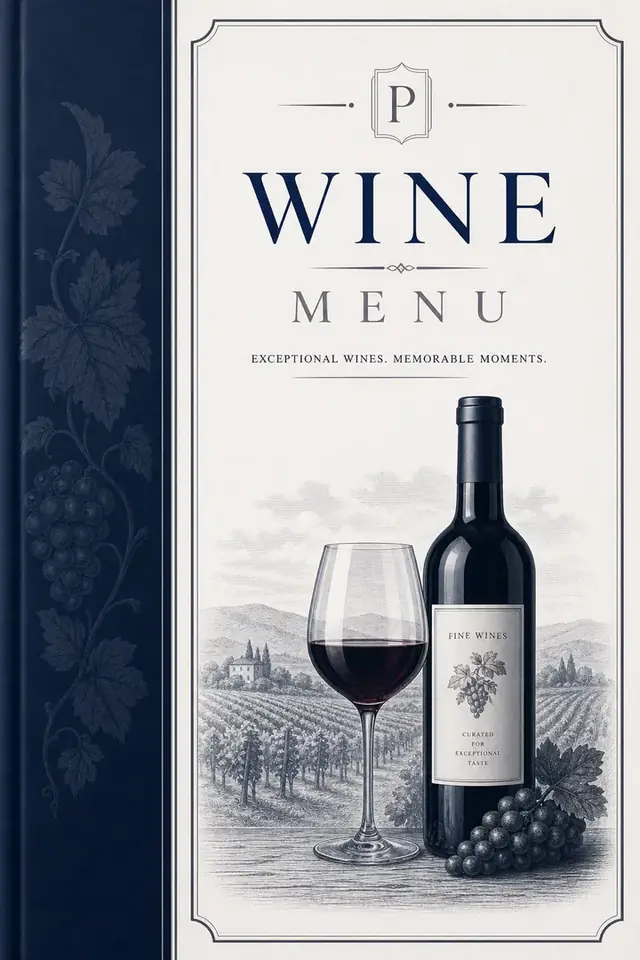
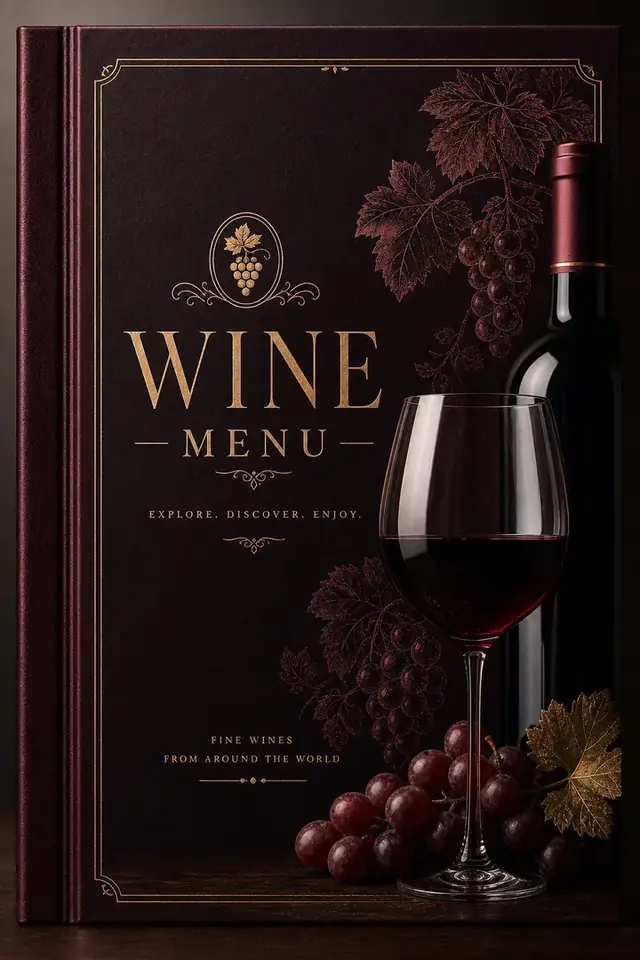
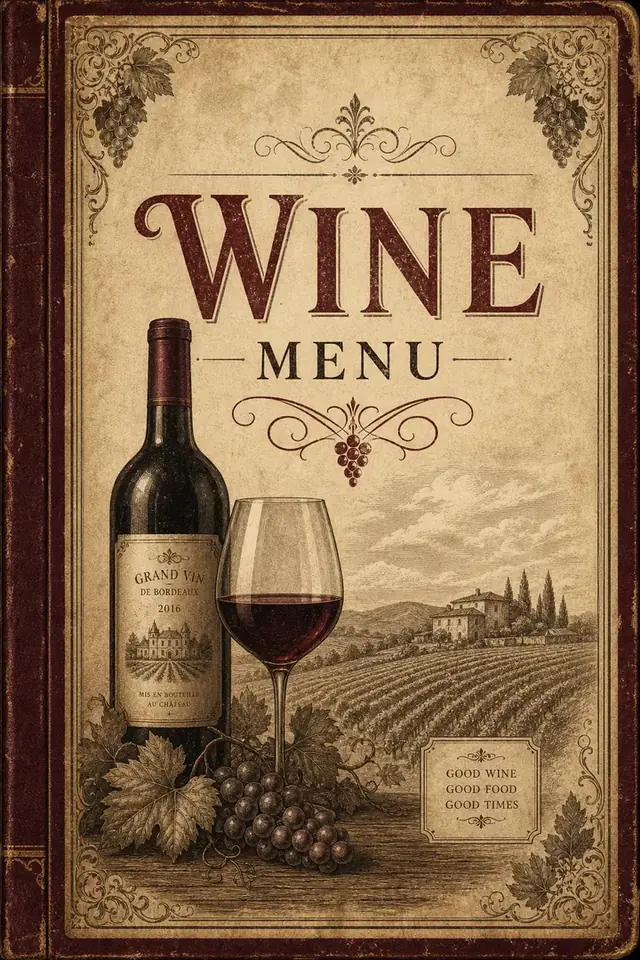
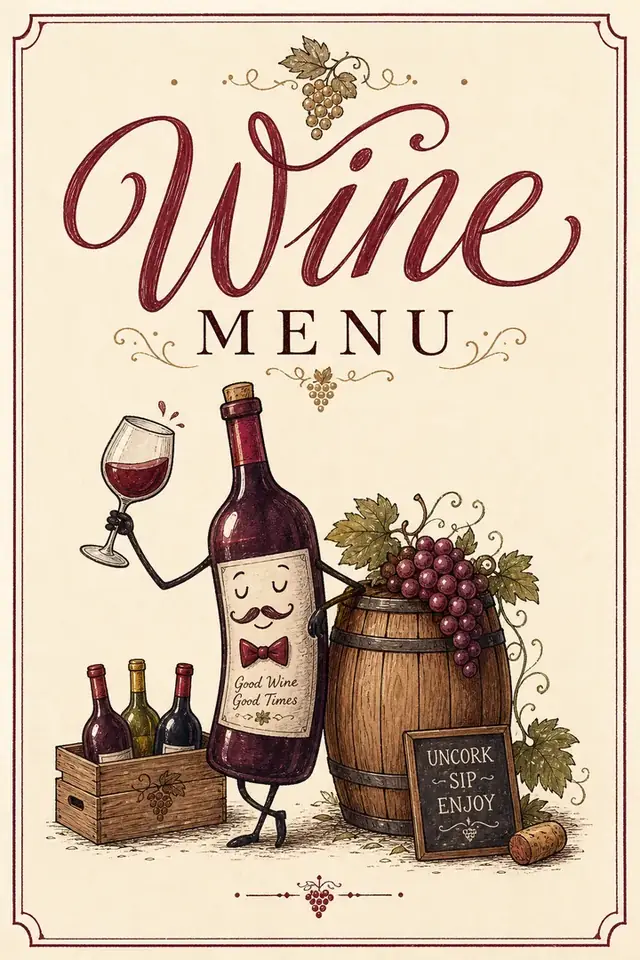
Burgundy and soft gold on cream, or deep green with white type, suit a wine list and stay easy to read.
A separate drinks book
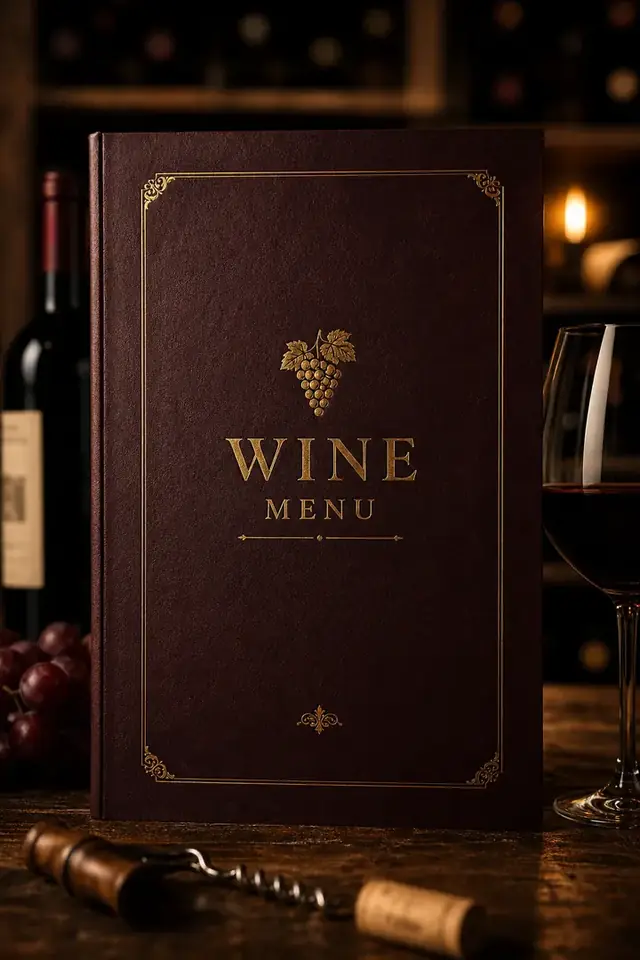
Give wine its own slim booklet or a separate section on your QR menu so it doesn't get lost among cocktails and beer.
- Train staff to describe the house wines and the top pairings in a sentence each.
- Remove a wine from the list the day the last bottle is opened.
- Store and serve each wine at the right temperature; a warm white undoes a good list.
- Don't list fifty wines if you sell only ten; a short list that turns over stays fresh.
- Don't write vague notes like 'excellent' or 'premium' that tell the guest nothing.
- Don't make the cheapest bottle hard to find; guests who feel judged order nothing.
Make your wine menu on TryTheMenu
On TryTheMenu you build and edit your own digital QR menu. Each wine can carry multiple sizes and prices, such as Glass, Carafe and Bottle, and be tagged as a drink. Put the producer, region and tasting note in the description, and mark your staff picks as bestsellers.
When a bottle runs out, flip the out-of-stock toggle and the QR menu updates right away, so guests never pick a wine you can't pour. Guests can scan the table QR and order another glass from their phone, and the order goes onto the table's bill. If you'd rather your staff take every wine order, we can switch ordering off so the QR works as a menu only.
Sign up with your mobile number
Your QR menu is on from the start, with 1,000 credits on sign-up for your first 100 bills.
Add your wines
Type in your list, or photograph your printed wine card and check the AI draft, including every pour size and price.
Choose a theme
Pick one of 9 themes or your own colours, with fonts and corners in a live preview.
Print table QR cards
Print cards from table sticker to A4 poster size with your name and logo, or download a print-shop-ready image.
More on this: QR menu for your restaurant · Menu from photos · QR code menu · Pricing
Wine menu design: your questions.
How should I price wine by the glass?
Many restaurants set the glass price so that the first glass or two covers the cost of the bottle, since opened wine must sell within a few days. Show the pour size with every price.
How many wines should a restaurant wine list have?
For most restaurants, ten to twenty labels across styles is plenty, with a red and a white available by the glass.
Should I include Indian wines?
Yes. Indian wines from Nashik and Karnataka are well liked, often better value, and give guests something local to try.
Can I show glass and bottle prices for the same wine on a QR menu?
Yes. On TryTheMenu each wine can have multiple sizes, such as Glass and Bottle, each with its own price.
Can I suggest food pairings on a digital wine menu?
Yes. Write the pairing in the wine's description, such as 'Try with our mutton seekh', and mention the wine in the dish description too.
More design ideas for restaurants and cafés.
Put your menu on a QR code your guests can scan.
Sign up with your mobile number, build your menu or send us photos of your printed card, and print your table QR cards.
Or WhatsApp +91 70016 94537. We answer 24x7.