

Weekly menu ideas: a fixed core with specials that change every week
A weekly menu gives regulars a reason to come back. Keep a steady core of favourites and rotate a short list of specials that change each week.
45,000+ tables served and 1.3 lakh+ dishes ordered (as of September 2026), in real restaurants since 2023. See what it costs.
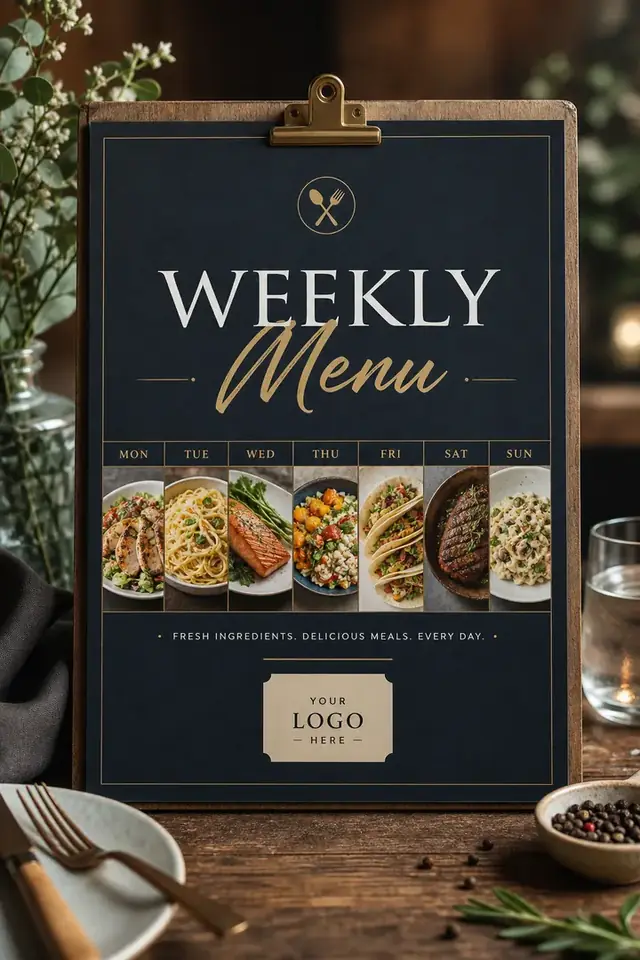
Neighbourhood cafés, bakeries and small restaurants depend on the same faces walking in several times a month. A menu that never changes gets ordered on autopilot, then forgotten. A menu that changes completely every week confuses people and wastes stock. The middle path works best: a core menu that stays put and a weekly specials list that keeps things fresh.
Weekly specials also let the kitchen use what is cheap and good at the mandi that week, test new dishes before adding them to the core menu, and give you something new to post every week. Here is what to include, how to lay it out and how to keep it current on a QR menu.
What to put on a weekly menu
A stable core menu
Twenty to thirty dishes that never change, so regulars can always get their usual.
Three to five weekly specials
A starter, a main, a dessert and a drink is enough. More than five and the kitchen loses focus.
Seasonal produce
Build specials around what is in season: sarson in winter, mango in summer, corn and bhutta in the monsoon.
The week's dates
Print 'Specials for 24–30 November' at the top so guests know the list is current.
A test dish
Use one slot to try a new recipe. If it sells well for two weeks, move it to the core menu.
A returning favourite
Bring back a popular past special every few weeks. Regulars love seeing an old favourite return.
Weekly menu design ideas
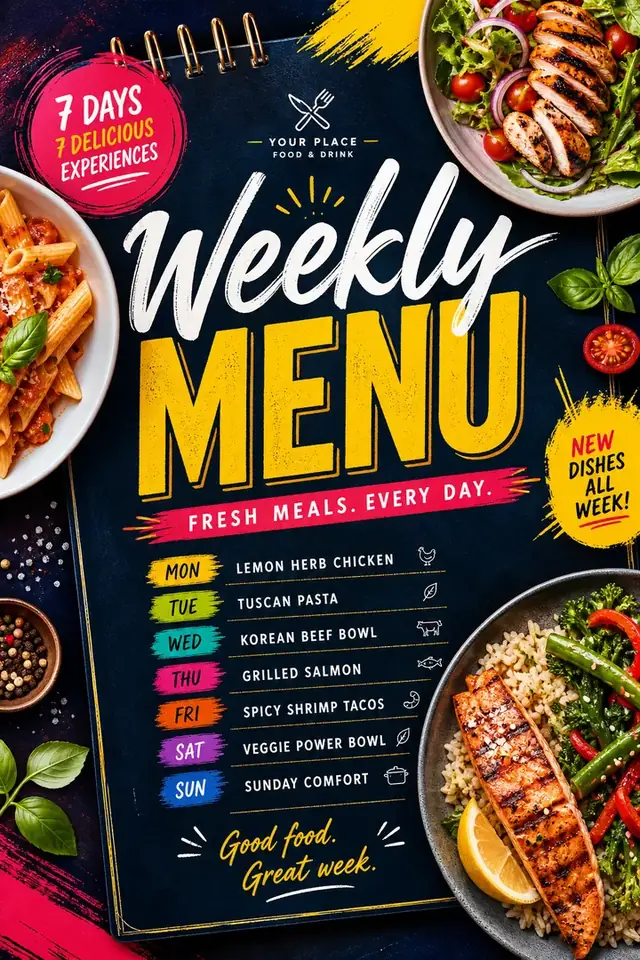
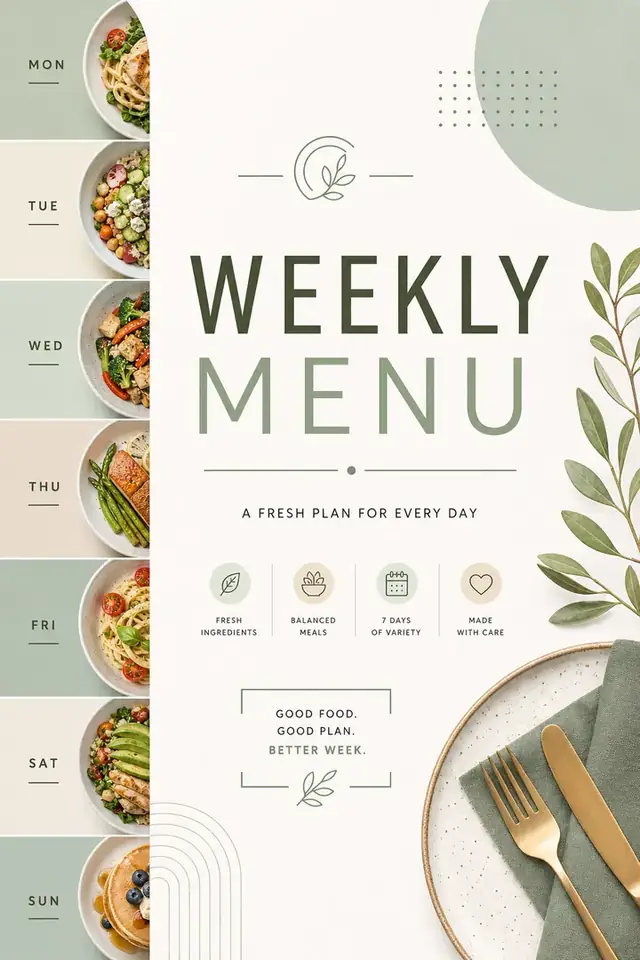
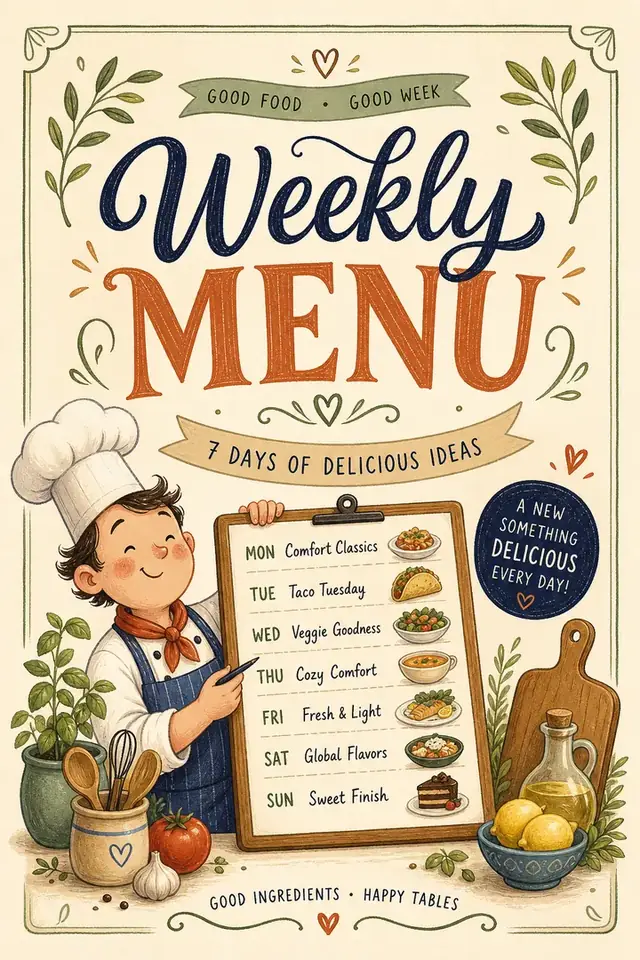
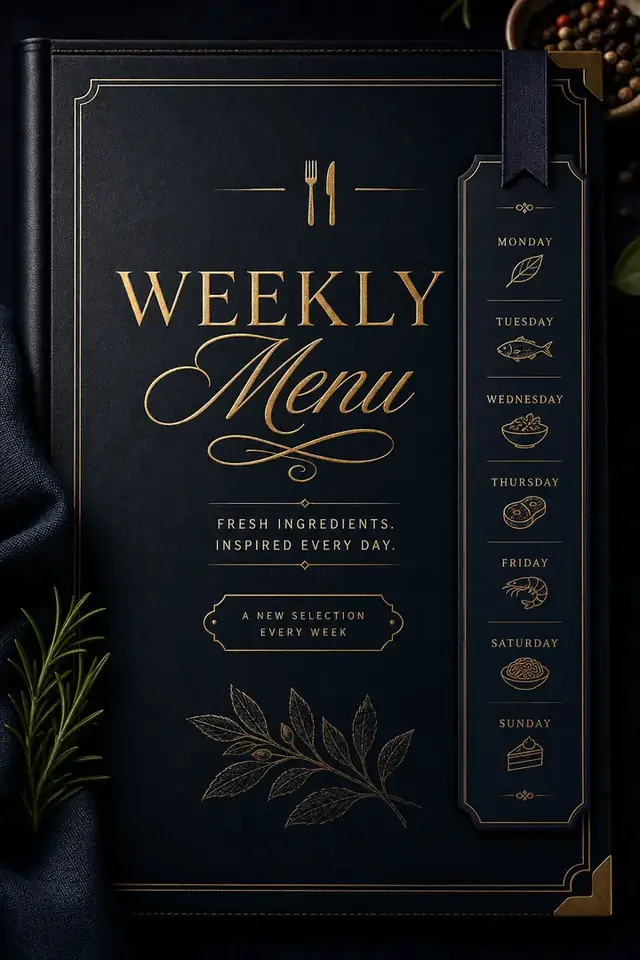
Clip-on specials card
Print the core menu on durable card and the weekly specials on a small slip clipped to the front. Only the slip changes.
Chalkboard by the door
Write the week's specials on a board outside. Passers-by stop, and regulars check it before they walk in.
Week number badge
Number your specials lists, such as 'Week 47', and keep an archive. It becomes a small ritual for regulars.
Seasonal colour
Change only the accent colour of the specials card with the season: green for monsoon, orange for winter.
Kitchen note
Two lines from the chef on why these dishes this week, like a good batch of jackfruit from the market.
Specials at the top of the QR menu
Put the weekly specials as the first category on your digital menu so they are the first thing guests see when they scan.
- Plan specials around ingredients you already stock to keep waste low.
- Change the specials on a fixed weekday so regulars know when to look.
- Brief staff on each new special before the first service of the week.
- Don't change the core menu every week; regulars need their usual.
- Don't keep last week's specials on the menu after you have stopped making them.
- Don't reprint the whole menu just to change the specials.
Make your weekly menu on TryTheMenu
TryTheMenu is a digital QR menu you edit yourself, which suits a weekly menu: keep your core categories as they are and add a 'This week' category at the top. Swap the dishes each week and the QR menu shows the change right away, with no reprinting. TryTheMenu does not rotate specials on a timer, so you make the change yourself.
Mark a special out of stock when it runs out, tag the week's highlight as a bestseller and show it in a promo banner at the top of the menu. Guests scan the table QR and order from their own phone, and orders go onto the table's bill.
Sign up with your mobile number
Your QR menu and table ordering are on from the start, with 1,000 credits on sign-up for your first 100 bills.
Build your core menu
Type it in, or photograph your printed menu and review the AI draft before confirming.
Add a 'This week' category
Add the week's specials with prices and descriptions, and update them yourself each week.
Share the link every week
Post your menu link on Instagram and WhatsApp when the specials change; the same link always shows the current list.
More on this: QR menu for your restaurant · Menu from photos · QR code menu · Pricing
Weekly menu design: your questions.
How many weekly specials should I run?
Three to five is a good range: enough to feel new, few enough for the kitchen to prepare well alongside the core menu.
Do I need to reprint my menu every week?
No. Print the core menu once and use a small insert or a board for specials. On a QR menu you just edit the specials category.
Can TryTheMenu change my specials automatically each week?
No, specials do not rotate on their own. You update the specials yourself, and the change shows on your QR menu right away.
How do I tell regulars about the new weekly menu?
Share your menu link on WhatsApp and Instagram each week. The link stays the same, so customers always see the latest list.
More design ideas for restaurants and cafés.
Put your menu on a QR code your guests can scan.
Sign up with your mobile number, build your menu or send us photos of your printed card, and print your table QR cards.
Or WhatsApp +91 70016 94537. We answer 24x7.