
Coffee bag mockup: test your bean bag design before you print
A coffee bag mockup shows your label on a realistic bag so you can judge it before ordering hundreds of printed pouches. This guide covers bag types, label layout and what to check.
45,000+ tables served and 1.3 lakh+ dishes ordered (as of September 2026), in real restaurants since 2023. See what it costs.
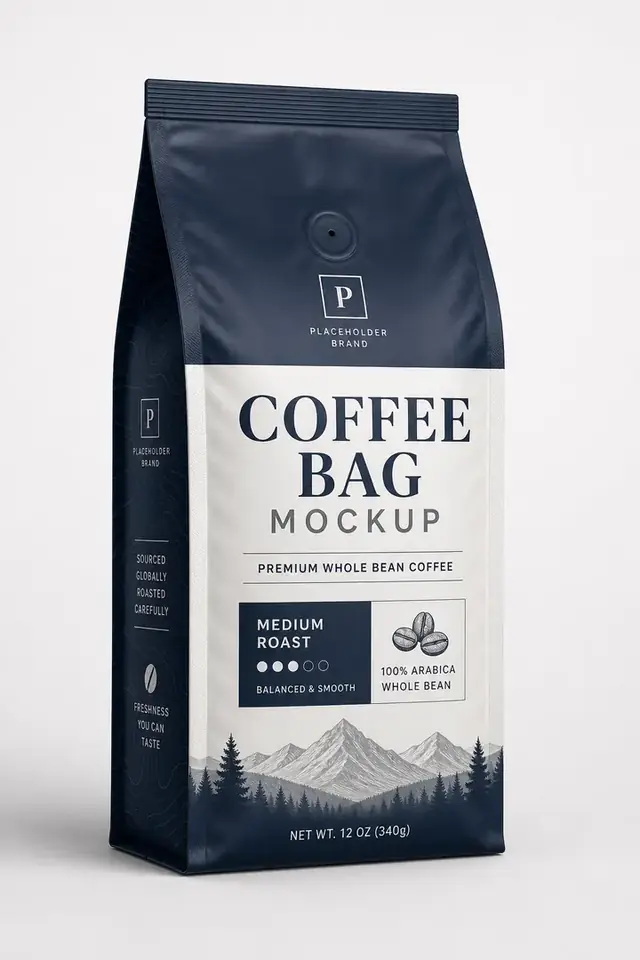
Many cafés start selling their own beans or ground coffee to take home: a house blend, a single-estate from Coorg, a filter kaapi powder with chicory. Printed pouches usually have a minimum order, and fixing a mistake after printing is expensive. A mockup, either a digital render or a hand-made sample, catches problems while they are still cheap.
TryTheMenu does not make mockups or packaging. This page is a practical guide for café owners and small roasters working on a coffee bag design.
What to show on a coffee bag mockup
The right bag shape
Stand-up pouches, flat-bottom bags and side-gusset bags all fold differently. Mock up the exact shape your supplier makes, at the real size.
Valve position
Fresh-roasted beans need a one-way valve. Mark where it sits so it doesn't cut through your logo or text.
Roast and origin
Show the roast level, origin, process and tasting notes, such as 'Medium roast, washed, Chikmagalur, notes of jaggery and orange'.
Grind and weight
Whole bean or ground, and for which brew method. Put the net weight clearly, for example 250 g.
Roast date space
Leave a blank box or sticker area for the roast date and batch, which change with each roast.
Legal details
Leave room for the label details Indian food packaging rules require, such as your food licence number, MRP and best-before date. Check the current rules with your printer or FSSAI.
Coffee bag design ideas
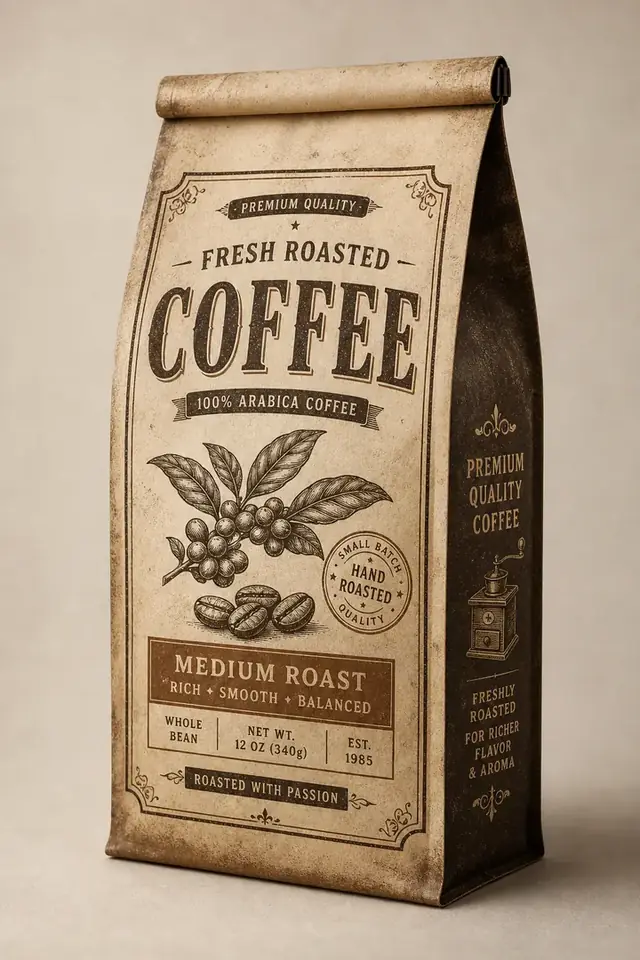
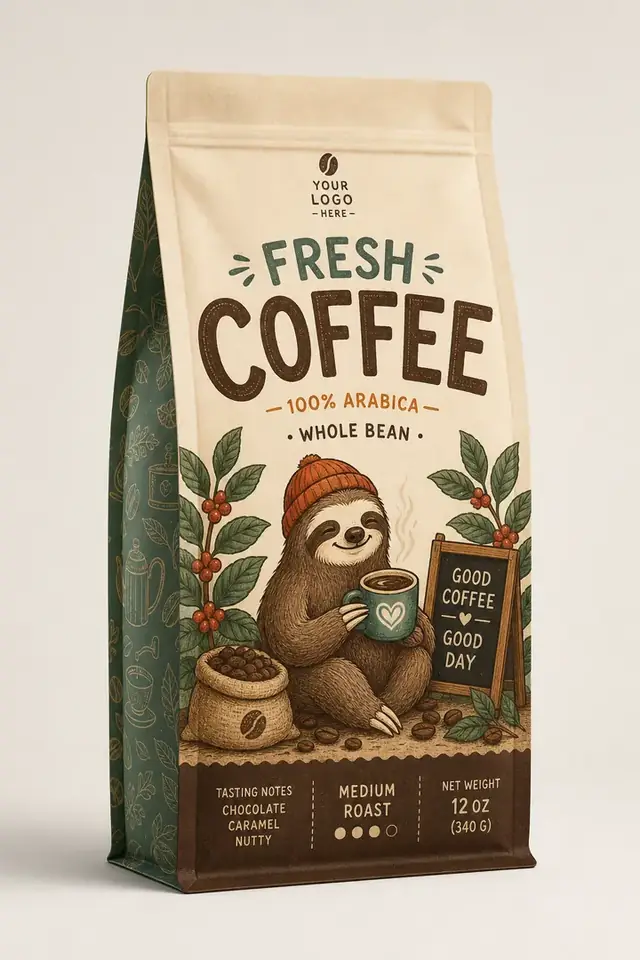
Kraft bag with one label
A plain brown kraft pouch with a single printed sticker is affordable for small runs and lets you change labels per roast.
Colour per roast
Give light, medium and dark roasts a different label colour so customers can pick from a shelf quickly.
Estate map
A simple line map of where the coffee is grown, with the estate marked, tells the origin story without a paragraph.
Café shopfront illustration
Draw your café's front on the bag so regulars connect the beans to the place they drink them.
Filter kaapi heritage
Brass tumbler and dabarah artwork with traditional lettering suits South Indian filter coffee blends.
Minimal black bag
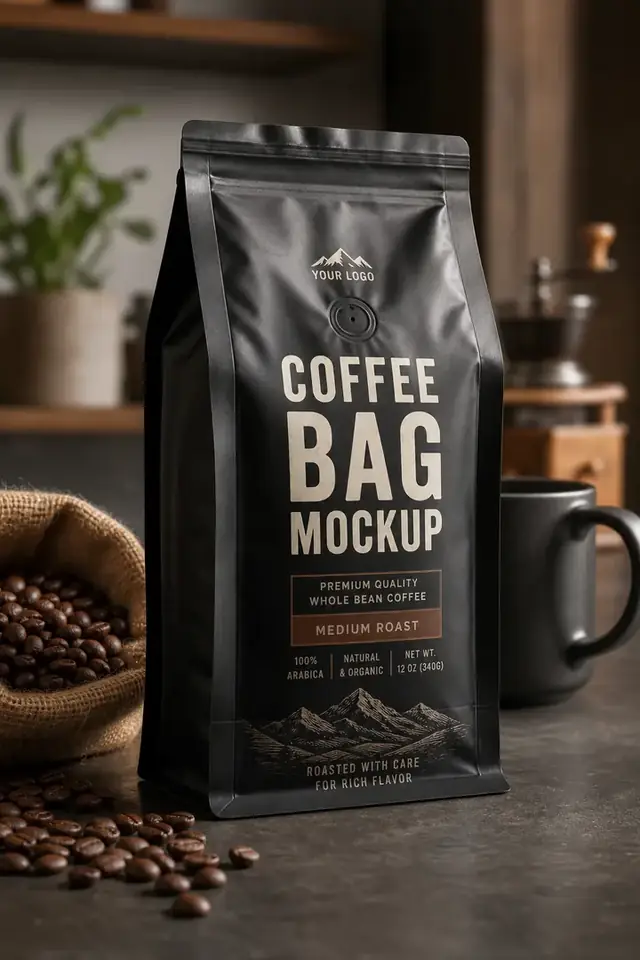
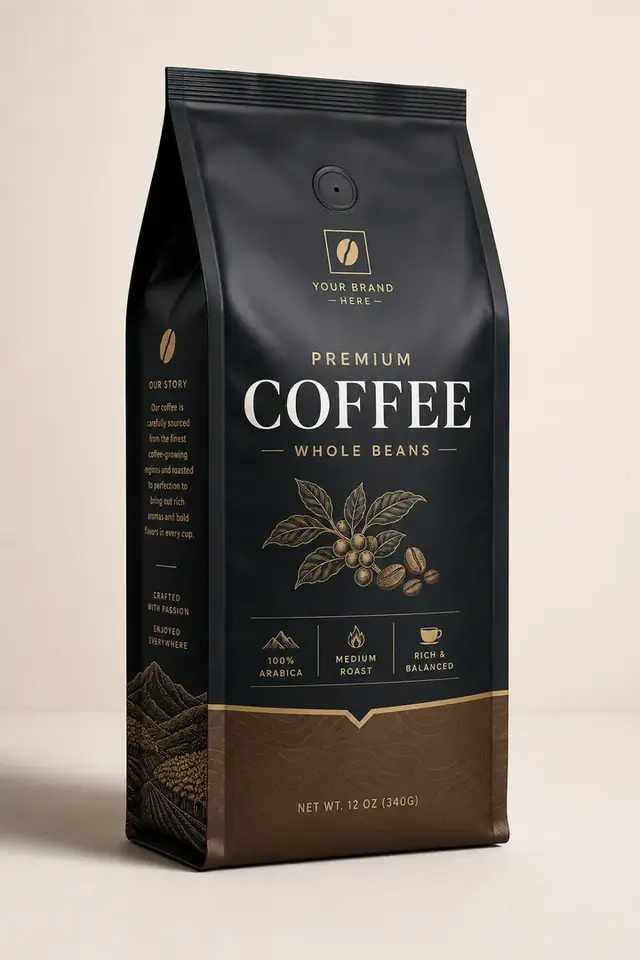
Matte black with one line of white text and a coloured roast sticker looks premium, but test that the small print is readable.
- Order one blank bag from your supplier and stick a printed label on it to see the real size.
- Photograph the mockup on a shelf next to other bags to judge how it stands out.
- Keep a template with fixed areas for roast date, weight and price.
- Don't approve the design from a flat digital mockup alone; fold lines and gussets hide text.
- Don't print the roast date into the bag design; it changes every batch.
- Don't put light text on kraft paper; the contrast is too low.
Where TryTheMenu fits
TryTheMenu doesn't make mockups or packaging. If you sell your beans at your café counter, you can add them to your QR menu as items with sizes like 250 g and 500 g and mark them out of stock when a roast runs out.
Add beans to your menu
List each blend in the menu editor with its sizes and prices.
Use the out-of-stock toggle
Switch a blend off when it sells out so guests don't order it.
Share your menu link
Post your menu link on Instagram when a new roast arrives.
More on this: QR menu for your restaurant · AI poster templates · Pricing
Coffee bag mockup design: your questions.
What is a coffee bag mockup?
A realistic preview of your label or print on a coffee bag, made digitally or as a physical sample. It lets you check size, placement and readability before printing.
Which bag size should I mock up first?
Start with 250 g, the most common retail size for specialty coffee in India, then scale the design to 500 g or 1 kg.
Do I need a valve on my coffee bag?
For freshly roasted whole beans, a one-way valve is common because beans release gas after roasting. Ask your roaster or bag supplier.
Can TryTheMenu make a coffee bag mockup?
No. TryTheMenu does not make mockups or packaging. It can list your beans on your café's QR menu.
More design ideas for restaurants and cafés.
Put your menu on a QR code your guests can scan.
Sign up with your mobile number, build your menu or send us photos of your printed card, and print your table QR cards.
Or WhatsApp +91 70016 94537. We answer 24x7.