
Lunch menu ideas for a fast, busy afternoon service
Lunch guests have a short break and a fixed budget. A lunch menu built around quick, filling plates at clear prices turns tables faster and brings them back next week.
45,000+ tables served and 1.3 lakh+ dishes ordered (as of September 2026), in real restaurants since 2023. See what it costs.
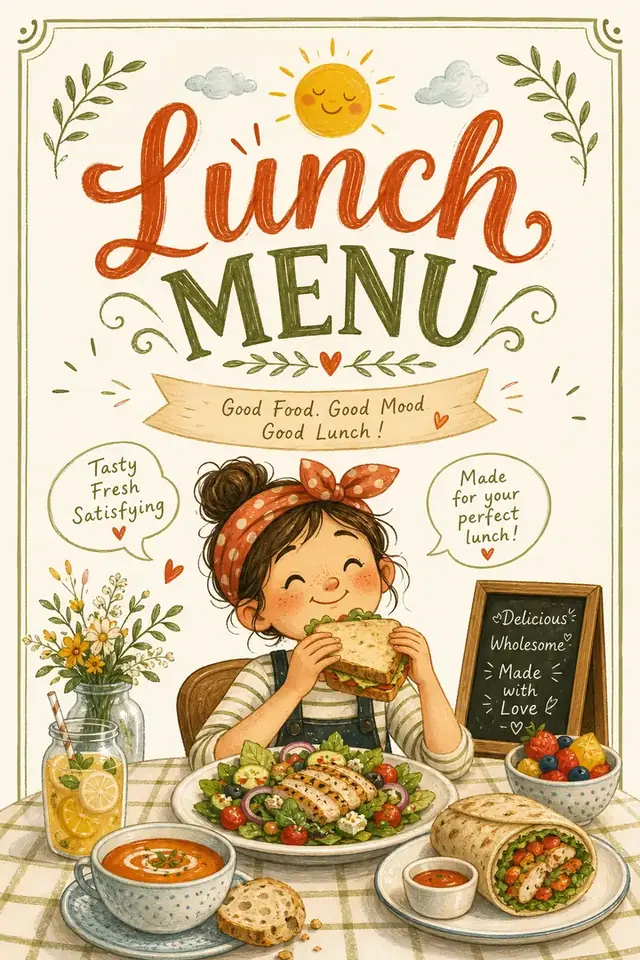
In office districts like Hitec City, Andheri East or Cyber City, the lunch rush is the busiest hour of the day. Guests arrive in groups, look at the menu for less than a minute and want food within fifteen. A forty-dish evening card slows everything down: guests hesitate, the kitchen juggles too many orders and tables sit longer than they should.
A focused lunch menu is short, priced for a weekday budget and built on dishes the kitchen can send out fast. Thalis, rice bowls, wraps and a couple of light options cover most needs. Here is what to include, how to lay it out and how to keep it accurate on your QR menu.
What to put on a lunch menu
Thalis in two sizes
A regular and a full thali, veg and non-veg, cover most guests. List what comes in each, such as two sabzis, dal, rice, roti, salad and a sweet.
One-bowl meals
Rajma-chawal, curd rice, biryani bowls and chole-rice are quick to serve and easy to eat at a desk if packed.
Light options
A salad bowl, grilled sandwich or millet khichdi suits guests who want to stay alert through the afternoon.
Clear price points
Keep most lunch plates within a narrow band so a group can order without doing sums. Show GST-inclusive or exclusive pricing consistently.
Quick drinks
Buttermilk, lime soda, filter coffee and chai sell well at lunch and come out in a minute.
Takeaway-friendly dishes
Mark which plates pack well. Many lunch guests eat half and take the rest back to the office.
Lunch menu design ideas
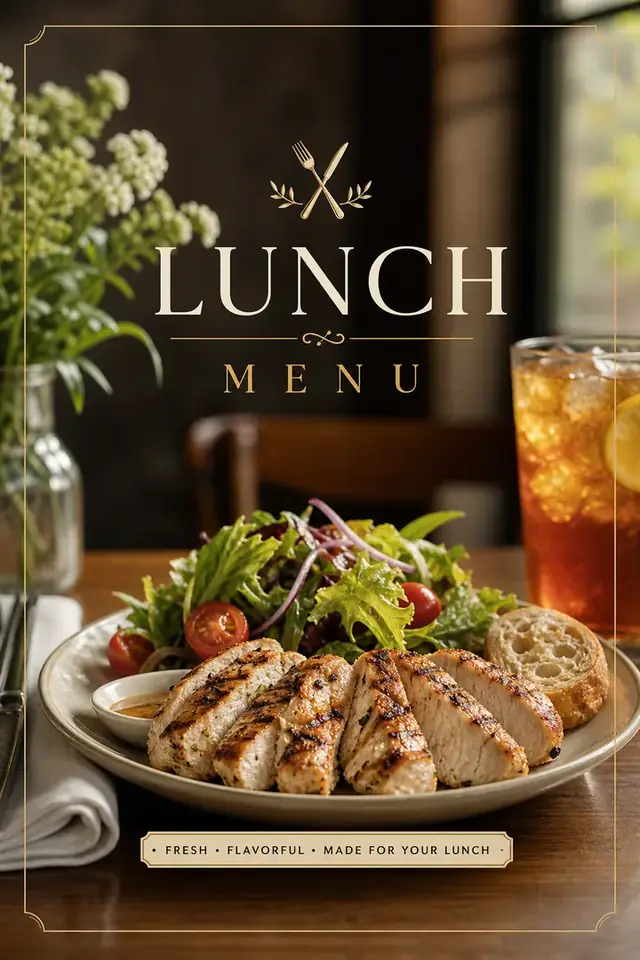
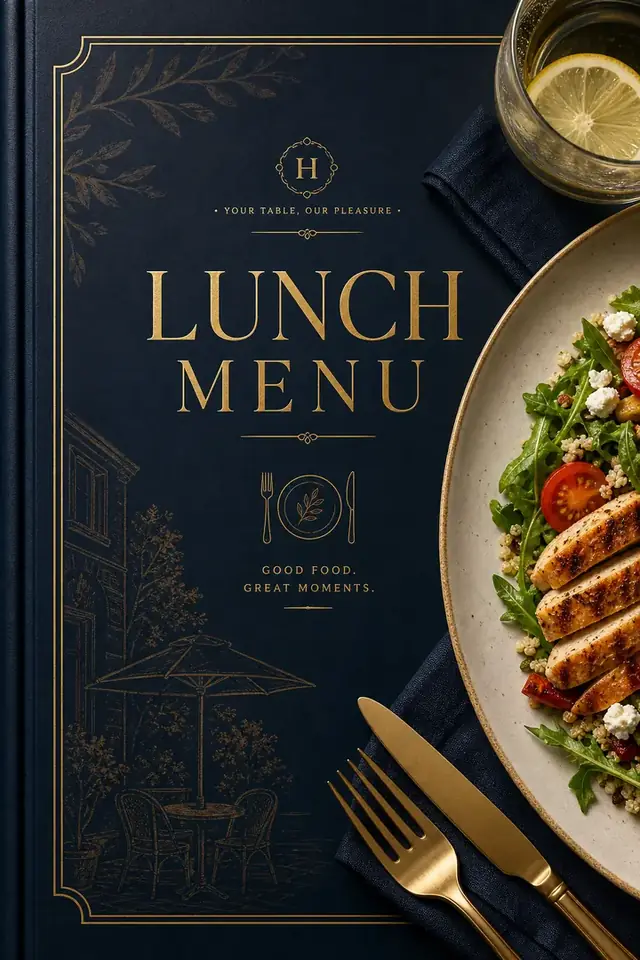
Single-page card
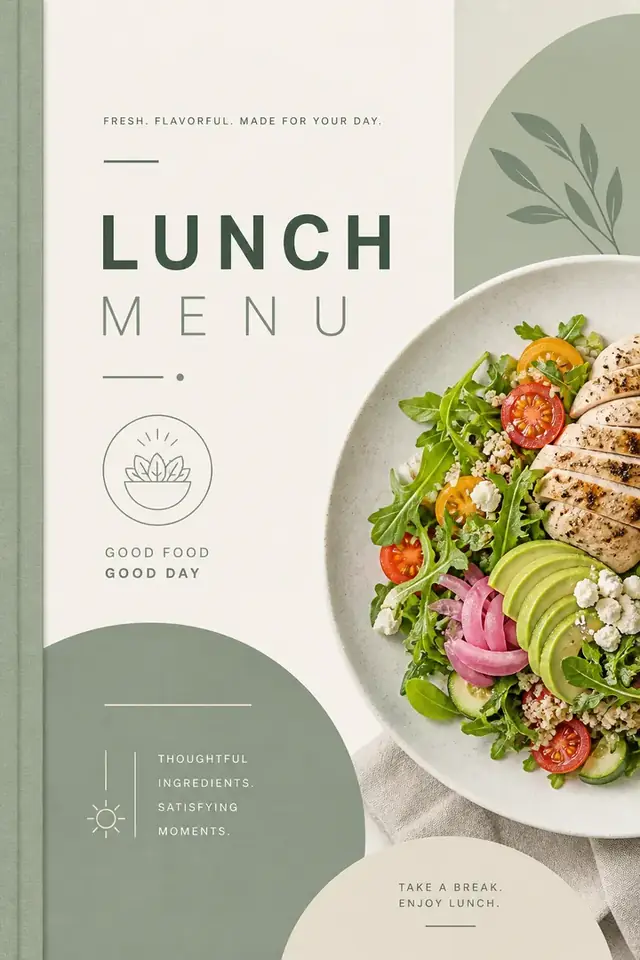
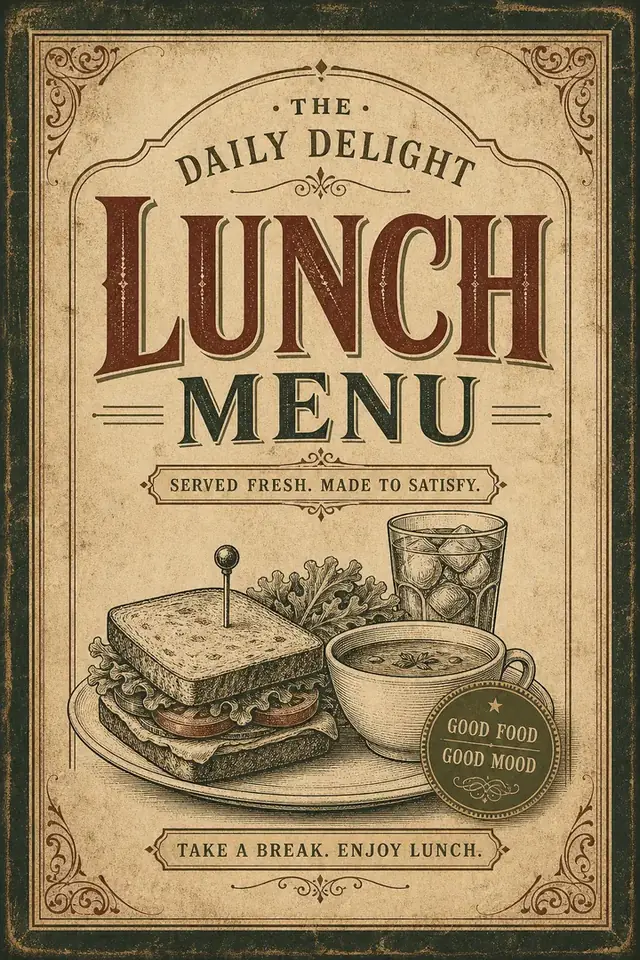
Fit the whole lunch menu on one side of an A4 card. If it needs a second page, it is too long for a lunch rush.
Thali illustration
Draw the thali from above with each katori labelled. Guests see exactly what they get without reading a list.
Price-first columns
Group plates by price band, such as under ₹150 and under ₹250, so budget-minded guests decide faster.
Fresh, daytime colours
Leaf green, turmeric yellow and white feel light and suit a daytime room better than the moody tones of a dinner card.
Bestseller ribbon
Tag the three most-ordered lunch plates. First-time guests usually pick one of them.
Table tent with a QR
A small table tent with the lunch highlights on one side and the menu QR on the other saves passing cards around.
- Prep the lunch dishes so every plate can leave the pass within ten minutes of the order.
- Mark sold-out dishes the moment they run out so nobody waits for food you cannot make.
- Keep a couple of Jain or no-onion-no-garlic options if your area asks for them.
- Don't put slow dishes like whole tandoori chicken or dum biryani made to order on a lunch card.
- Don't change prices every few days; regulars notice and lose trust.
- Don't list more dishes than your kitchen can handle at peak.
Make your lunch menu on TryTheMenu
TryTheMenu gives you a digital QR menu you edit yourself. Put your lunch plates in their own category at the top, give thalis Regular and Full sizes with what each includes, and tag the bestsellers. When the paneer runs out at 1:30, flip the out-of-stock toggle and the QR menu shows it right away. TryTheMenu does not switch menus by time of day, so you add, edit or hide dishes yourself.
Guests scan the table QR and order from their phone, which helps a short-staffed lunch shift. Orders reach the kitchen as tickets and go onto the table's bill. Each closed bill uses 10 credits; the menu and orders use none.
Sign up with your mobile number
The QR menu and table ordering are switched on from the start, with 1,000 credits on sign-up for your first 100 bills.
Add your lunch plates
Type them in, or photograph your printed lunch card and check the AI draft before confirming.
Pick a theme
Choose one of 9 themes or your brand colours with a live preview.
Print table QR cards
Print sticker-size cards for every table and share your menu link with nearby offices on WhatsApp.
More on this: QR menu for your restaurant · Menu from photos · QR code menu · Pricing
Lunch menu design: your questions.
How many dishes should a lunch menu have?
Twelve to twenty is plenty for most restaurants: a few thalis, rice bowls, breads and curries, light plates and quick drinks.
What sells best on an Indian lunch menu?
Thalis, biryani, rajma or chole with rice, and South Indian meals usually lead. Buttermilk and lime soda are the common drinks.
Will my QR menu swap to a different list after lunch on its own?
No. TryTheMenu does not switch menus by time of day. Many restaurants keep a 'Lunch' category on the menu all day, or mark dishes out of stock when they are not serving them.
How do I show what comes in a thali?
Add the thali as a dish, list the items in the description and use sizes such as Regular and Full with separate prices.
More design ideas for restaurants and cafés.
Put your menu on a QR code your guests can scan.
Sign up with your mobile number, build your menu or send us photos of your printed card, and print your table QR cards.
Or WhatsApp +91 70016 94537. We answer 24x7.